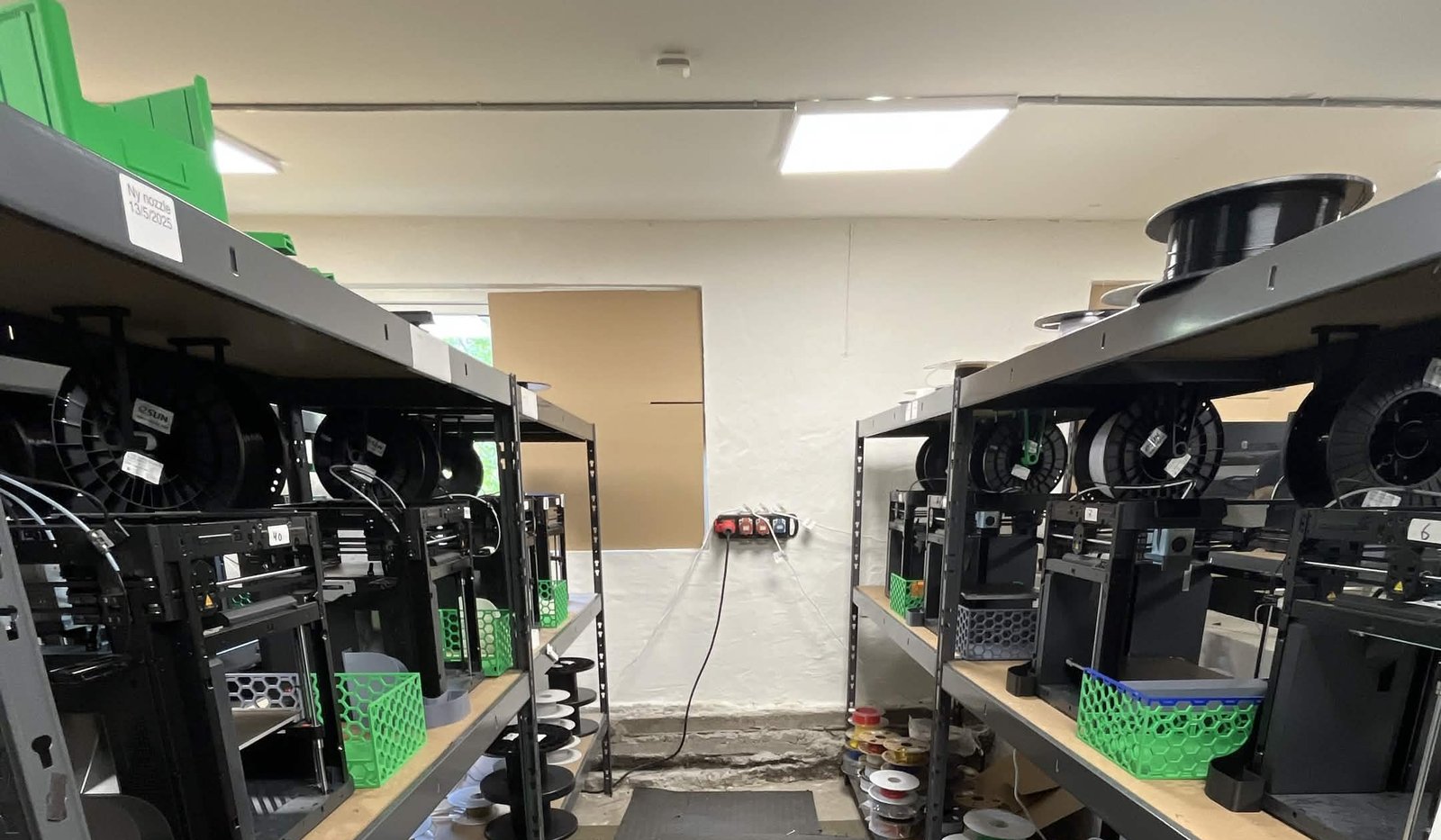
SpeakerBee does not sell 3D prints. It is a live-streaming and video-production studio with sites in Copenhagen and Aarhus, a team of five or six people running broadcasts, events and video content. The 3D printers - two Anycubic Chirons on a studio workbench - exist for one reason: to solve very specific, one-off problems quickly. This is the "you don't have to be a print farm" story. Here the printers are a tool, not the business.
That distinction is the whole point. For a lot of teams the barrier to 3D printing was never the printer. It was everything around it.
The challenge: one person, one bottleneck#
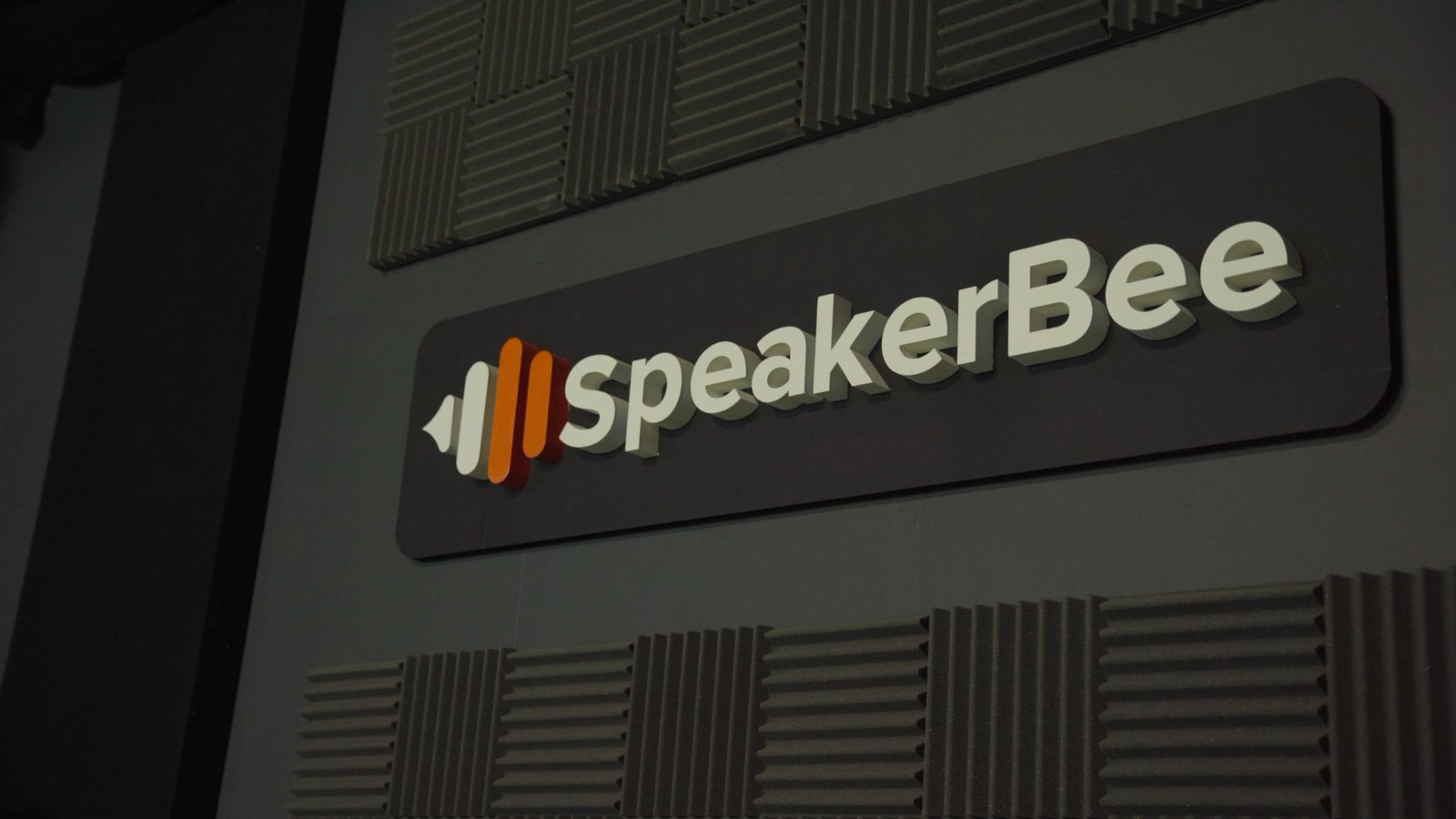
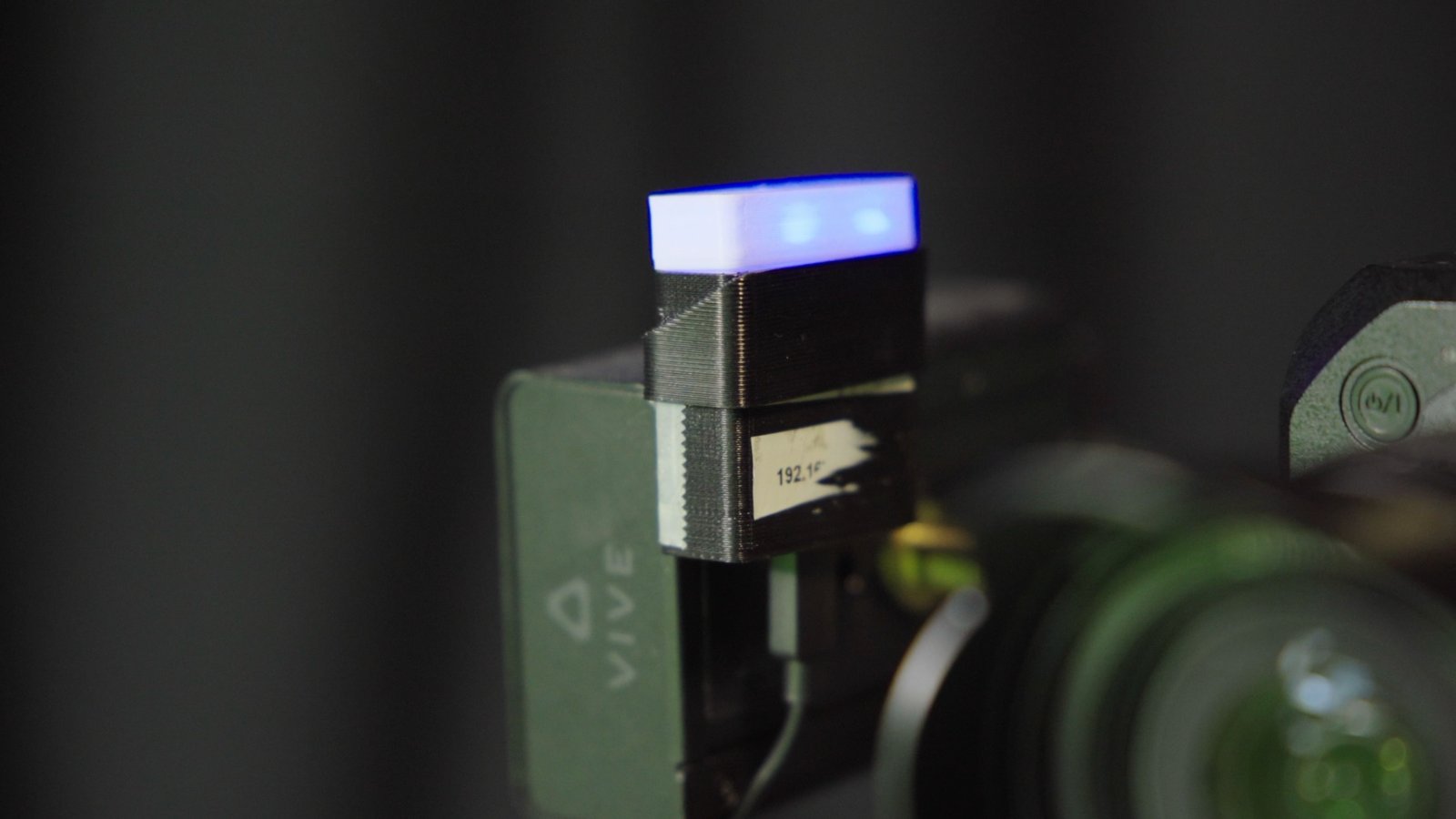
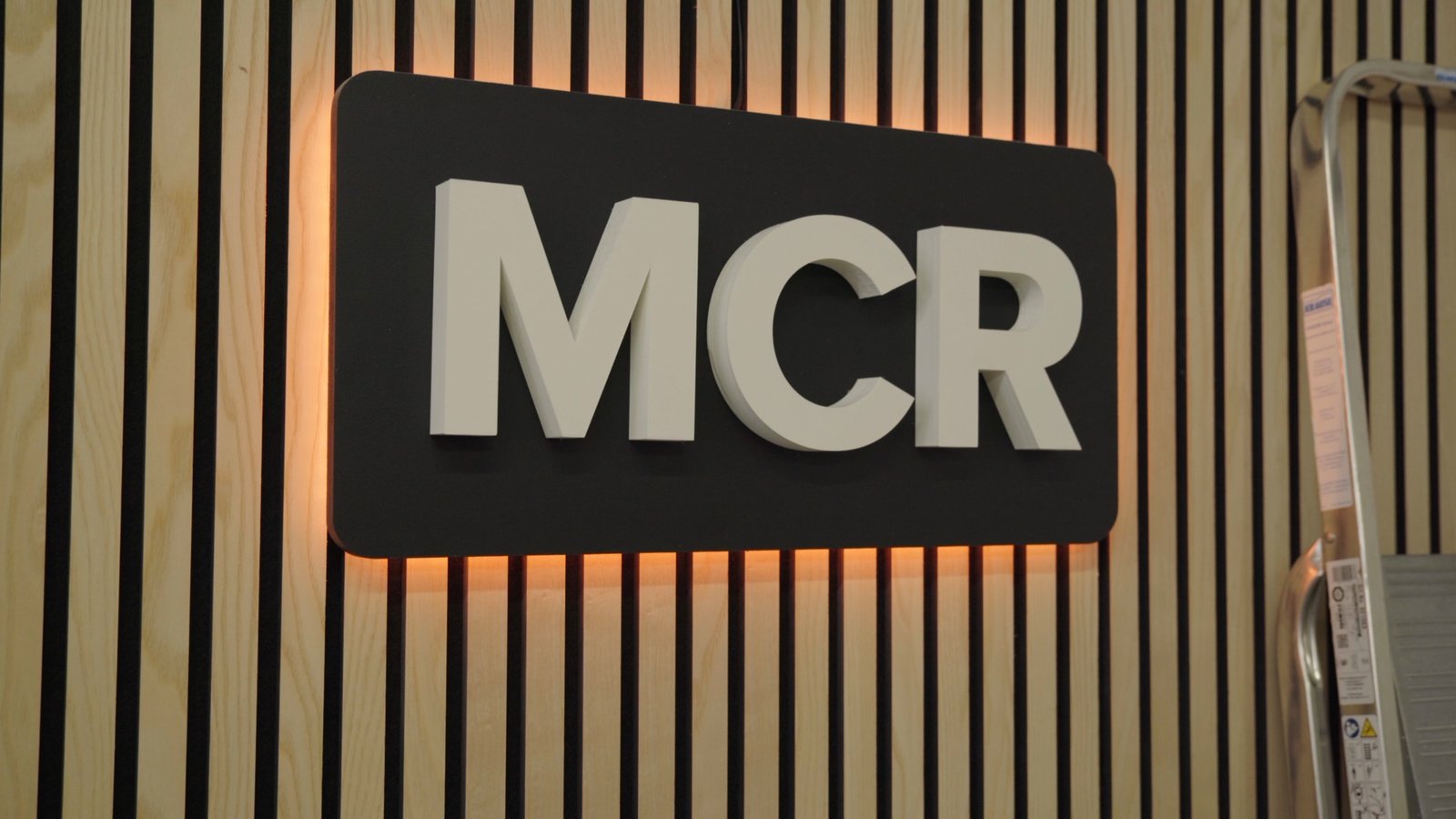
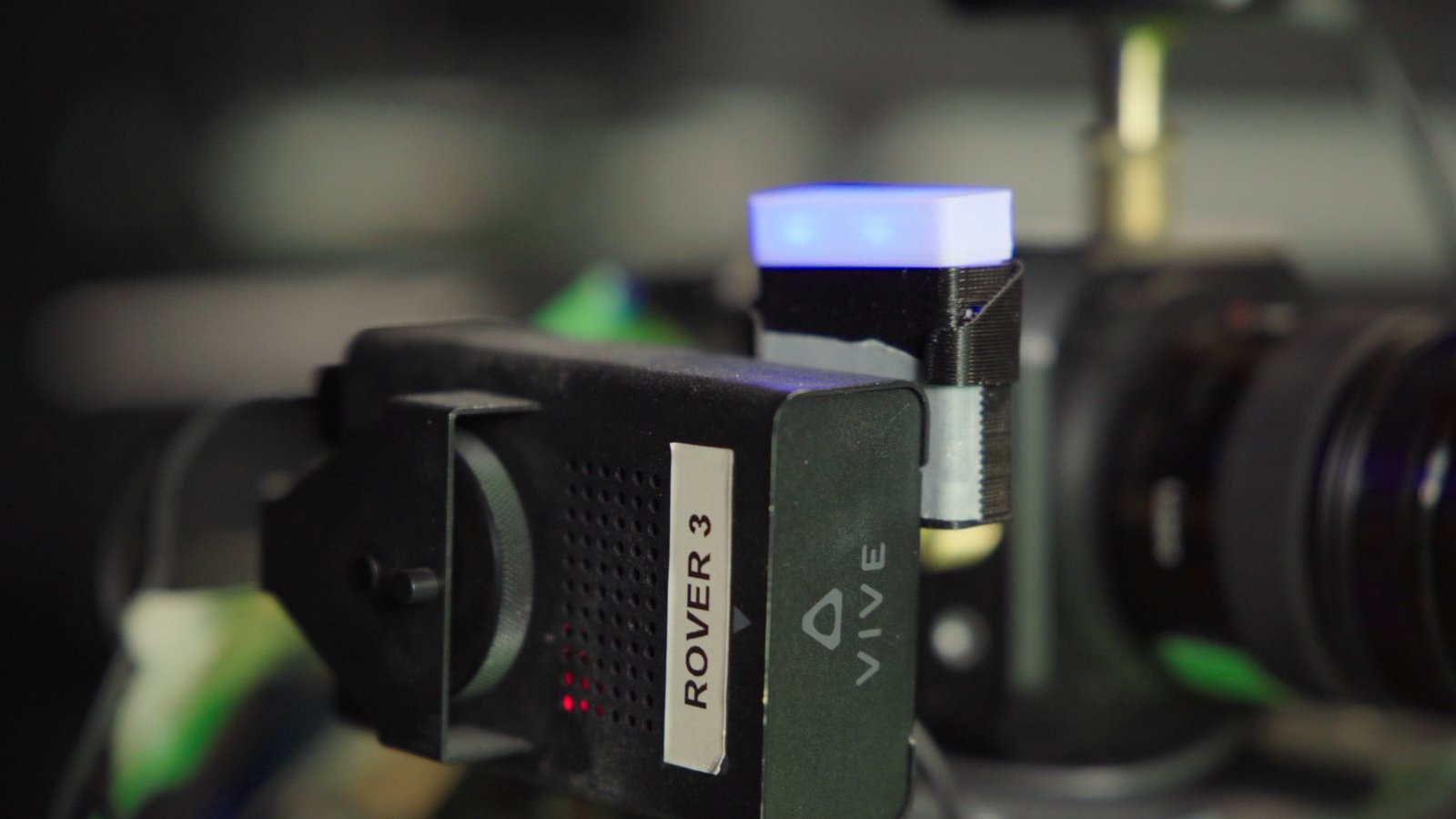
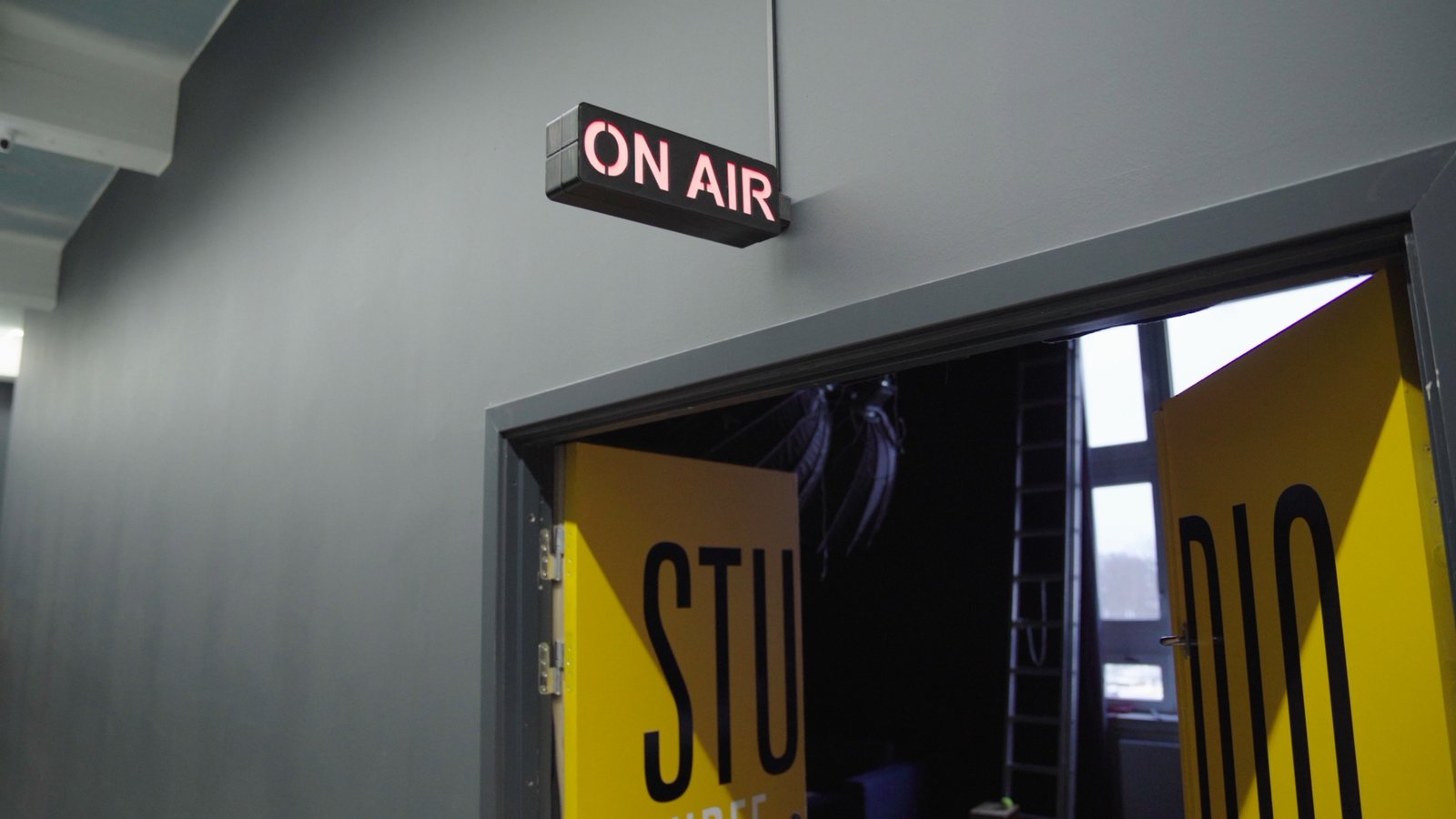
The printed parts are hiding in plain sight around the studio: backlit "MCR" signage, the SpeakerBee logo between acoustic panels, an "ON AIR" box over the door, and small "camera live" tally lights on the broadcast cameras themselves. None of it exists off the shelf. All of it scaled to one person, not the team.
I was basically the person everyone came to if they needed something printed.
Carl Emil handled the slicing, the printer setup, the configuration - the whole technical workflow. That worked until he wasn't around.
If I wasn't around, the printers were much less likely to get used, because most people didn't know the workflow or didn't want to learn the technical side just to print a single part.
The turning point: set up the profiles once#
The fix was not a bigger fleet. It was removing the friction around the two machines they already had. Carl set up the printers in SimplyPrint and built out good saved profiles, so the hard decisions were already made. After that, the workflow for everyone else got short.
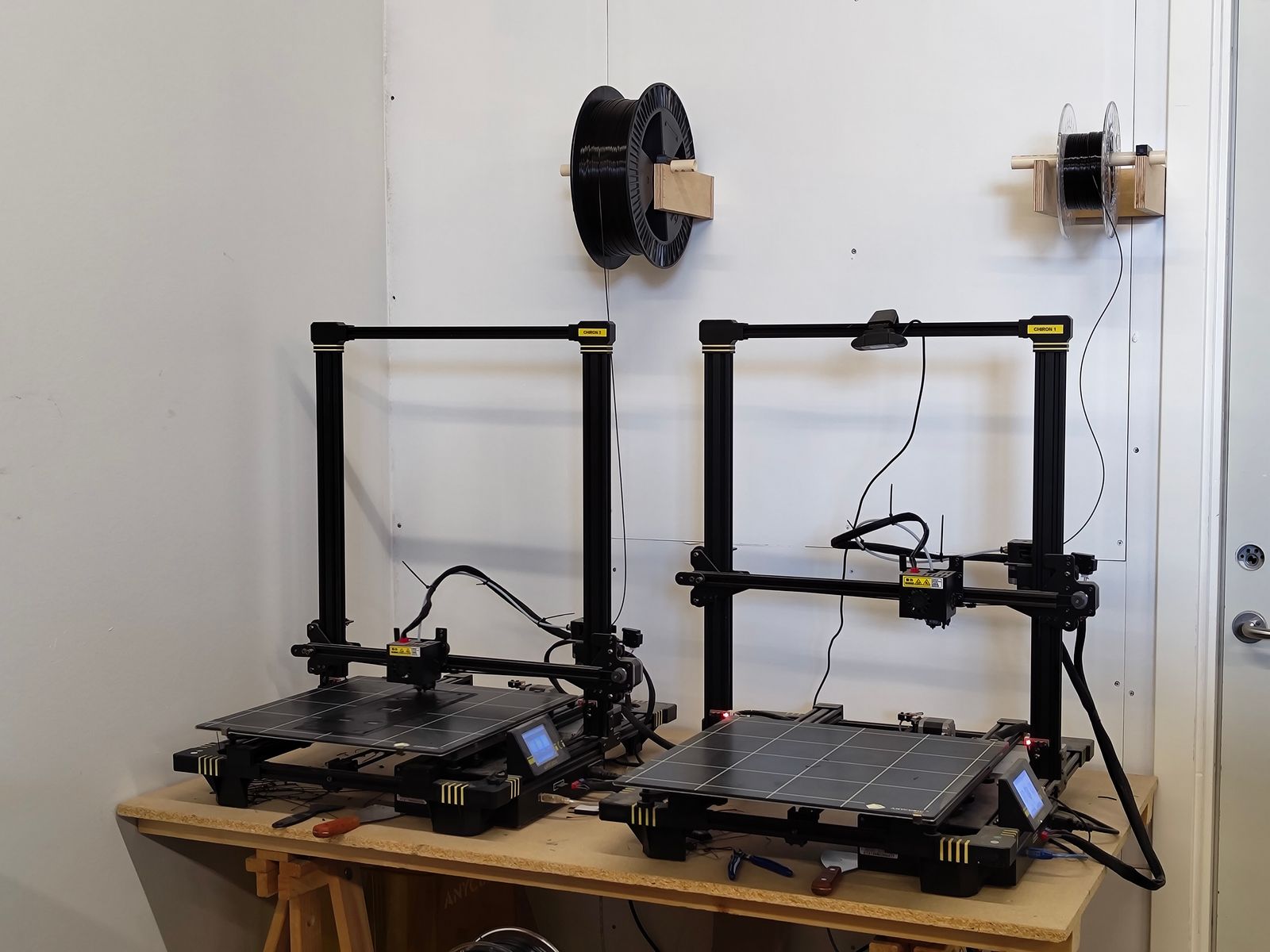
If they find a model online, they can open the SimplyPrint slicer, import the model, choose the printer, and send the job. SimplyPrint takes care of the complicated setup and slicing process. The print queue and built-in tools make it very straightforward.
Nobody else has to become a slicing expert first. Because the same setup serves every account user sharing those printers, it serves the whole studio, not just the person who configured it.
The results: a specialist tool became a shared resource#
Ask Carl what actually changed and he reaches for a word, not a number.
The biggest change was accessibility. The printers stopped being a specialist tool and became a shared studio resource. People can move much faster, start prints themselves, and I don't have to be the bottleneck for every single project.
There is no headline percentage here, because Carl did not give one - usage has definitely increased, he just would not put a figure on it, and we are not going to invent one. What is concrete is the access. Printing went from basically one person, him, to several across the team. He spends far less time on routine print prep and more on the production work he is there to do. And the two Chirons that used to wait for him now get used whether he is in the building or not.
The alternative is the situation most teams are actually in, and Carl names it plainly.
Most people just want to solve a problem or make a part. They don't necessarily want to learn an entire 3D printing workflow. If everyone had to become comfortable with slicing software before printing, the printers would end up being used by only one or two people instead of the whole team.
One or two people, versus the whole studio. Not because the second group is less capable, but because their job is making video, not learning a slicer.
Carl's advice to anyone in the same spot#
His takeaway is aimed squarely at the version of himself from a couple of years ago.
Remove as much friction as possible. The printer isn't the problem - it's usually the workflow around it. If people have to learn a bunch of software before they can print anything, adoption will stay low. Make it easy, set up good profiles, and let people focus on solving problems instead of learning the technical details.
That is the SpeakerBee story in one piece of advice. The printers were never the hard part. The workflow around them was. Take that away, set up good profiles once, and a specialist tool turns into something the whole team reaches for.
TL;DR#
SpeakerBee is a video-production studio that uses two Anycubic Chiron printers as a shared in-house tool - for signage, on-air tally lights and custom mounts, not as a business. Before SimplyPrint, only Carl could print. Now, with saved profiles set up, anyone on the team can open the cloud slicer, import a model, pick a printer and send the job. 3D printing went from one person to the whole studio.