
Zapier
Forbind SimplyPrint til 7.000+ apps og automatiser dine 3D-printarbejdsgange, ingen kode påkrævet
Forbind på Zapier Læs hele opsætningsvejledningen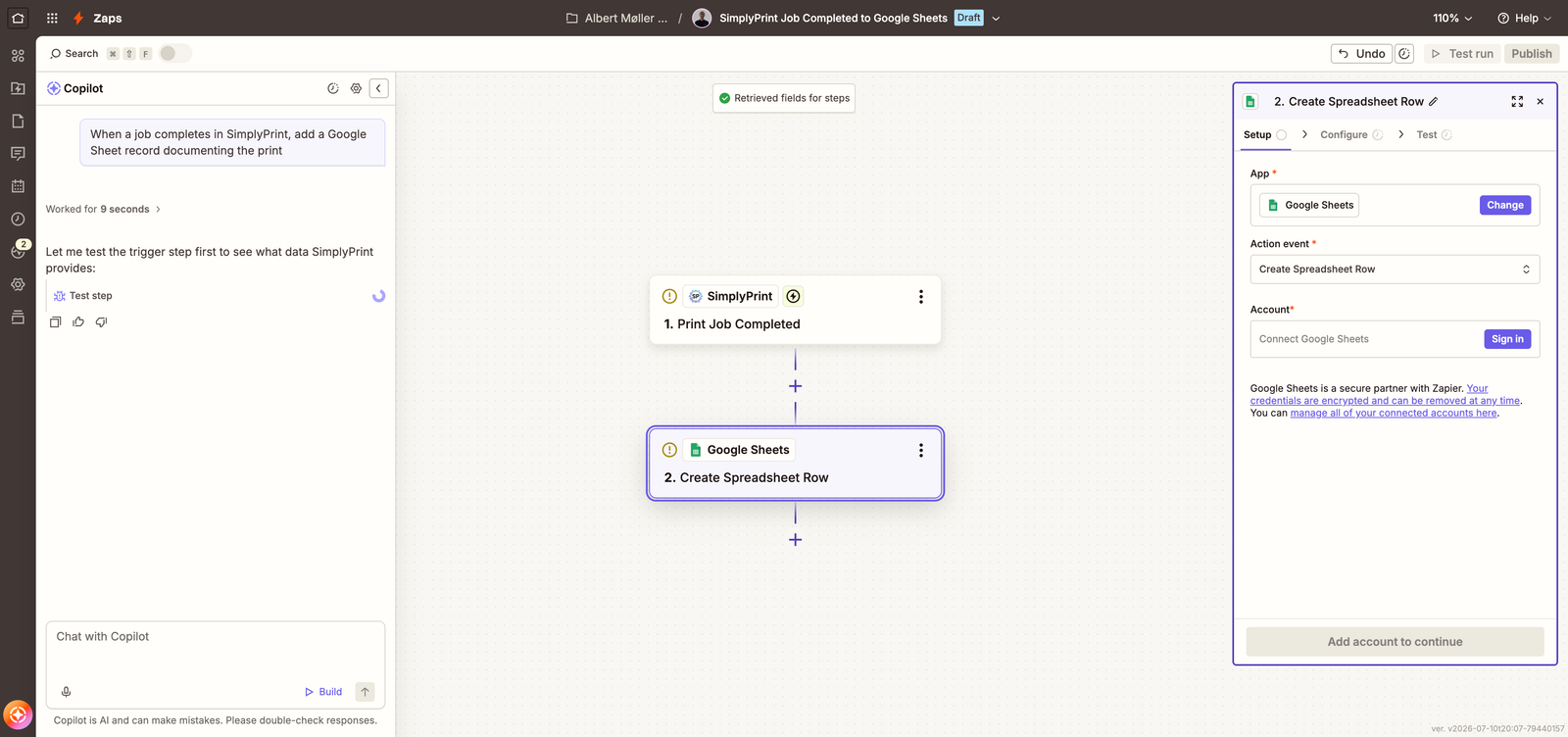
Forbind SimplyPrint til 7.000+ apps og automatiser dine 3D-printarbejdsgange, ingen kode påkrævet
Forbind på Zapier Læs hele opsætningsvejledningen
SimplyPrint er hverken støttet af eller forbundet med Zapier. Vi bruger varemærker og billeder udelukkende for at indikere kompatibilitet med vores platform. Brug af Zapier hardware med SimplyPrint kan være anderledes end hvad Zapier har tiltænkt. Alle rettigheder tilhører de respektive ejere.
With the SimplyPrint + Zapier integration, you can connect SimplyPrint to thousands of apps you already use - Slack, Google Sheets, Discord, Gmail, Airtable, Notion, Trello, ShipStation and more - and automate workflows without writing a single line of code.
Set up triggers like print job completed, print job failed, queue item added, or spare part low stock, and have Zapier run the actions you want: post to a channel, log to a spreadsheet, send an invoice, notify a customer, or kick off a new job in SimplyPrint.
Zapier's builder is embedded below: pick a suggested SimplyPrint Zap or start from scratch, connect your apps, and you're automated in minutes - without leaving this page.
The builder is served by Zapier - it's Zapier's own embed, not something SimplyPrint built or tracks you with. It only loads on this page, and only after you choose to load it.
Tell Copilot what you want in plain English - "when a job completes in SimplyPrint, add a Google Sheet record documenting the print" - and it assembles the trigger and actions for you.
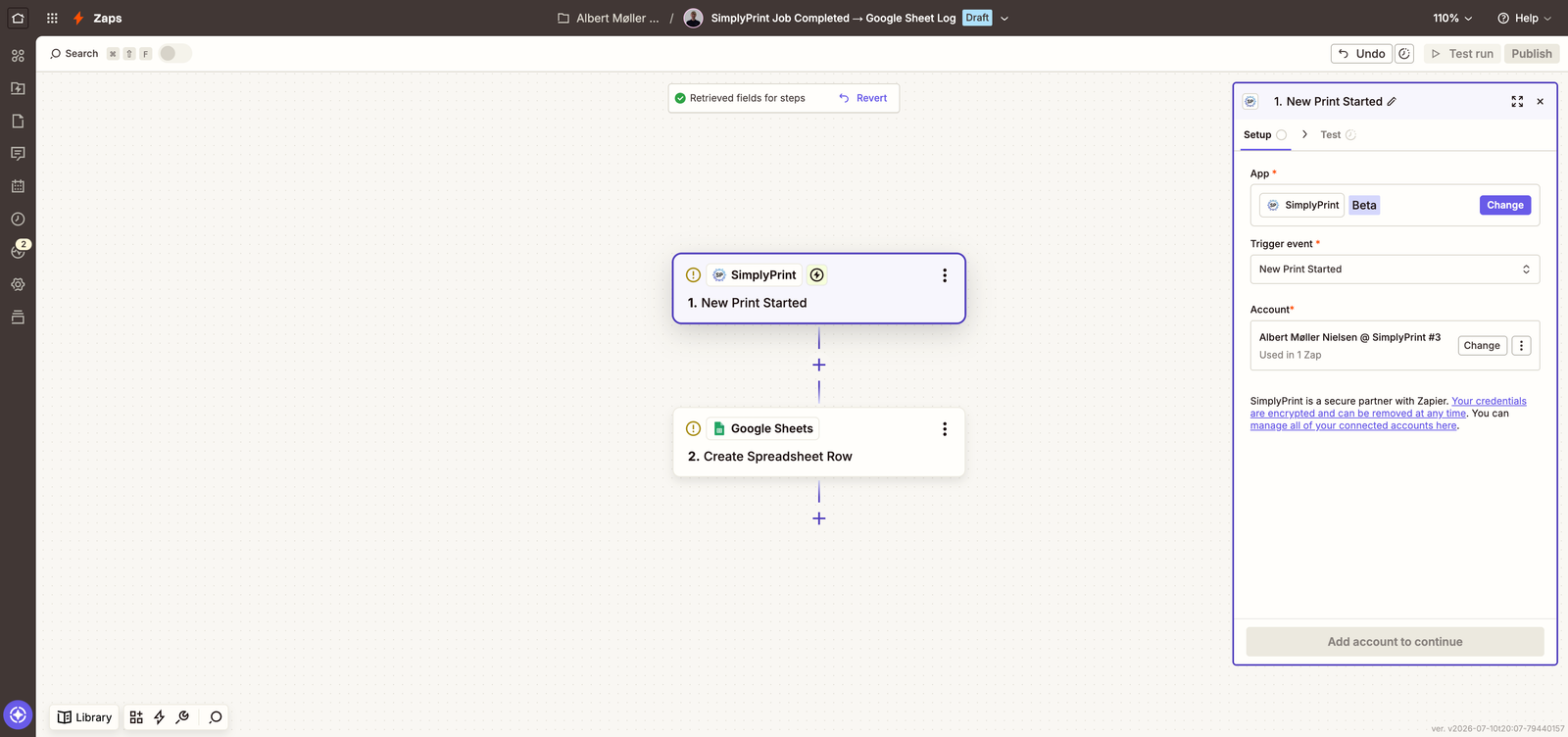
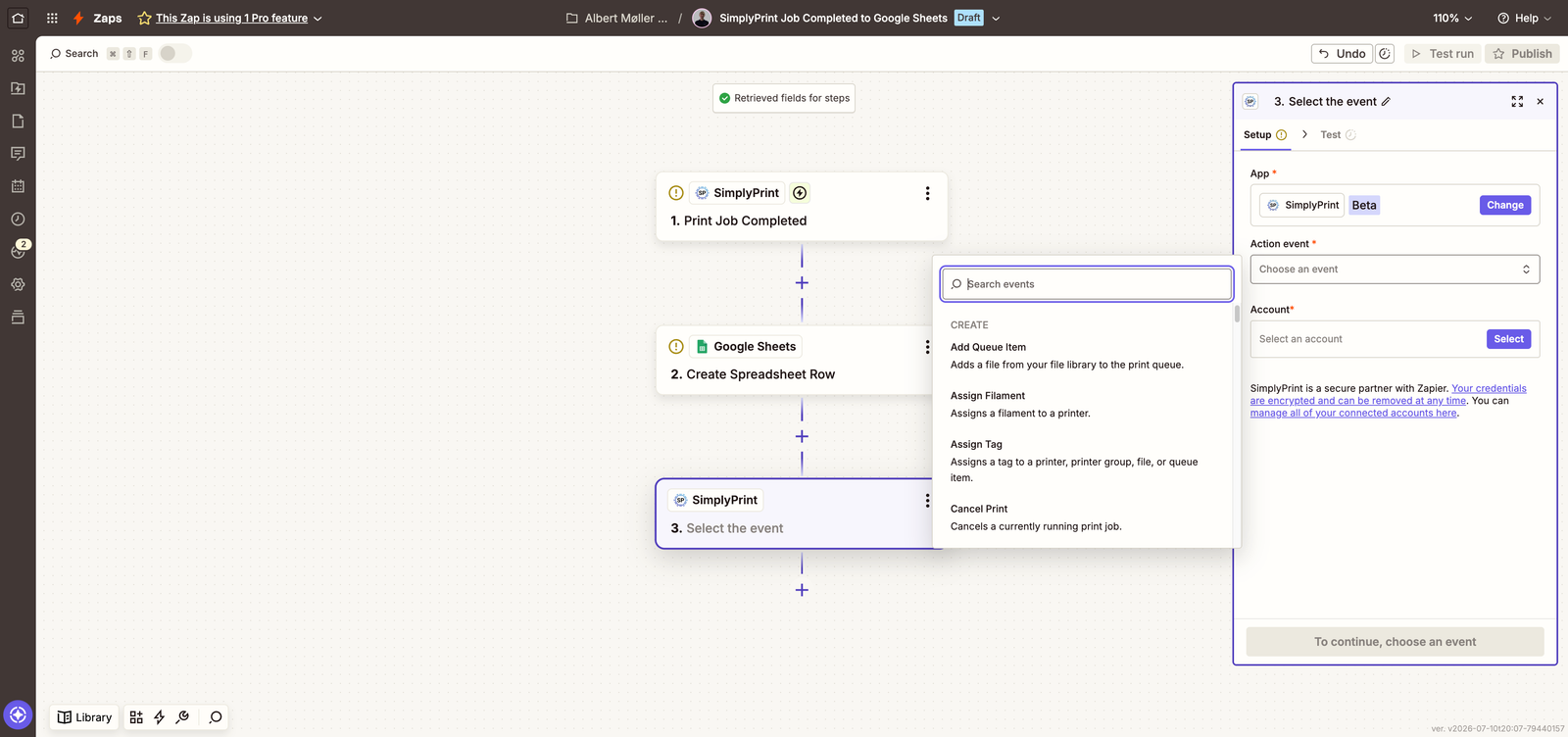
Sped-up recording of Zapier Copilot building a SimplyPrint Zap. The video is hosted on our own CDN - nothing loads from Zapier until you opt in above.
Åbn SimplyPrint-appen på Zapier
Gå til SimplyPrint-appen på Zapier, eller brug den integrerede builder længere oppe på siden, og klik på Forbind.
Log ind, og godkend adgang
Log ind med din SimplyPrint-konto (Pro-abonnement eller højere), og godkend de tilladelser, Zapier anmoder om. Forbindelsen bruger OAuth2, så den er afgrænset til din bruger og kan tilbagekaldes når som helst.
Vælg en Zap, eller start fra bunden
Vælg en af de foreslåede SimplyPrint-Zaps, byg din egen kombination af trigger og handling, eller beskriv dit ønske for Zapier Copilot.
Test, og slå den til
Kør den indbyggede test, og slå Zap til. Udløsere aktiveres få sekunder efter hændelsen og leveres som webhooks i realtid.
Alt, der starter med en SimplyPrint-hændelse eller skal slutte med en SimplyPrint-handling. Populære Zaps: Send til Slack eller Discord, når et print er færdigt, log alle fuldførte job i Google Sheets, send kunden en mail, når deres del i køen er færdig, eller tilføj et køelement fra en ny webshopsordre.
Zapier-integrationen er inkluderet i SimplyPrint Pro og højere planer, de samme planer som inkluderer API-adgang. Hos Zapier er en gratis konto nok til at komme i gang.
Inden for få sekunder. SimplyPrint-triggere leveres som realtidswebhooks i stedet for polling, så Zaps udløses straks efter hændelsen på alle Zapier-abonnementer. De webhooks, integrationen opretter, virker med alle SimplyPrint-abonnementer, der omfatter integrationen.
Ja. Zapier opretter forbindelse via OAuth2 med afgrænsede tokens pr. bruger. Du godkender præcis, hvad Zapier må gøre, ingen API-nøgler indsættes nogen steder, og du kan til enhver tid tilbagekalde adgangen fra din SimplyPrint-konto.
50+ triggere til printjob, printere, kø, filament, vedligeholdelse og fakturering samt omkring 60 handlinger som at starte et print, føje til køen, sende G-code og administrere filament, filer og tags.
Nej. Zaps bygges visuelt, og Zapier Copilot kan oprette en ud fra en beskrivelse på almindeligt engelsk, for eksempel "når et job afsluttes i SimplyPrint, skal det registreres i et Google Sheet".
Integration med SimplyPrint gør det muligt for applikationer at kommunikere med dine 3D-printere og omvendt. Det giver uendelige muligheder, og vi er overbeviste om, at din 3D-printer bør kunne fungere som en IoT-enhed og arbejde sammen med enhver applikation, du kan forestille dig!
Derfor arbejder teamet bag SimplyPrint på at levere officielle integrationer til de mest populære platforme, slicere og applikationer, samtidig med at vores brugere kan oprette egne integrationer med vores API, eller godkendte tredjepartsleverandører kan oprette integrationer, som alle SimplyPrint-brugere kan anvende, med en "Log ind med SimplyPrint"-metode (med metoden "OAuth2").
Hvis du er udvikler og interesseret i at oprette en integration til SimplyPrint, så læs venligst vores dokumentation om emnet.
Hvis du ikke selv er udvikler, men gerne vil se en integration til en bestemt applikation, så tjek om den allerede er på vores roadmap eller forslagsliste, og hvis ikke, så foreslå den!