Платформу використовують 500+ ферм друку та компаній у всьому світі





















Розпочаті друки
0
Використання матеріалу
0
Годин надруковано
0
Керуємо парками принтерів з 2020 року
Створено нашими розробниками в Данії, які випускають оновлення майже щотижня та відповідають на запитання служби підтримки.
Прочитати нашу історію та познайомитися з командоюСправжні ферми друку працюють на SimplyPrint
Від робочого столу з п'ятьма принтерами до складу зі 150 і більше: це реальні ферми, які керують усією роботою з одного екрана та заощаджують години щотижня.
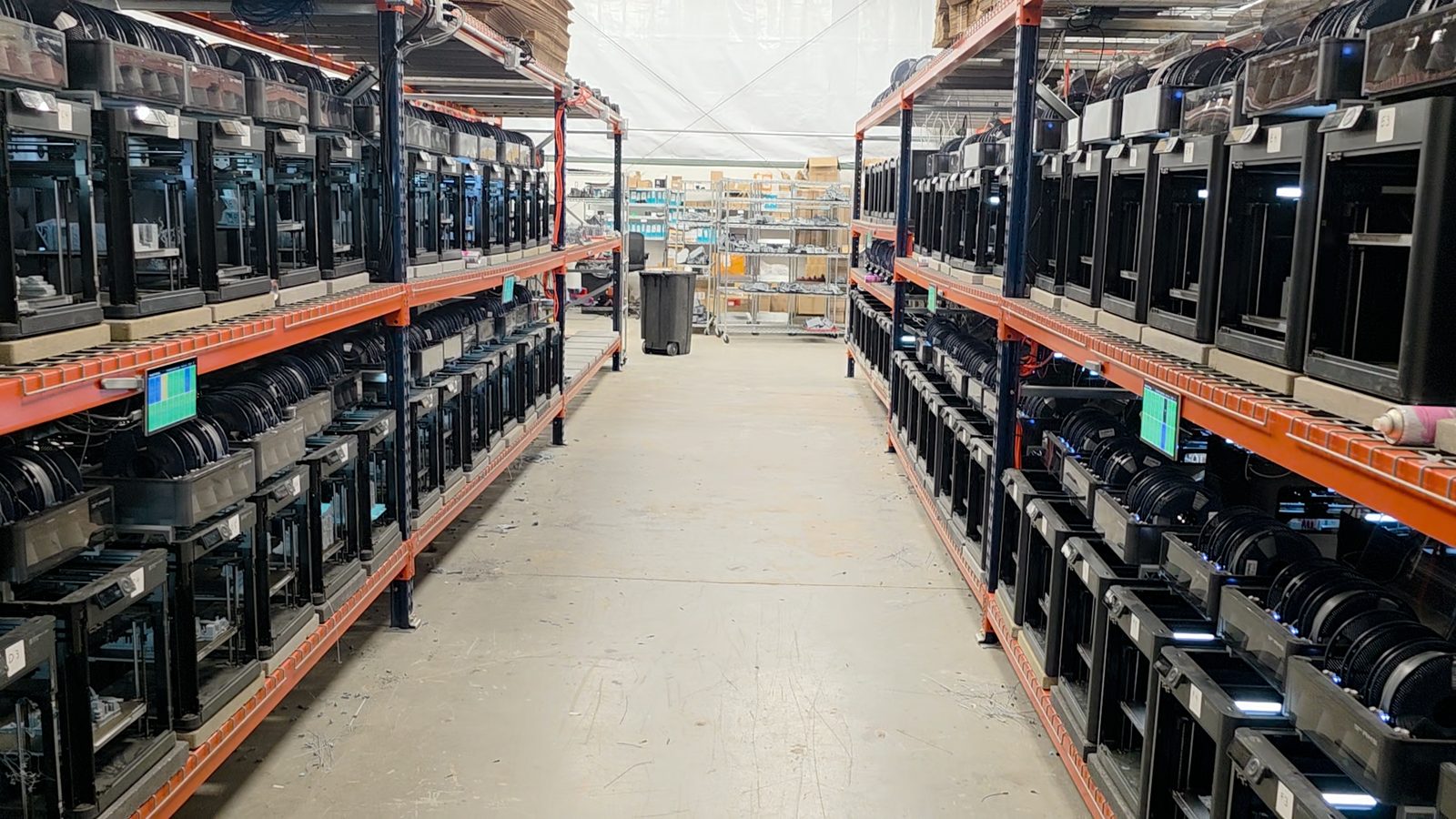
"Trying to do it now without SimplyPrint would be insane." Прочитати їхню історію
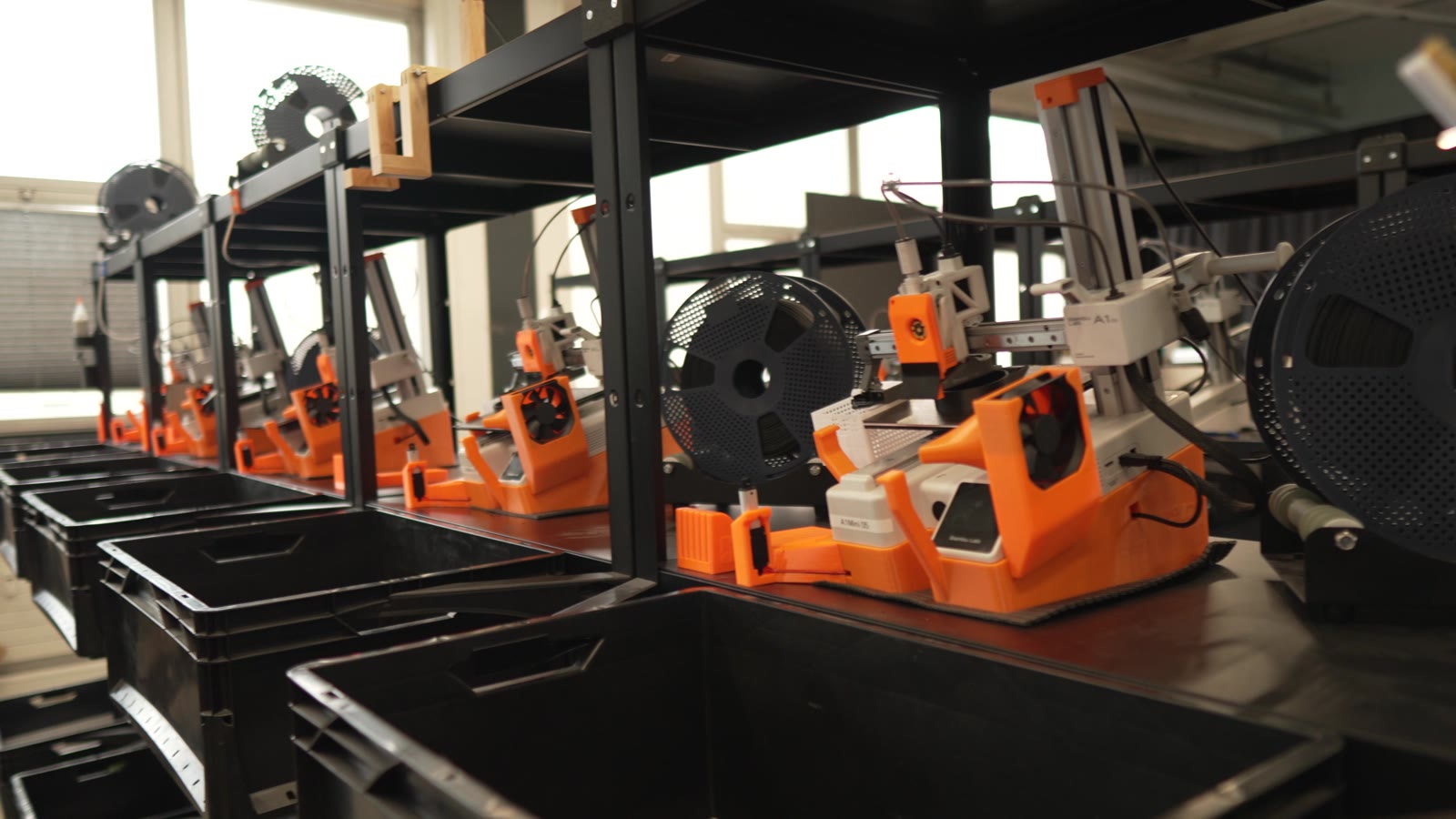
"Without automation, we would simply never be profitable here." Прочитати їхню історію
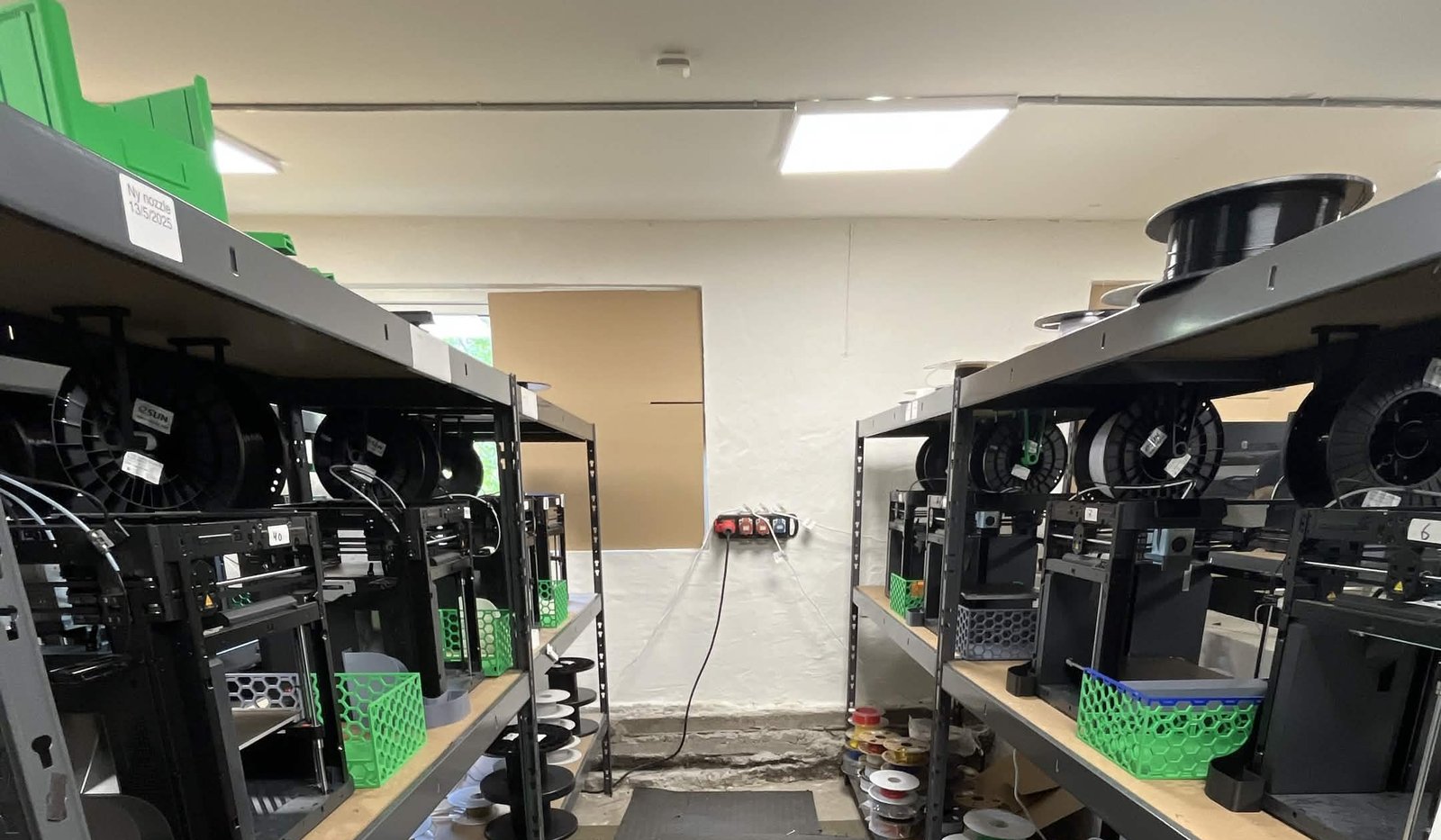
"We have always had the approach that the farm should be able to run even when we are not there." Прочитати їхню історію
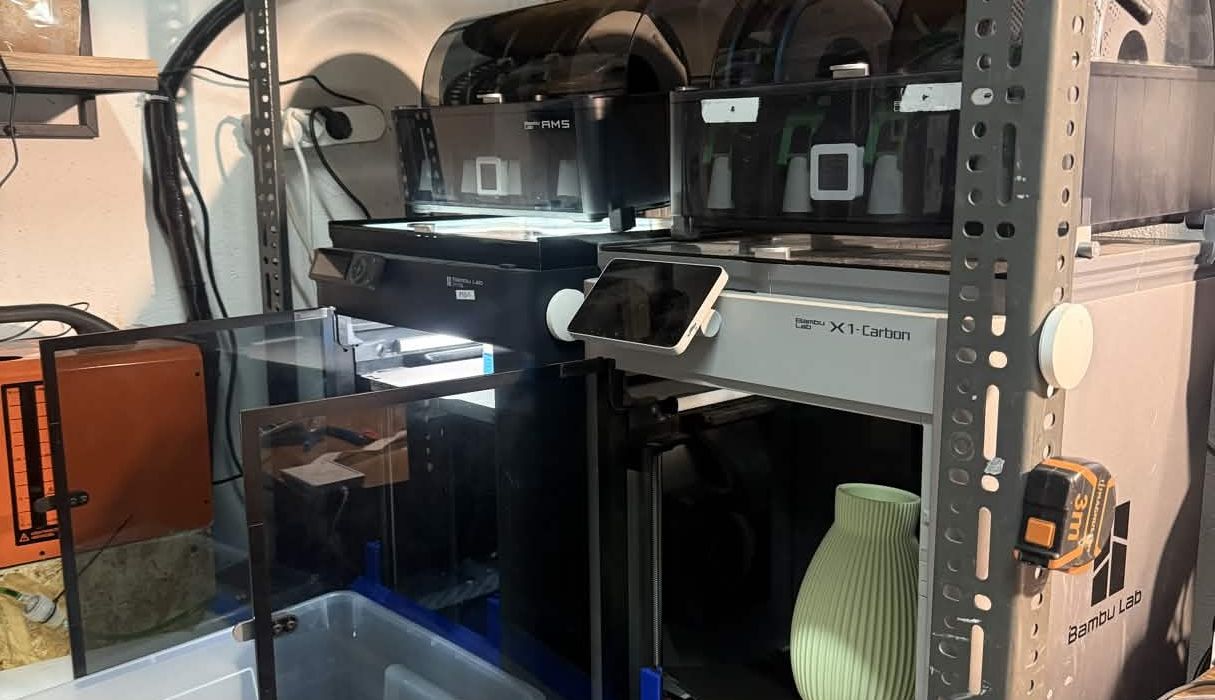
"Without software, the operator becomes the system. That might work with one printer, but it doesn't scale well." Прочитати їхню історію
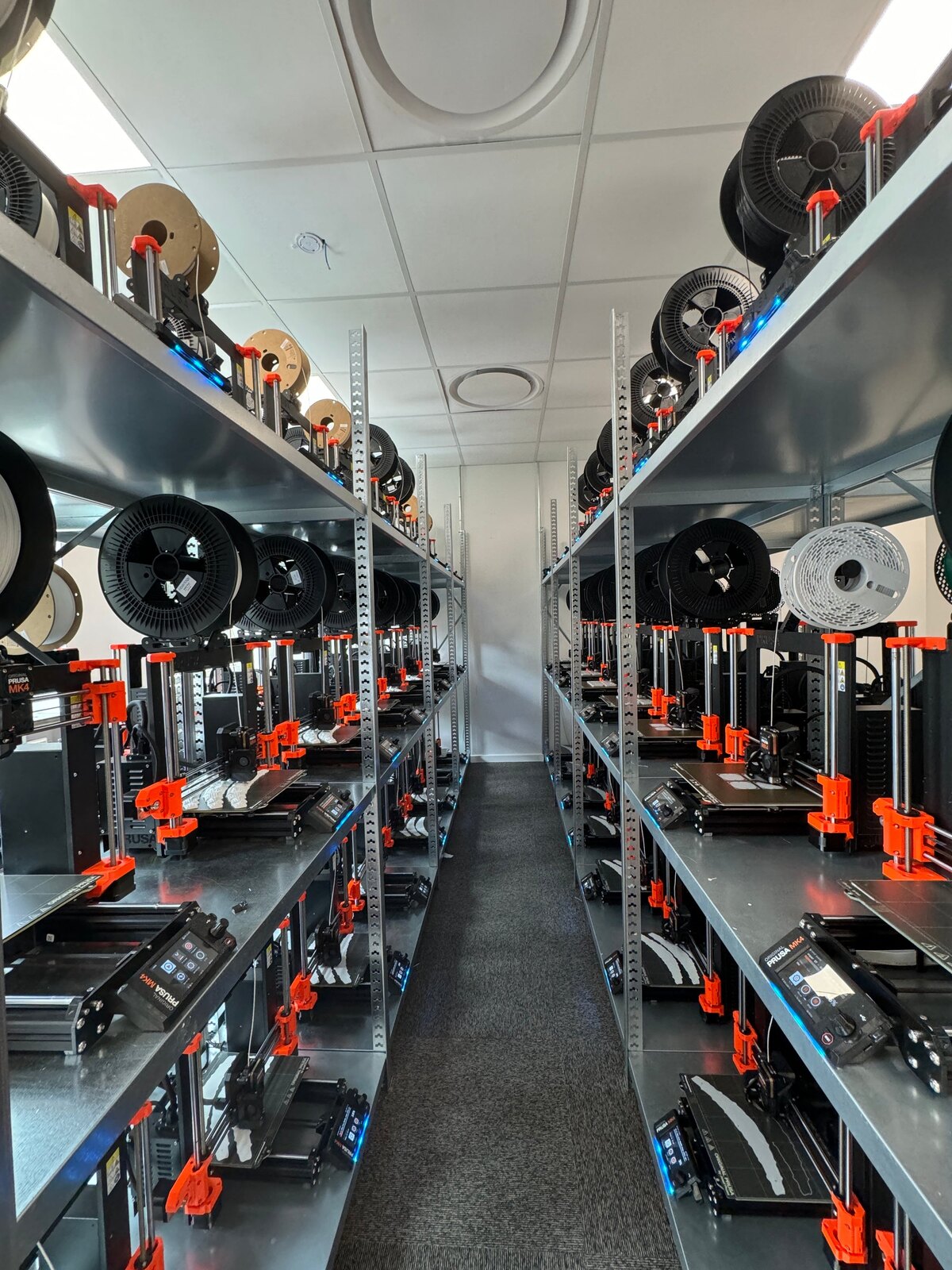
"It'd literally be impossible to run our farm at this scale without SimplyPrint." Прочитати їхню історію
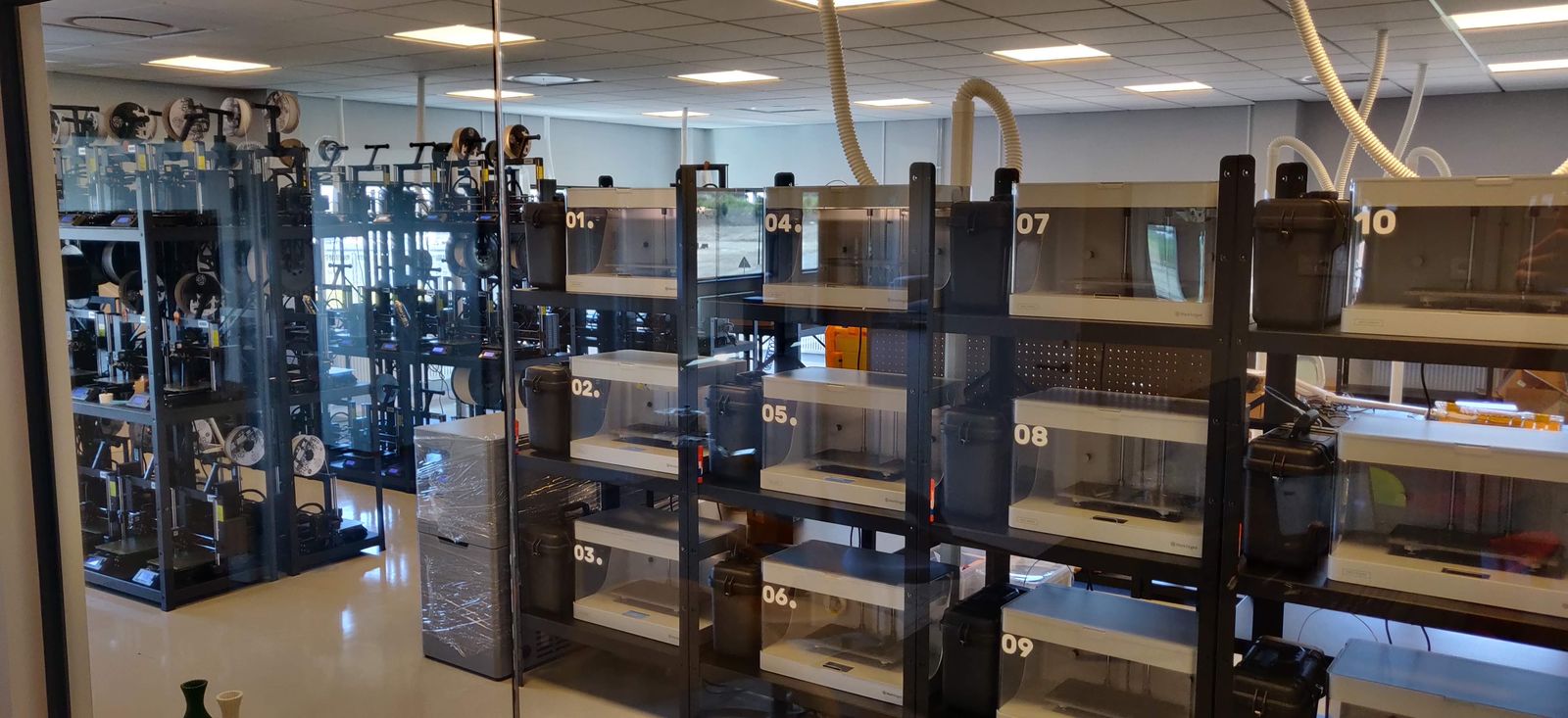
"We don't just know which material went into a part. We know the exact spool, on the exact print, at the exact time - and that's what makes a product passport real instead of a slogan." Прочитати їхню історію
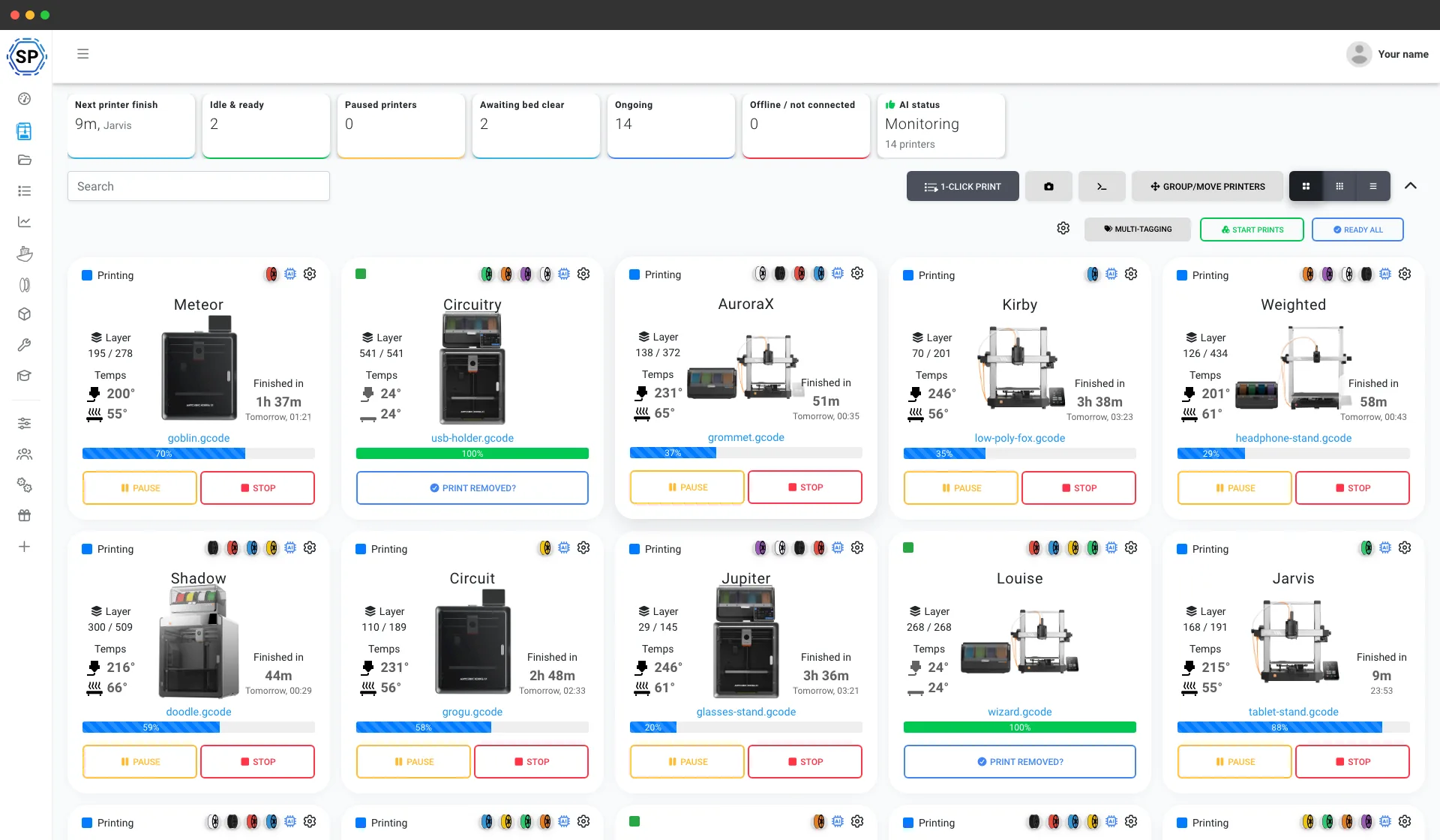
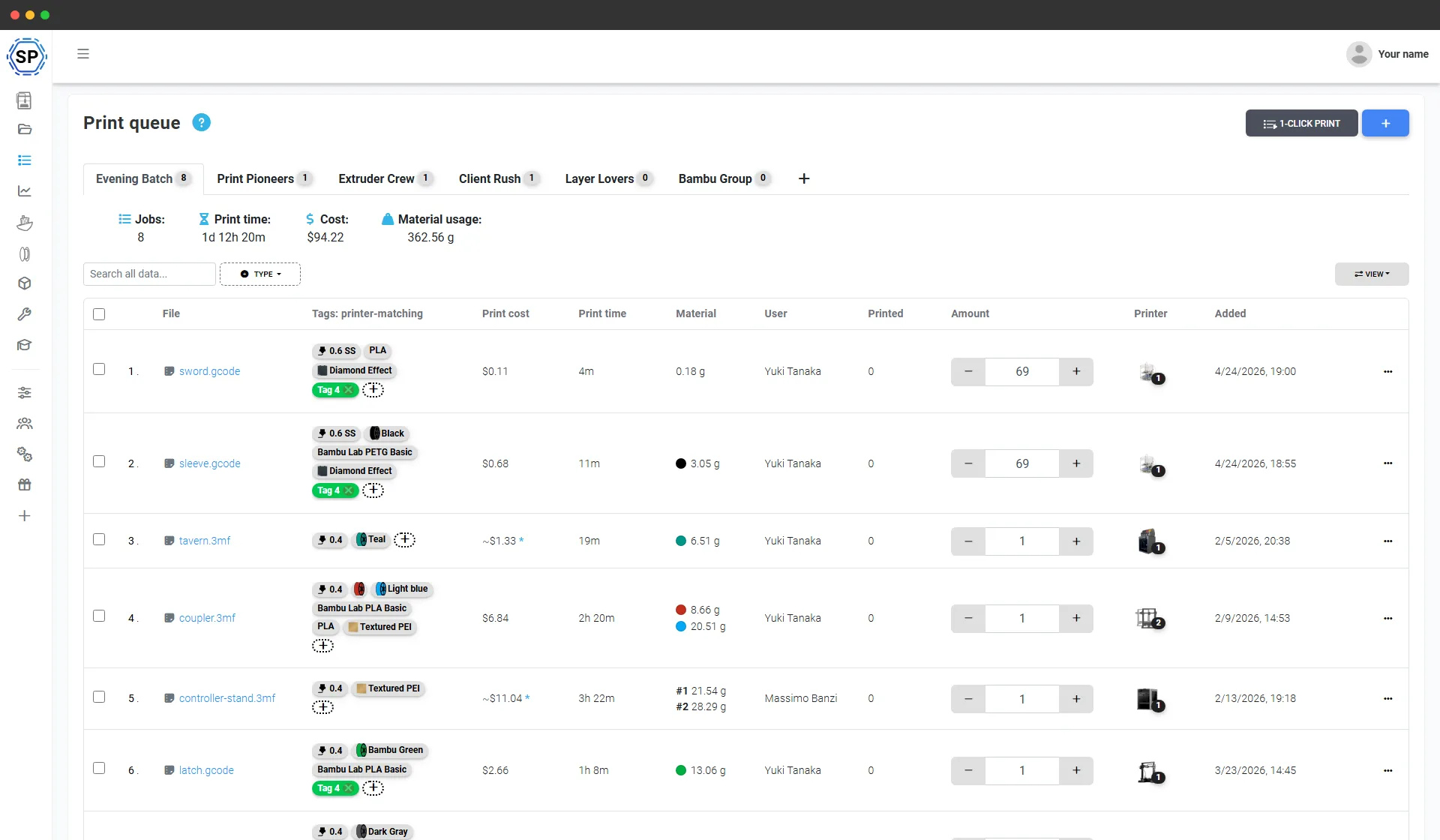
Одна черга друку для всього парку Anycubic
Додайте все, що потрібно виготовити, і вкажіть кількість. SimplyPrint передасть кожне завдання придатному принтеру Anycubic, зіставивши матеріал, сопло та стіл із поточним станом кожного пристрою. Одне натискання запускає всю партію на всій стійці. Без SD-карт, окремого експорту кожної пластини та таблиць обліку надрукованого.
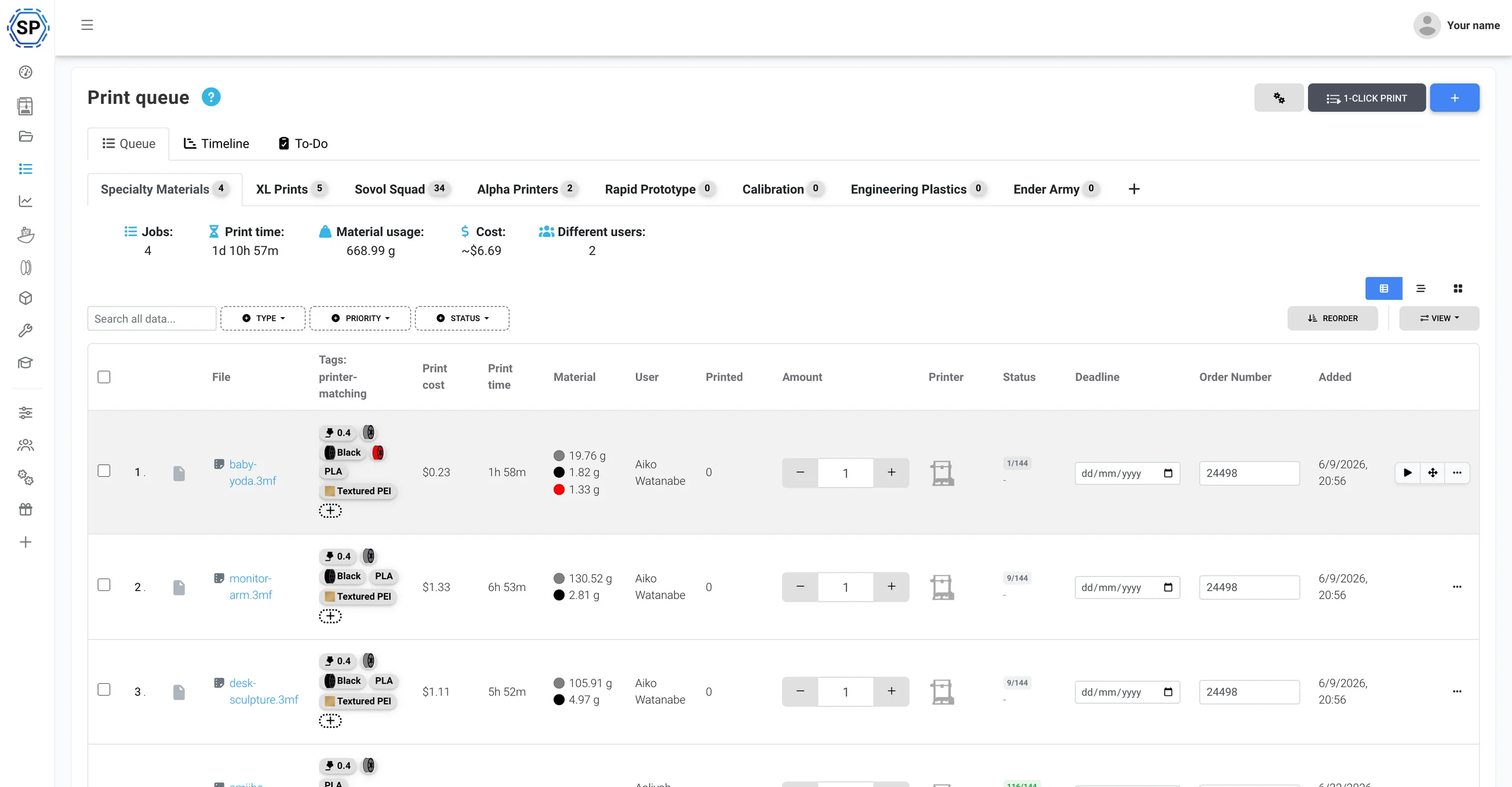
Повноцінна підтримка Anycubic ACE Pro
SimplyPrint керує принтерами Anycubic у хмарі й напряму підтримує ACE Pro: актуальне подання 4 слотів, облік котушок через запаси філаменту й запис власних NFC-міток ACE для будь-якої котушки в одній панелі.
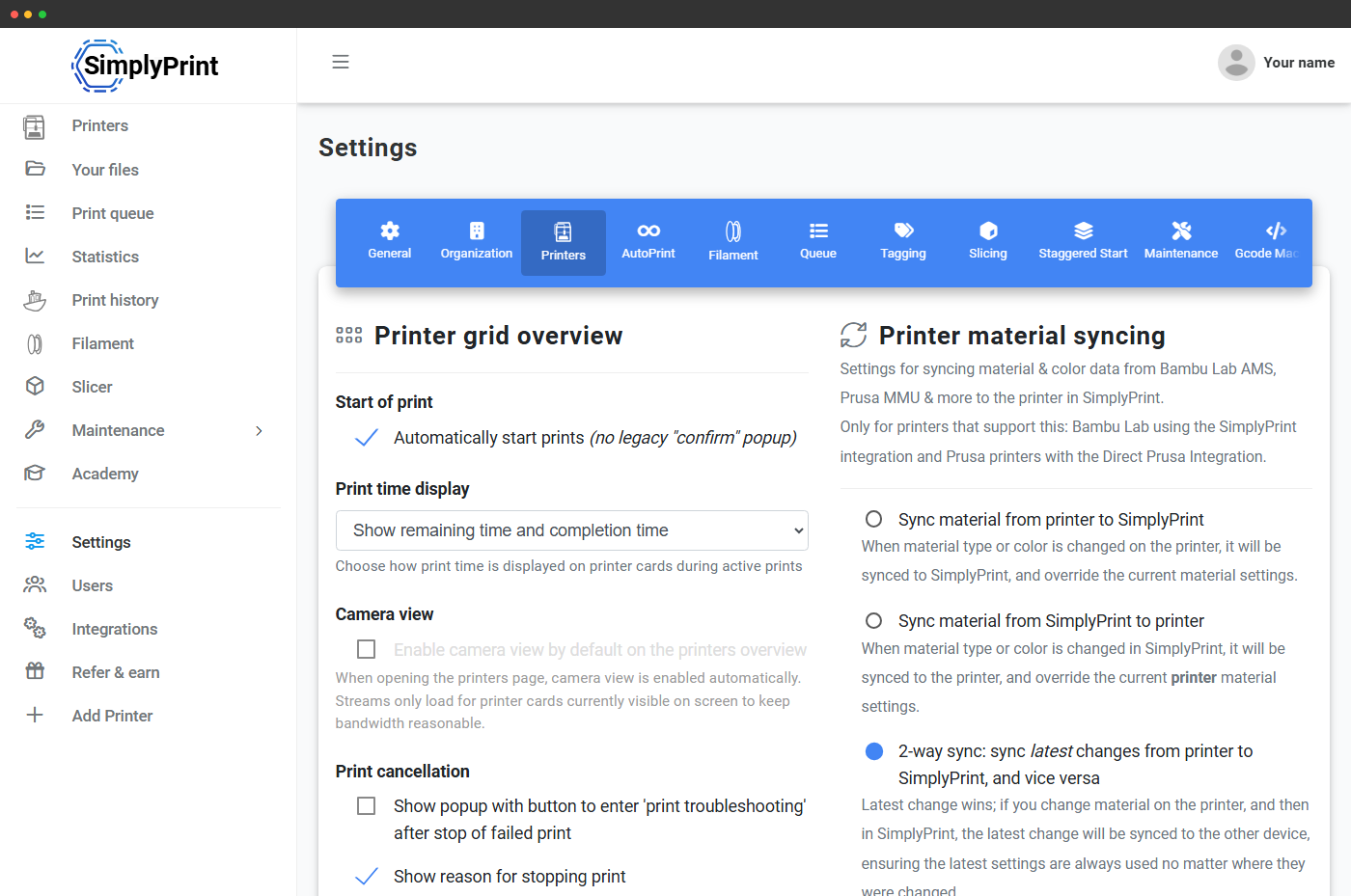
Anycubic ACE Pro (Automated Color Engine) - це 4-слотова багатоматеріальна система Anycubic із вбудованим сушінням та можливістю об'єднати до 4 модулів для 16 кольорів. Підключіть через SimplyPrint Client, і SimplyPrint у реальному часі зчитуватиме кожен слот, синхронізуватиме завантажені в нього матеріал і колір із вашою панеллю та показуватиме суцільну смугу слотів для кожного сопла в усьому ланцюгу. Повноцінне керування багатоматеріальним друком, як для Bambu AMS. Переглянути інтеграцію ACE Pro
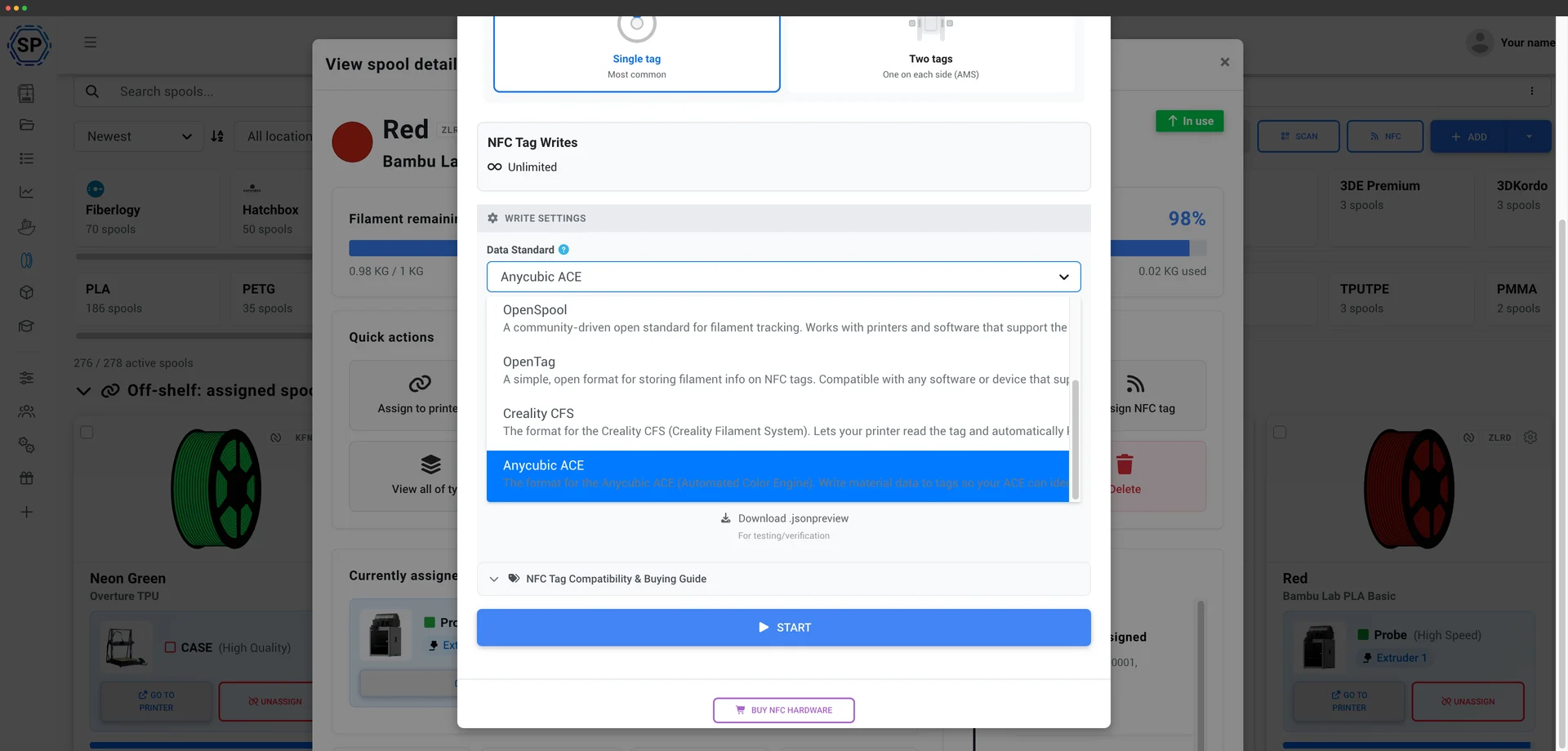
SimplyPrint напряму читає й записує NFC-мітки ACE так само, як для Creality CFS. ACE Pro перевіряє поле SKU на кожній мітці, а SimplyPrint автоматично створює дійсне значення, тому можна позначати власні котушки, навіть із філаментом не від Anycubic. ACE зчитає їх і завантажить правильний профіль матеріалу без ручного налаштування слотів. Записуйте мітку прямо з обліку філаменту через мобільний застосунок або зчитувач USB. Як працюють мітки ACE
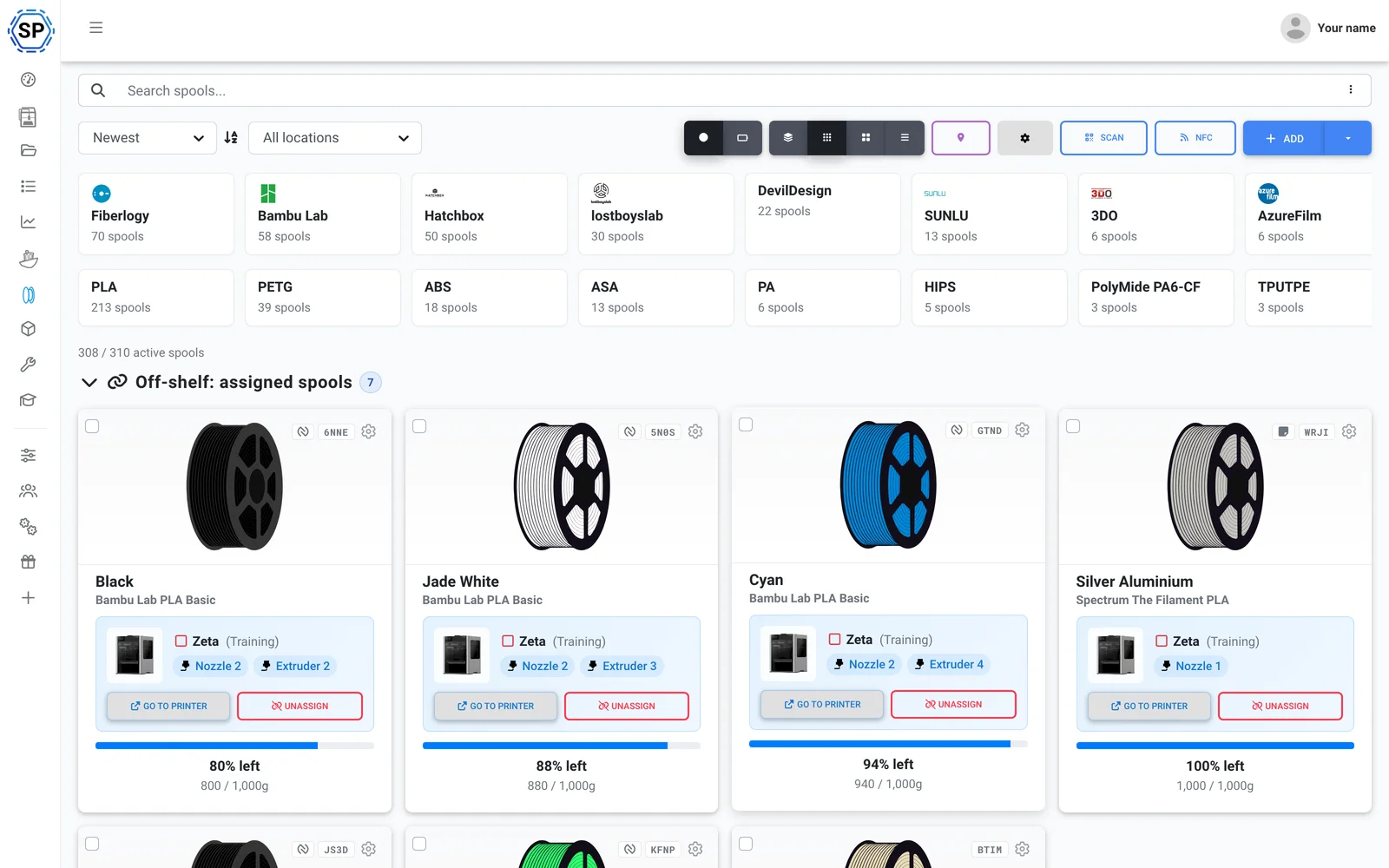
Використовуйте будь-який філамент. SimplyPrint відстежує витрату безпосередньо з G-code, точно списуючи з установленої котушки обсяг, використаний кожним друком, навіть коли ACE змінює кольори під час друку, тож облік запасів у всьому парку лишається точним, з міткою чи без неї. Переглянути керування філаментом
Також у комплекті: багатоколірна нарізка для ACE у браузері (рушії OrcaSlicer, BambuStudio та PrusaSlicer), обслуговування й відстеження використання для кожного принтера, масові дії для всього парку та весь парк на одному екрані. Зіставлення слотів ACE надсилається під час запуску друку, якщо підключено через SimplyPrint Client, дізнайтеся, що підтримується зараз.
Запуск за пів дня
SimplyPrint швидко встановлюється на всій фермі, купувати нове обладнання не потрібно. Додайте принтери, і того самого дня весь парк з'явиться на одній панелі.
Створено для Anycubic: підтримується кожна модель FDM, від Kobra 3 до Kobra S1 і Kobra S1 Max. Змішаний парк? Принтери 150+ брендів працюють поруч.
Створити обліковий запис
Підключіть ваші принтери
Клієнт SimplyPrint, Klipper/Moonraker (Rinkhals) або OctoPrint
Заповніть чергу

Друкуйте на повній потужності
Ферма лише з Anycubic? Усе враховано, і без обмежень
Anycubic є одним із найпоширеніших брендів принтерів у SimplyPrint: підключено 2,400+, а SimplyPrint нативно підтримує його, зокрема ACE Pro. Але це не лише для Anycubic: пізніше додайте Bambu, Prusa або Creality, і їх також буде видно в тій самій панелі. 150+ брендів працюють пліч-о-пліч, одна черга, один екран. Перегляньте повну платформу для парку принтерів.
Серії Kobra 3 і Kobra S1 підключаються через клієнт SimplyPrint, який забезпечує вебкамеру, основні елементи керування й запуск друку без перепрошивання принтера, або через Klipper/Moonraker із прошивкою спільноти Rinkhals для повного керування Klipper. Старіші принтери Anycubic підключаються через OctoPrint або безпосереднє встановлення. Без пропрієтарного шлюзу й прив'язки до постачальника.
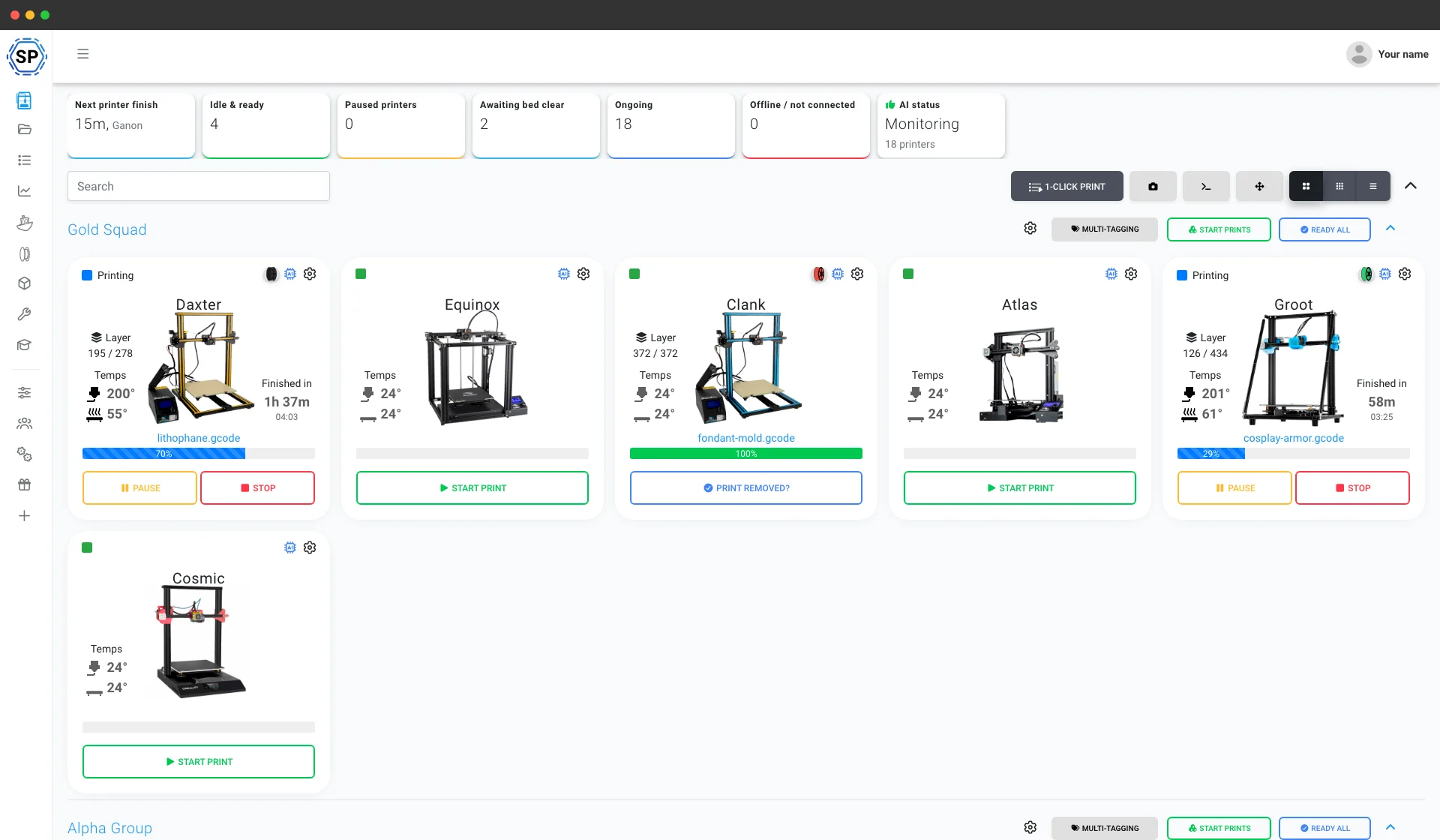
Усе інше для роботи ферми Anycubic
Техобслуговування, автоматизація, філамент, статистика та багато іншого: усе доступне, щойно знадобиться.
Переглянути всі функції
Масовий запуск в 1 клік
Запустіть усі відповідні завдання на цілій стійці принтерів Anycubic одним натисканням. Без SD-карт і обходу приміщення.
Дізнатися більше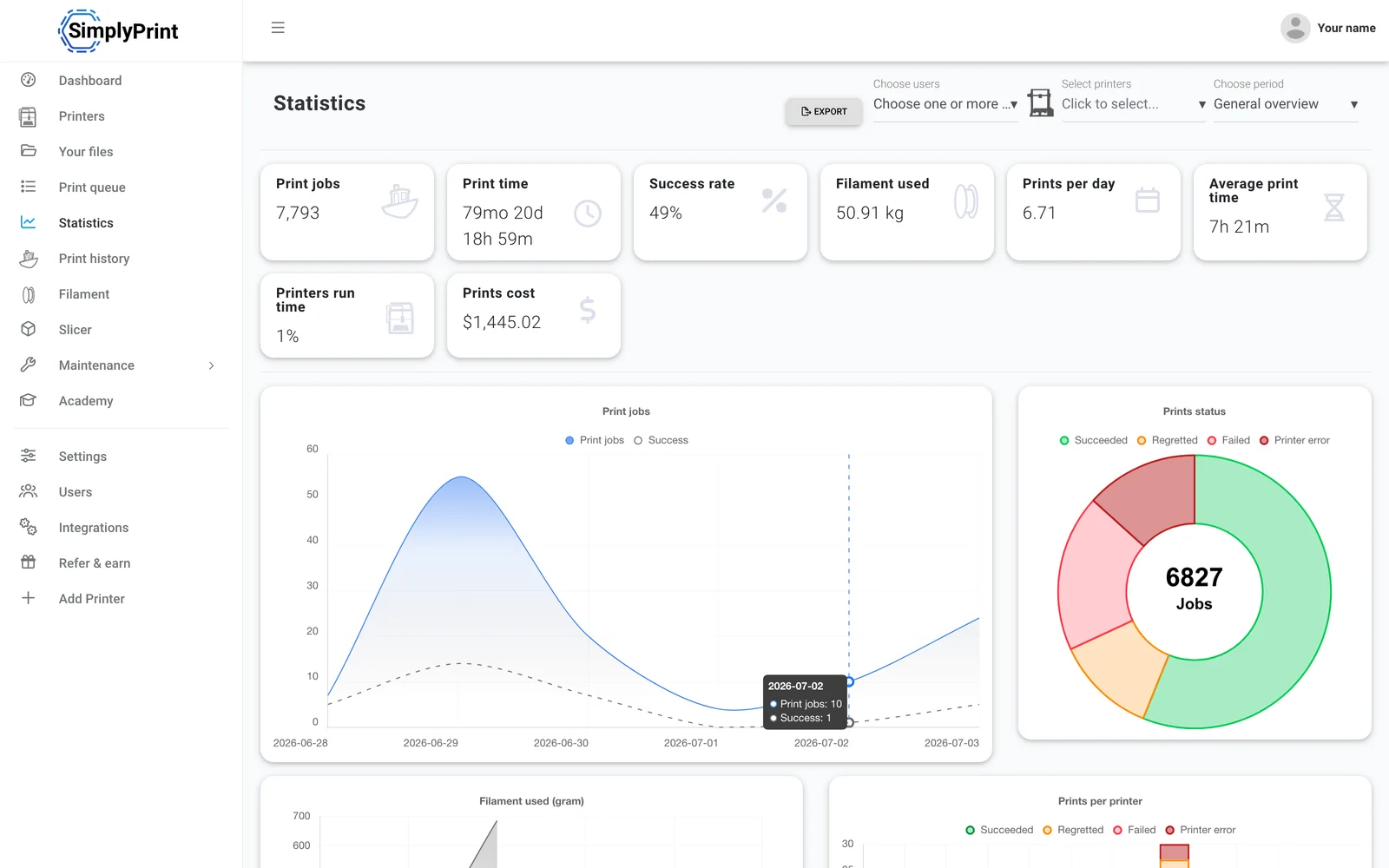
Статистика
Години друку, успішність, витрата філаменту й вартість, показники для керування бізнесом.
Дізнатися більше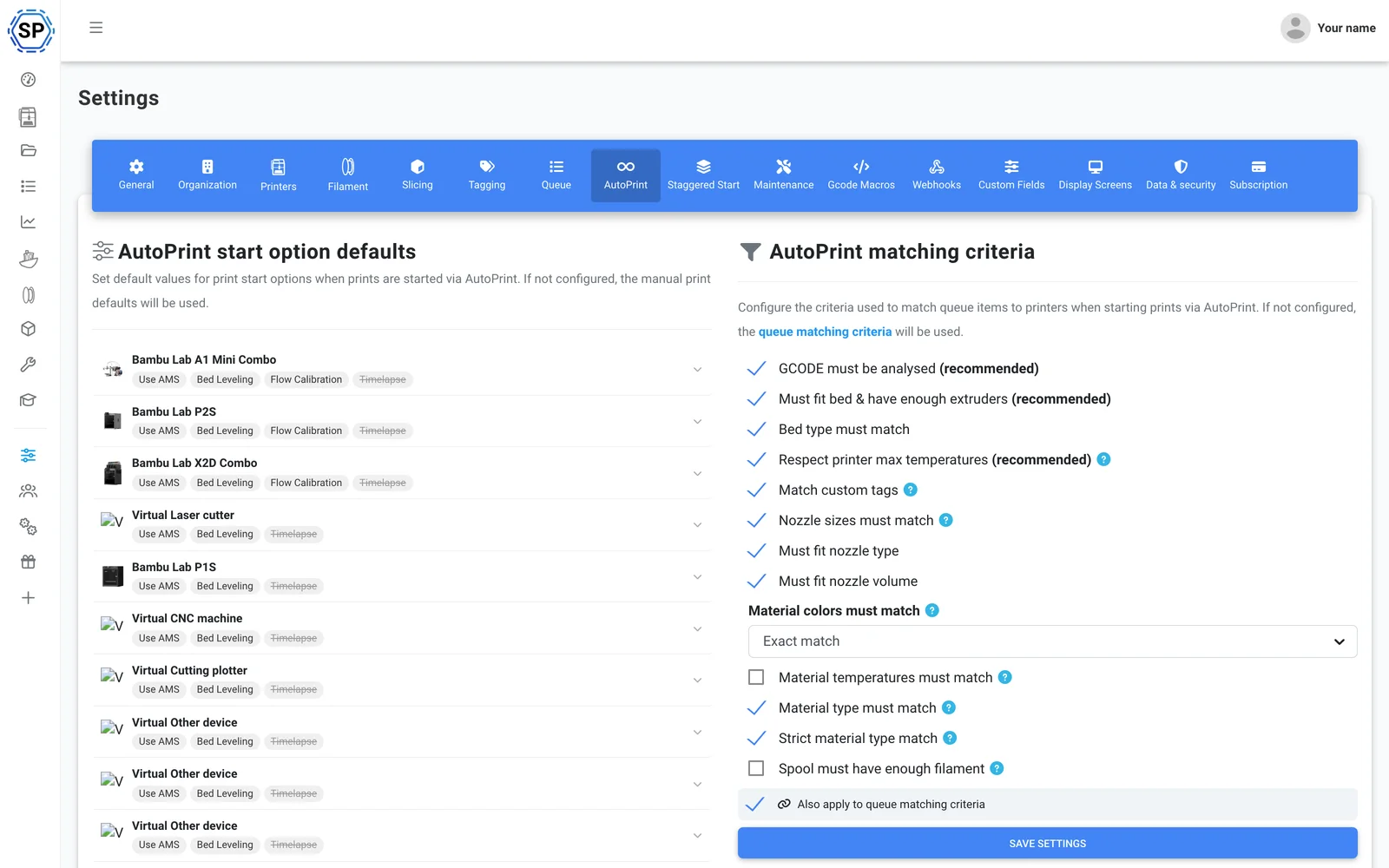
AutoPrint
Безперервний друк без участі оператора: SimplyPrint звільняє стіл після кожного завершеного друку та самостійно запускає наступне відповідне завдання.
Дізнатися більше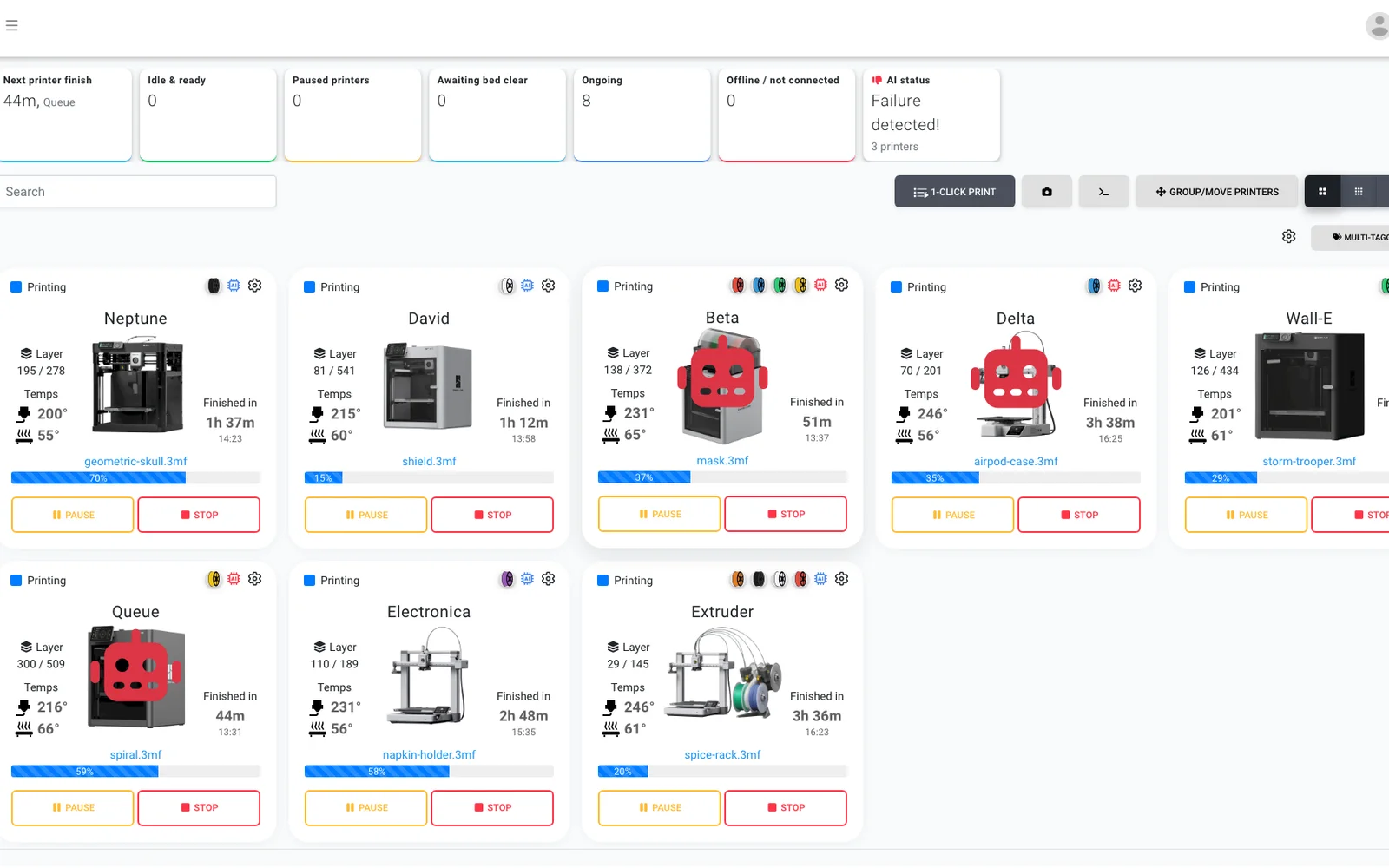
Виявлення збоїв за допомогою ШІ
Додаткова пара очей для кожної камери на будь-якому принтері Anycubic, тож навіть Kobra без вбудованого ШІ отримує виявлення збоїв, а ШІ підтверджує очищення кожного столу перед запуском наступного завдання.
Дізнатися більше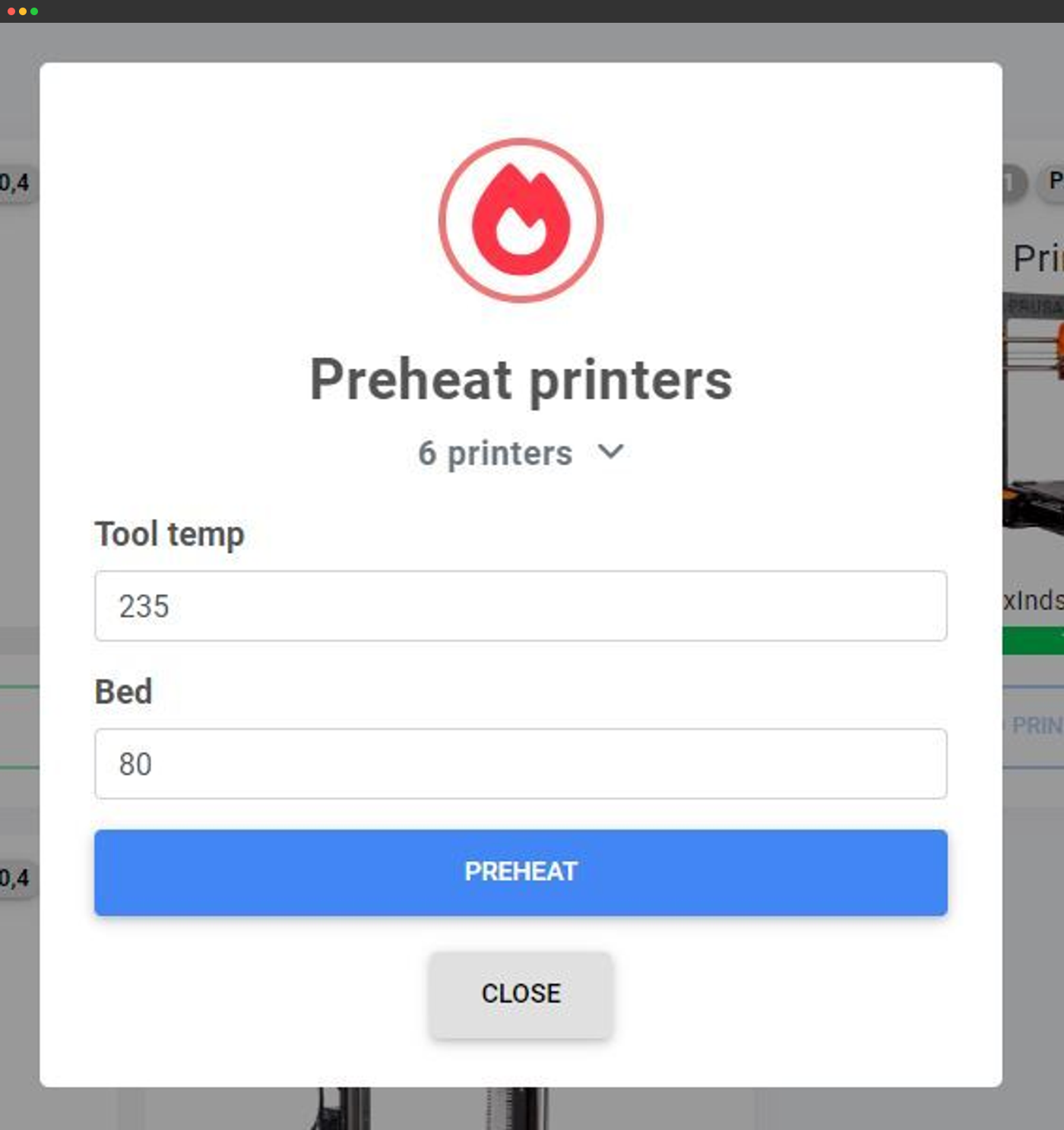
Масові дії
Попередньо нагрівайте, надсилайте G-code або керуйте десятками принтерів одночасно з одного екрана.
Дізнатися більше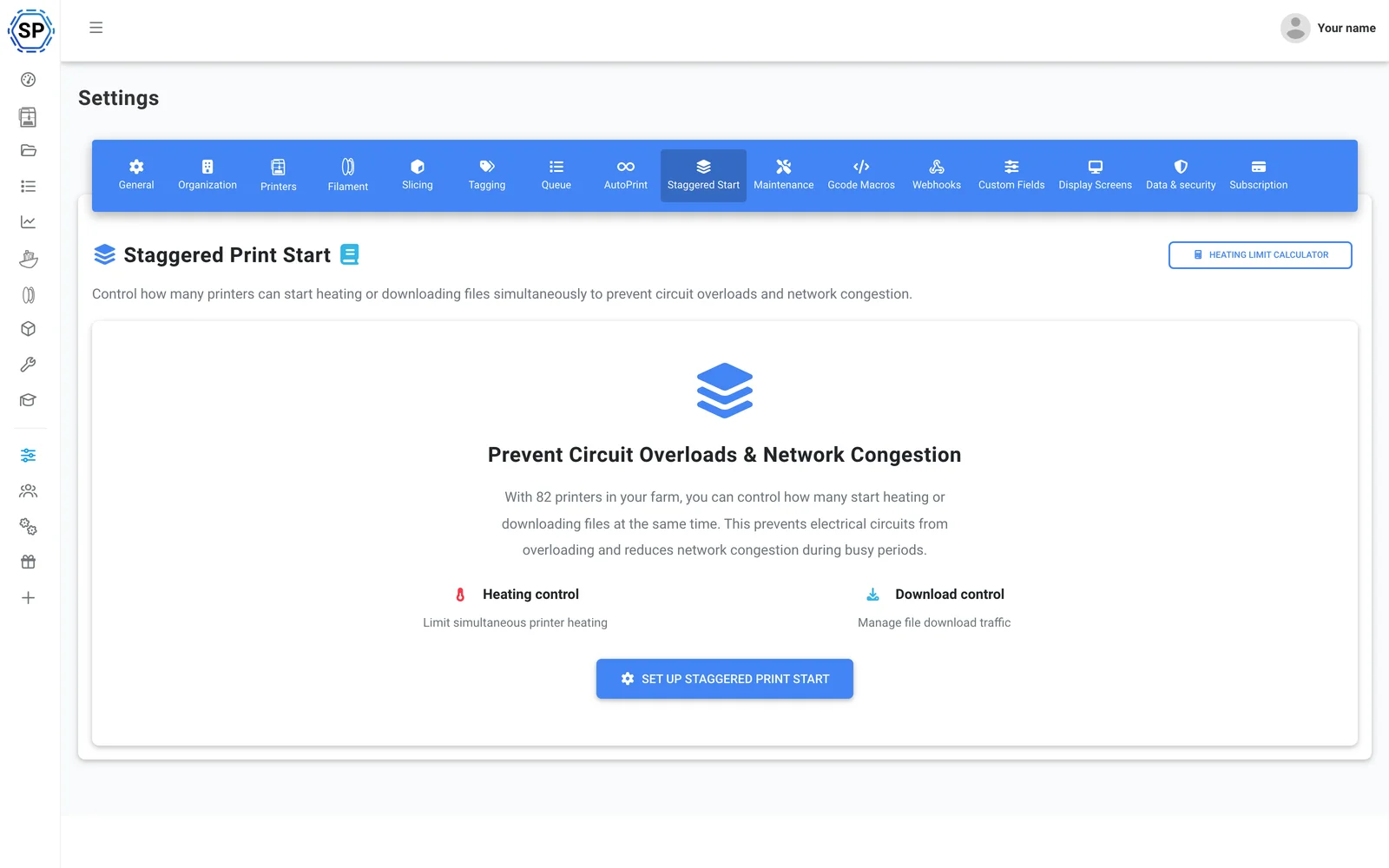
Ступінчастий запуск
До одного кола під'єднано багато принтерів? Обмежте кількість принтерів, які одночасно виконують попереднє нагрівання, щоб заповнена стійка не спричинила спрацювання автоматичного вимикача.
Дізнатися більше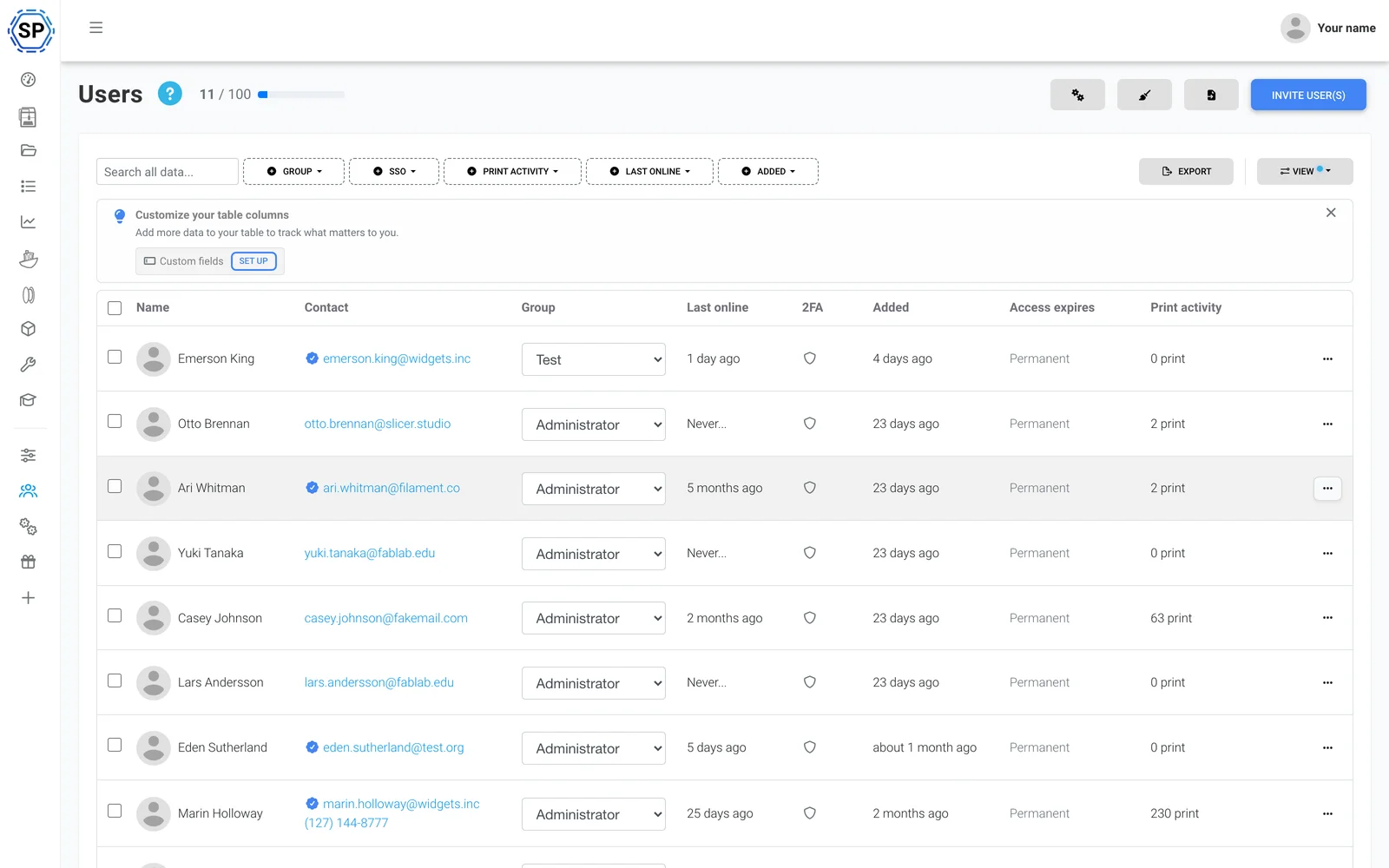
Команда й дозволи
Керуйте фермою разом із колегами, з налаштованими дозволами для кожного користувача чи групи.
Дізнатися більше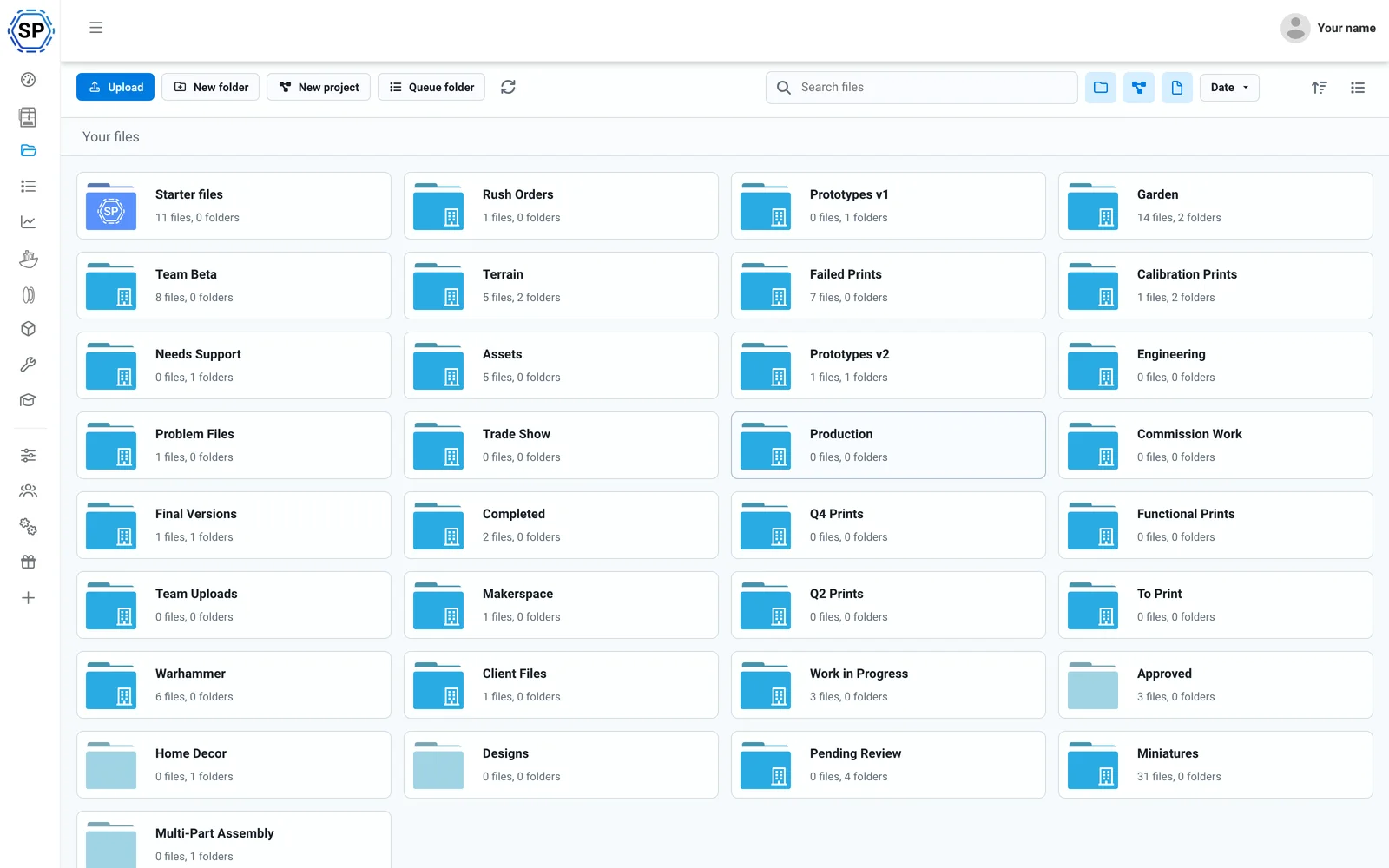
Хмарні файли та історія
Усі G-code в одній спільній хмарі, з кількістю друків, спільними папками й повним журналом історії.
Дізнатися більше
Менеджер філаменту
Автоматичне відстеження використання та облік запасів - з підтримкою ACE і точністю навіть із завантаженими котушками сторонніх виробників.
Дізнатися більше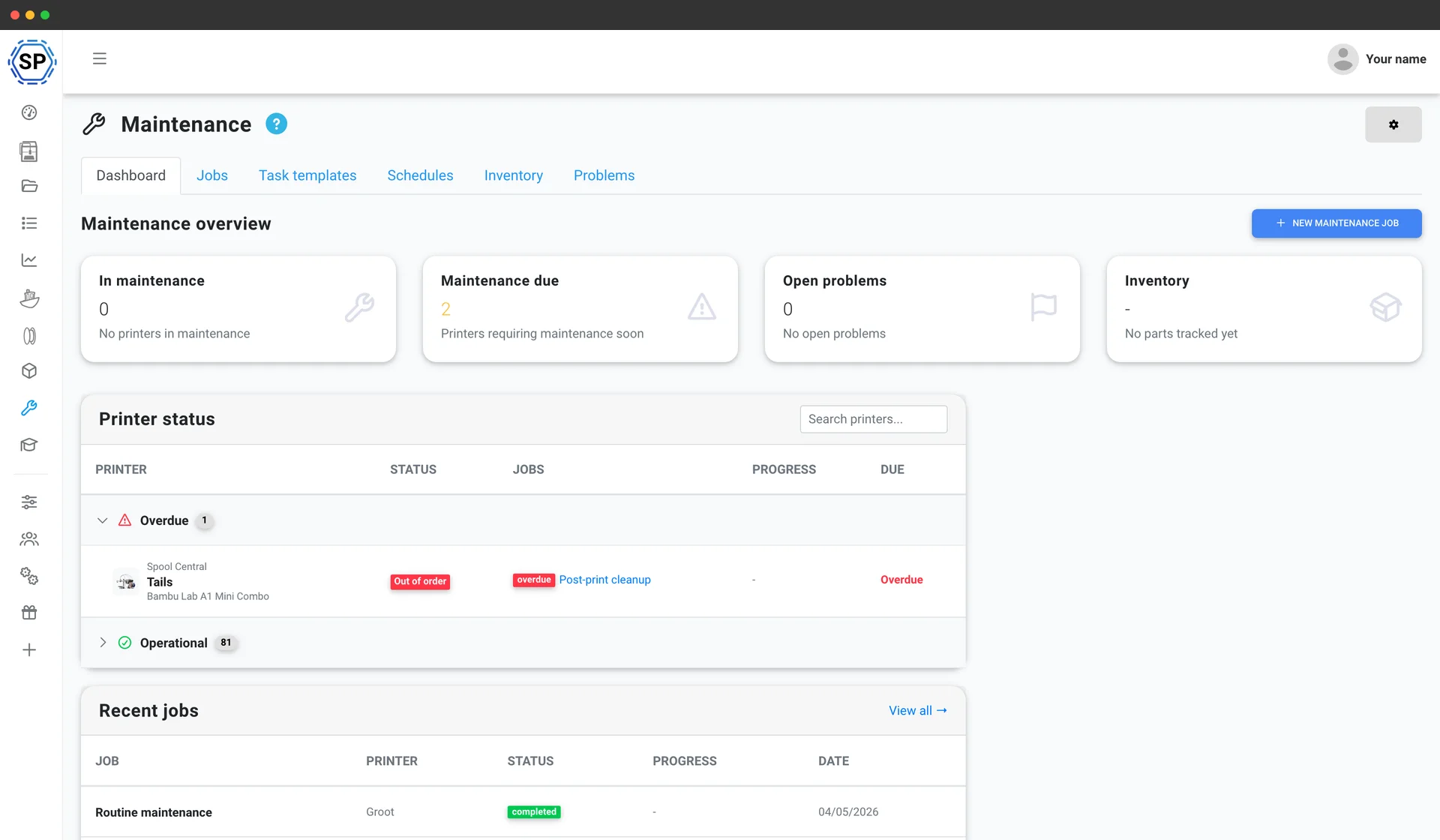
Обслуговування принтера
Графіки обслуговування на основі використання, запас запчастин і огляд стану кожного пристрою, щоб парк принтерів ніколи не зупинявся.
Дізнатися більше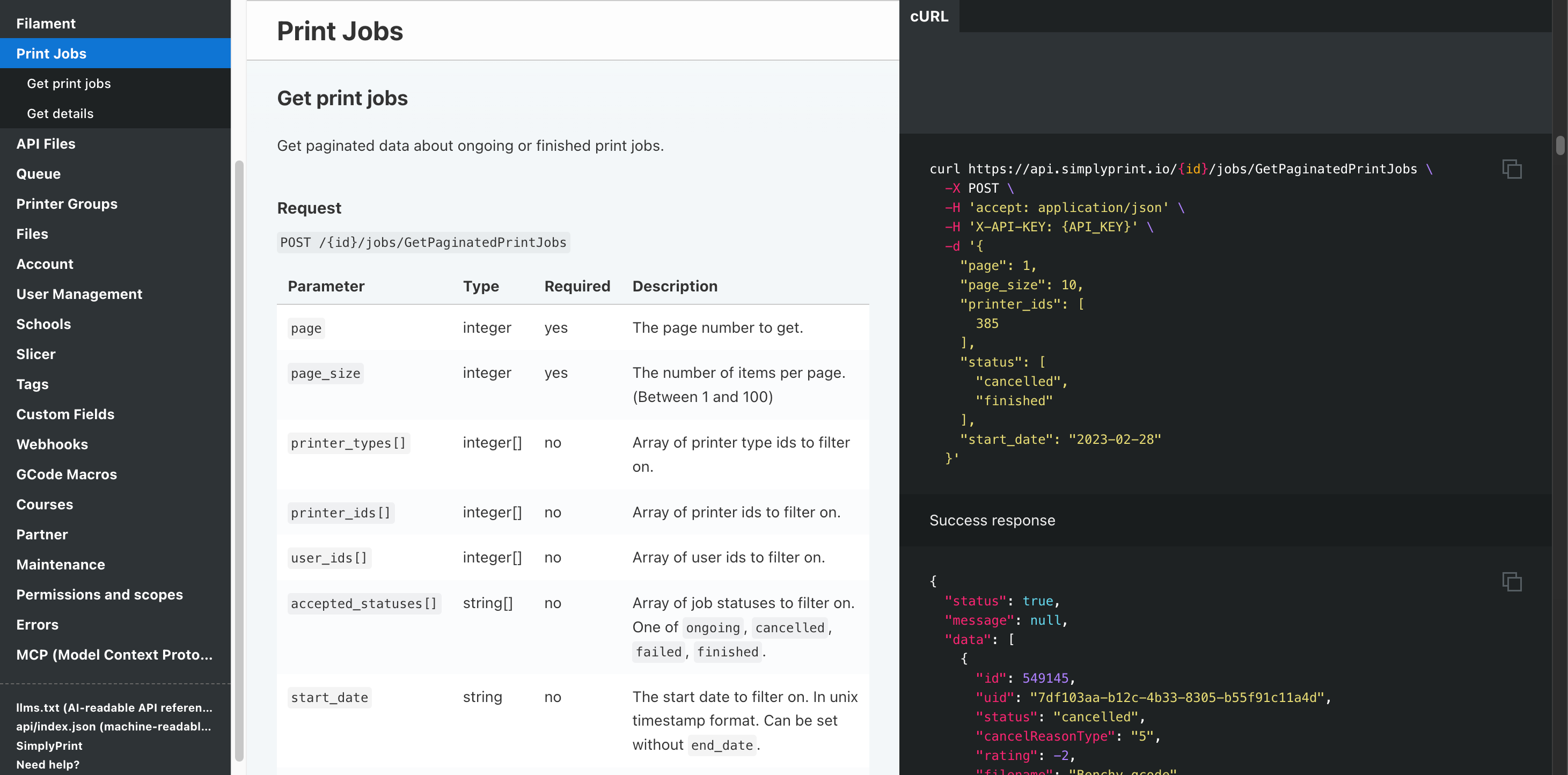
Автоматизація та API
Надсилайте замовлення з вітрини до черги через REST API, отримуйте вебхук після завершення кожного завдання та доручайте рутинну роботу Zapier, n8n або ШІ-помічнику.
Дізнатися більшеПідтримуються всі FDM-принтери Anycubic
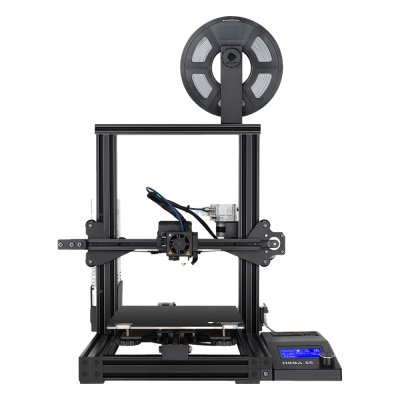
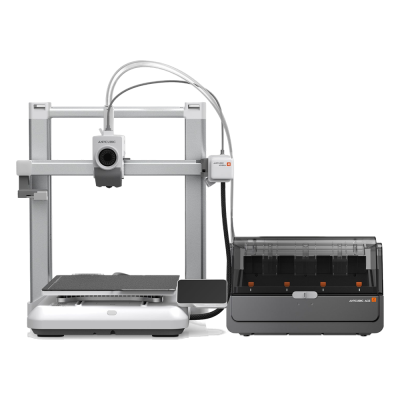
Лінійка FDM-принтерів Anycubic: серії Kobra 3 і Kobra S1, моделі Kobra Max і Neo, а також класичні серії Mega та i3. Натисніть будь-яку модель, щоб переглянути відомості про сумісність і посібник із налаштування.
Mega SE
Kobra 4 Combo
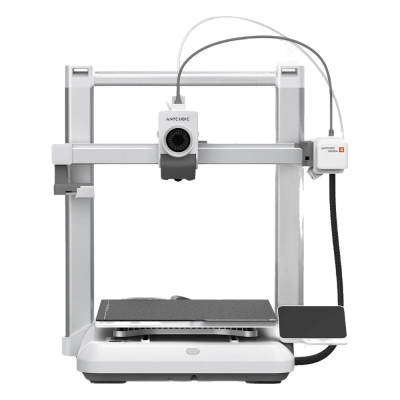
Kobra 4

Kobra 3 Max V2 Combo
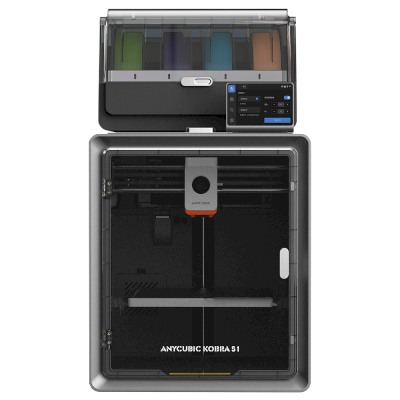
Kobra S1 Combo
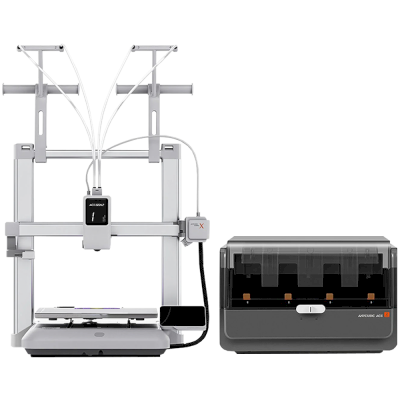
Kobra X Combo
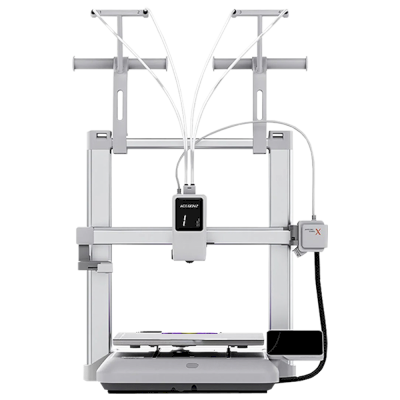
Kobra X
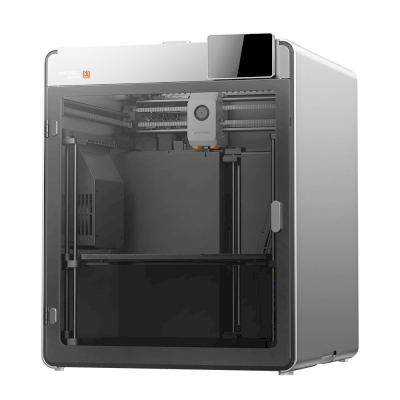
Kobra S1 Max
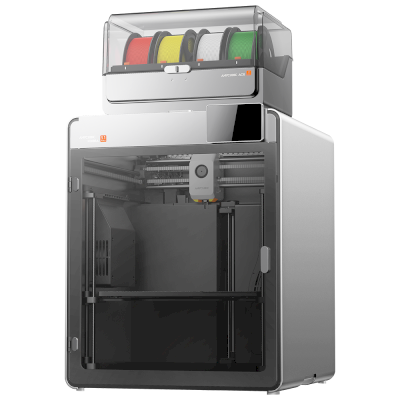
Kobra S1 Max Combo
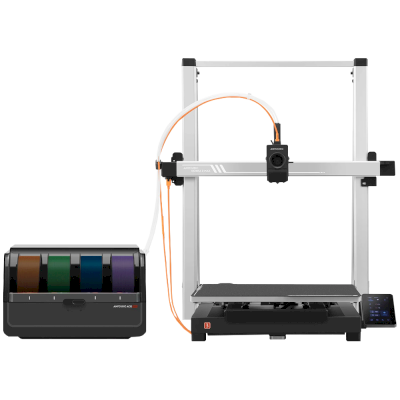
Kobra 3 Max Combo
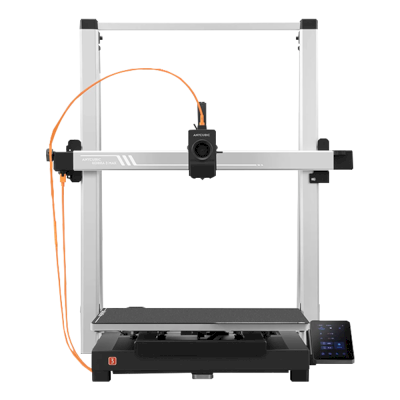
Kobra 3 Max
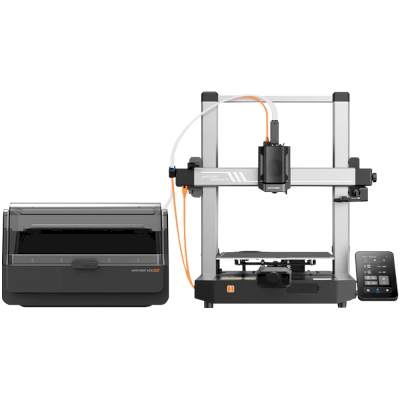
Kobra 3 V2 Combo
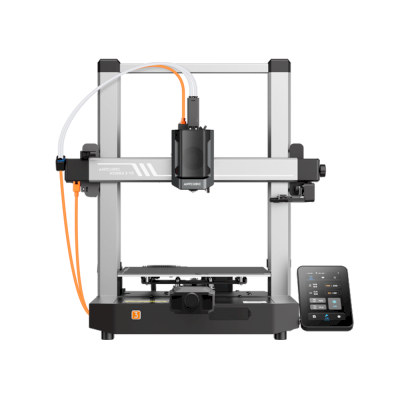
Kobra 3 V2
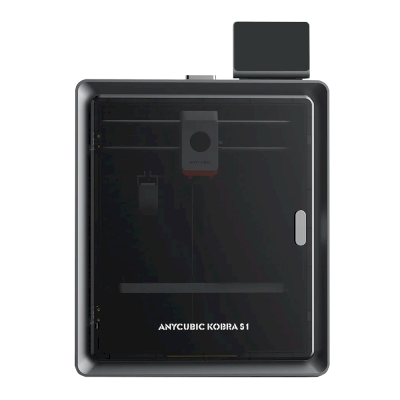
Kobra S1
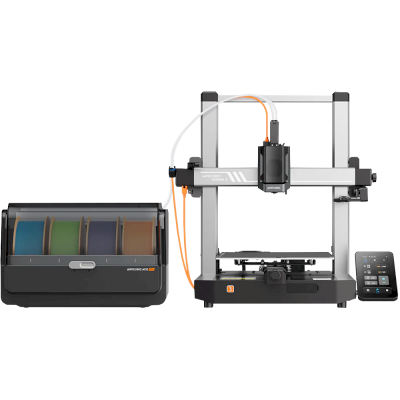
Kobra 3 Combo
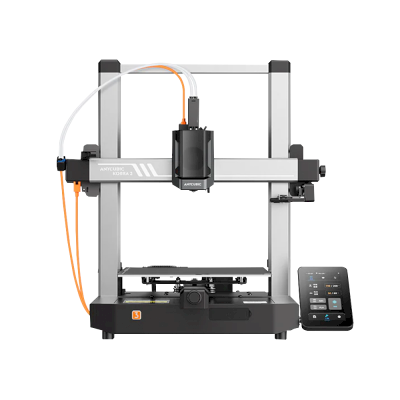
Kobra 3
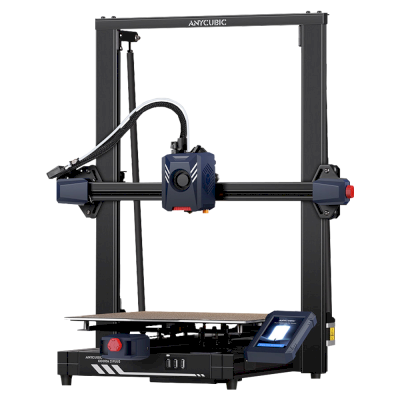
Kobra 2 Plus
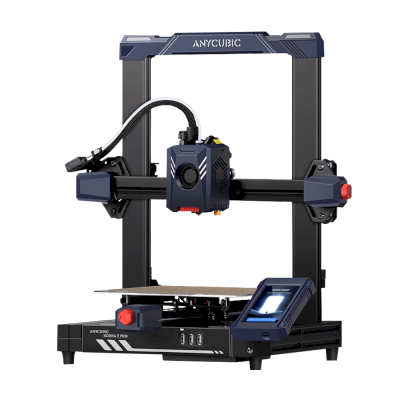
Kobra 2 Pro
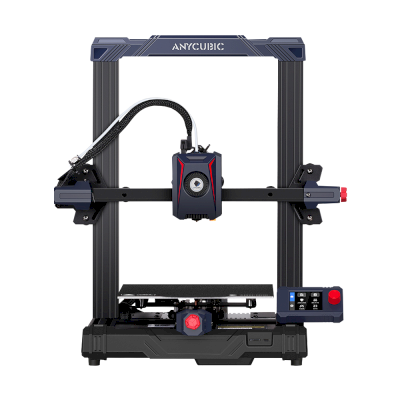
Kobra 2 Neo
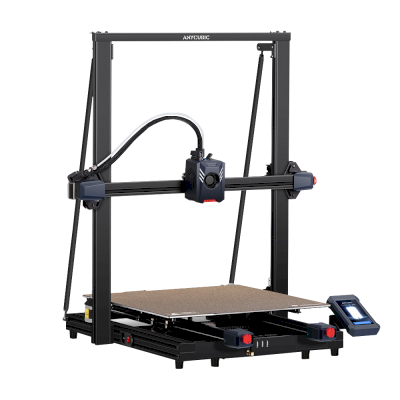
Kobra 2 Max
/product_photo_md.png?cacheid=652d2d24a731c)
Kossel (Pulley)
/product_photo_md.png?cacheid=652d18d120e93)
Kossel (Linear Plus)
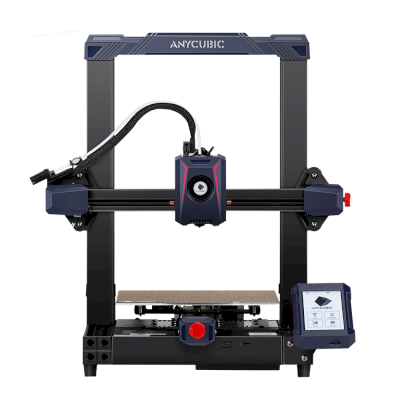
Kobra 2
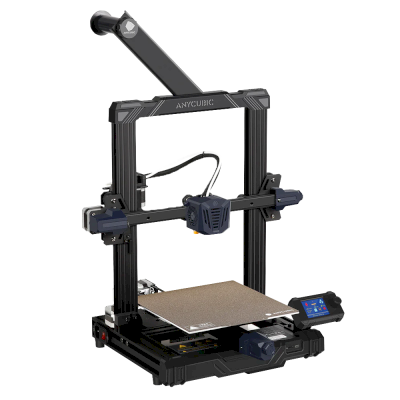
Kobra Go
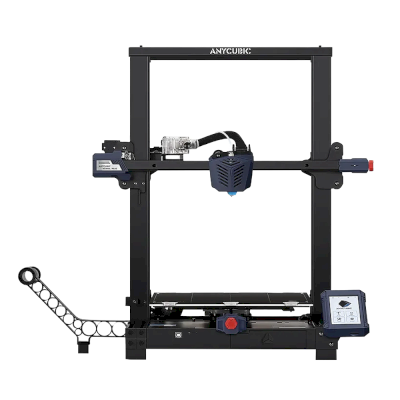
Kobra Plus
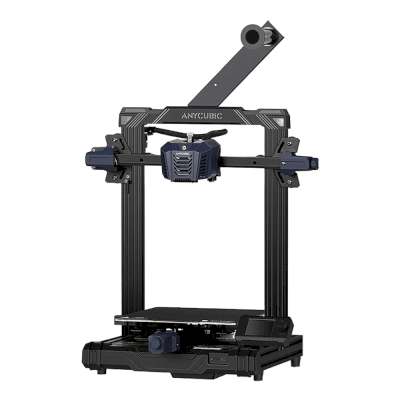
Kobra Neo
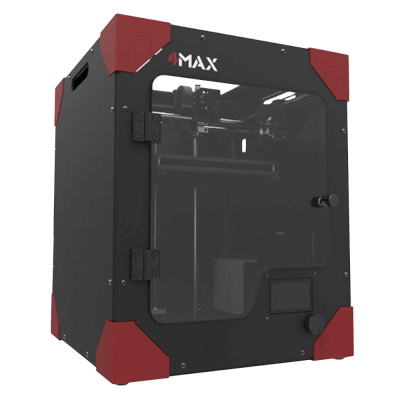
4Max
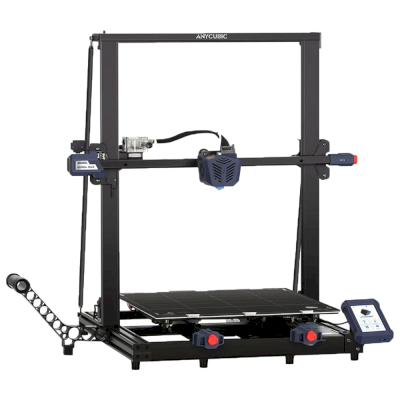
Kobra Max
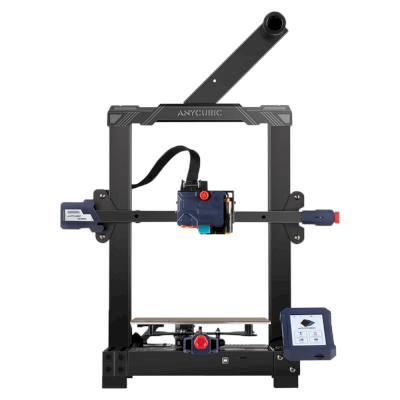
Kobra
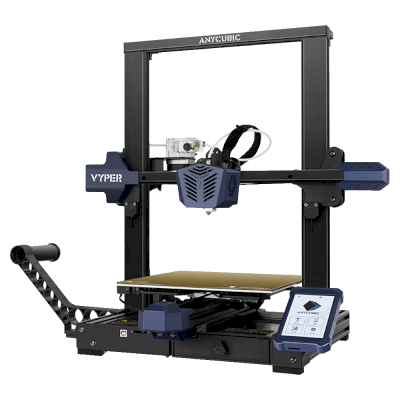
Vyper
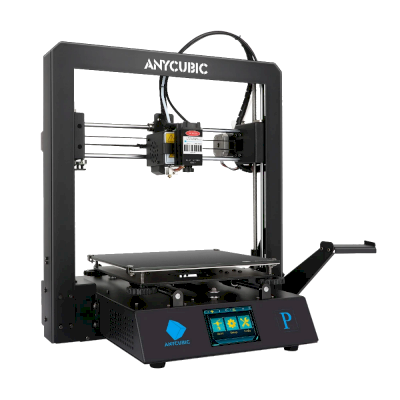
Mega Pro
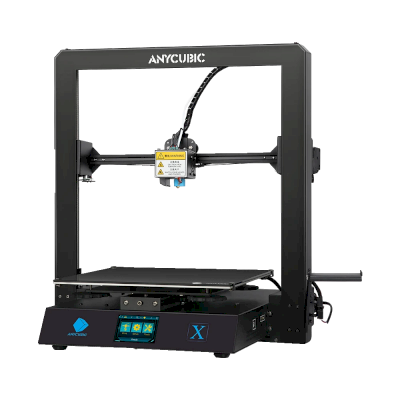
Mega X
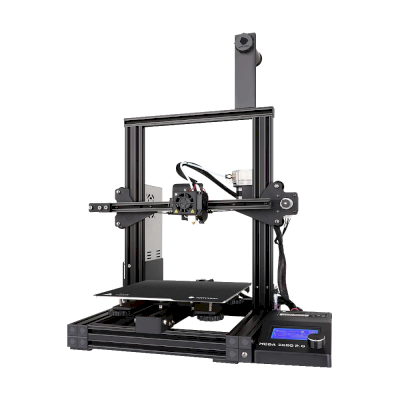
Mega Zero 2.0
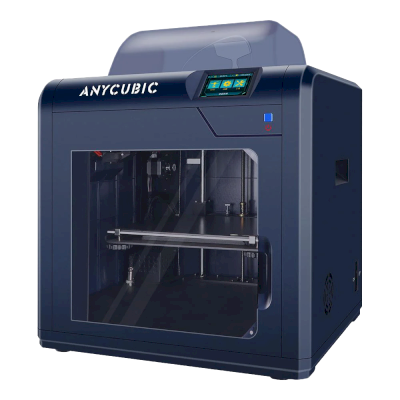
4Max Pro
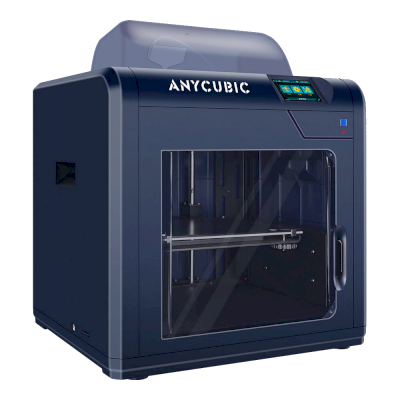
4Max Pro 2.0
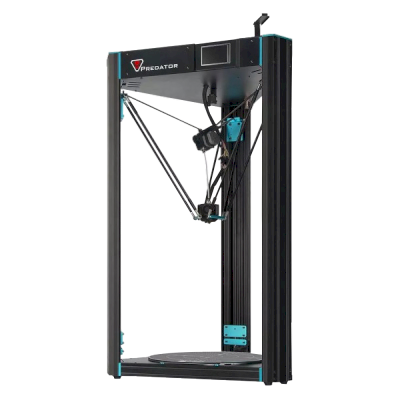
Predator
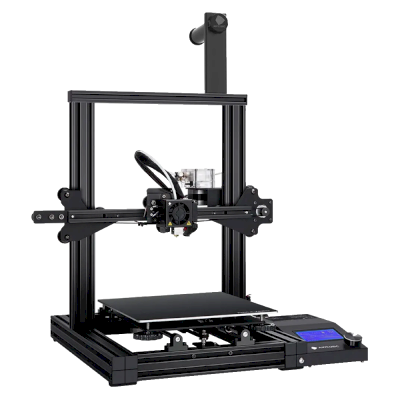
Mega Zero
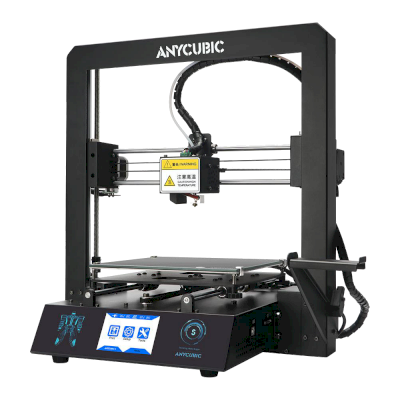
i3 Mega S
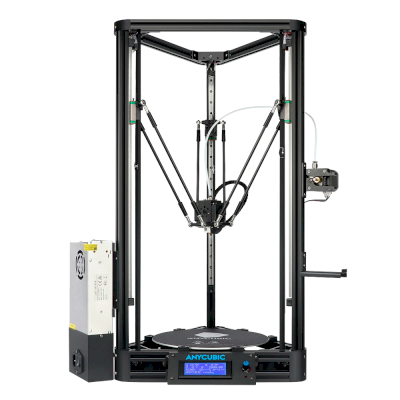
Kossel
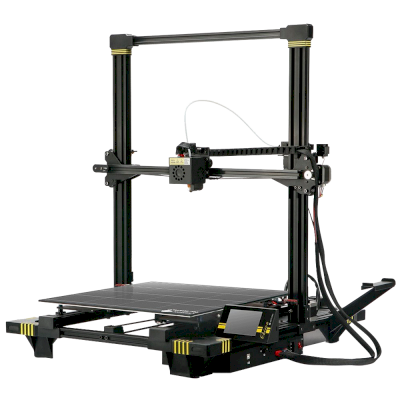
Chiron
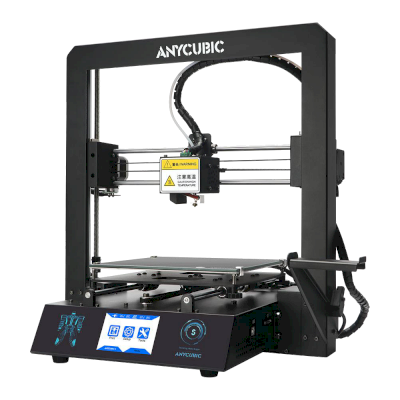
i3 Mega
Використовуєте не лише Anycubic? SimplyPrint дає змогу понад 150 брендам і понад 770 моделям принтерів працювати пліч-о-пліч. Перегляньте повний список сумісності або познайомтеся з платформою для ферми друку.
Проєкти ваших клієнтів залишаються приватними
Файли у вашій хмарі бачите лише ви та ваша команда, вони ніколи не доступні в інтернеті. SimplyPrint відповідає GDPR, розміщується в ЄС і працює на інфраструктурі з сертифікатами SOC 2 та ISO 27001, забезпечуючи 99,9%+ часу безвідмовної роботи.


Сертифікації та стандарти, яким відповідають SimplyPrint і його хостинг-інфраструктура.
Відомості про безпеку та відповідність вимогамОновлення про хід друку
Керуйте фермою зі смартфона. Отримуйте сповіщення про завершення, паузу та закінчення філаменту, дивіться камеру будь-якого принтера й зупиняйте завдання звідусіль.


SimplyPrint ⚫ Зараз
Друк розпочато на Принтері 1
Орієнтовний час друку: 3 дні 4 год
SimplyPrint ⚫ Зараз
На принтері 2 виявлено збій!
Хочете призупинити або скасувати?

Не вірте нам на слово
Змішаний парк або інший бренд? Повна платформа для ферми друку · Bambu Lab · Prusa · Creality · ELEGOO · Flashforge
SimplyPrint підтримує Anycubic разом із понад 150 брендами та понад 770 моделями принтерів: одна черга, один екран. Перевірте свої принтери.