Платформу используют 500+ ферм печати и компаний по всему миру





















Запущенные задания печати
0
Расход материала
0
Часов напечатано
0
Управляем фермами 3D-принтеров с 2020 года
Разработано нашими специалистами в Дании. Мы выпускаем обновления почти каждую неделю и отвечаем на вопросы поддержки.
Прочитать нашу историю и познакомиться с командойНастоящие фермы печати работают на SimplyPrint
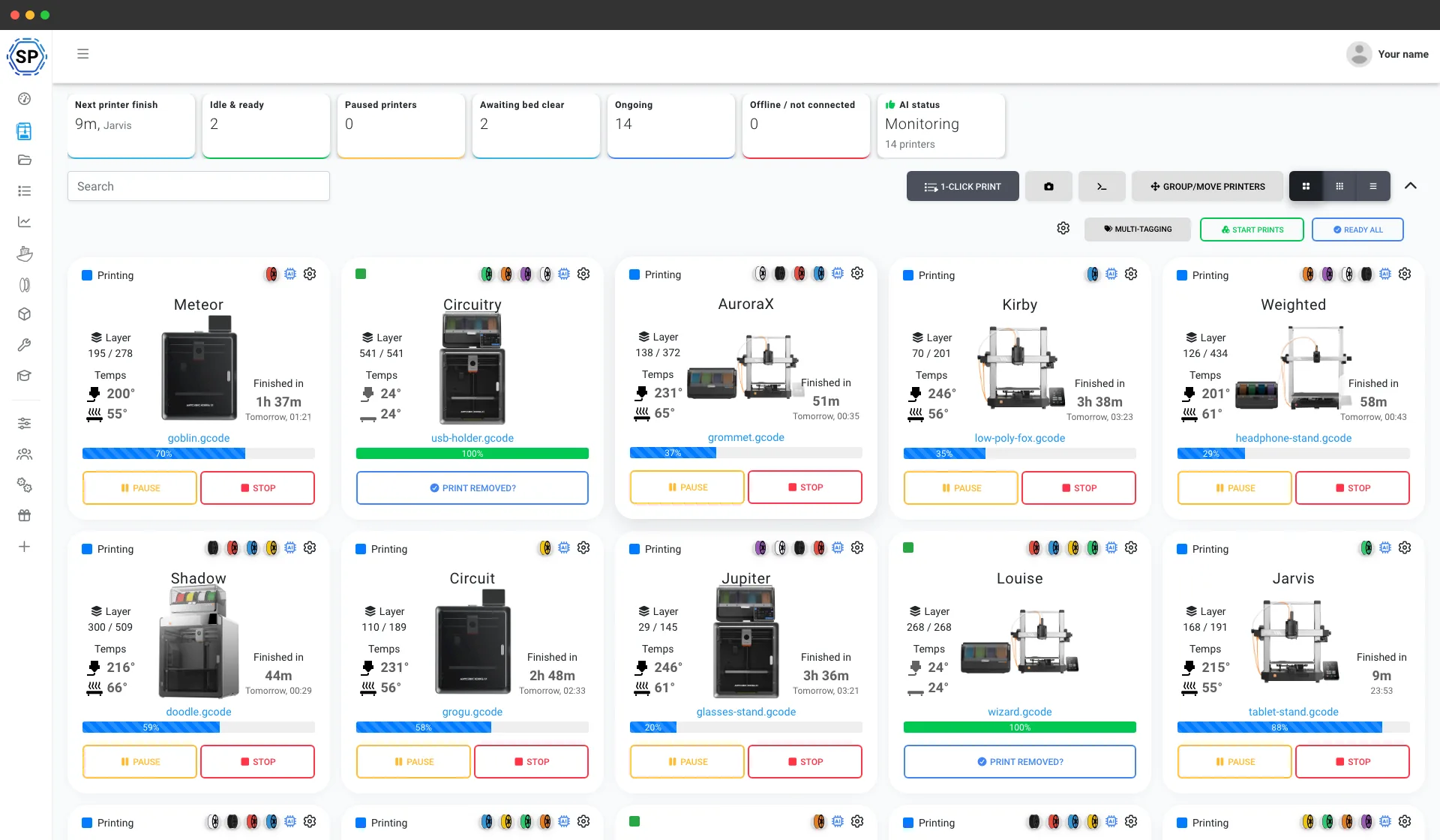
От рабочего стола с пятью принтерами до склада со 150 и более: это реальные фермы, которые управляют всей работой с одного экрана и экономят часы каждую неделю.
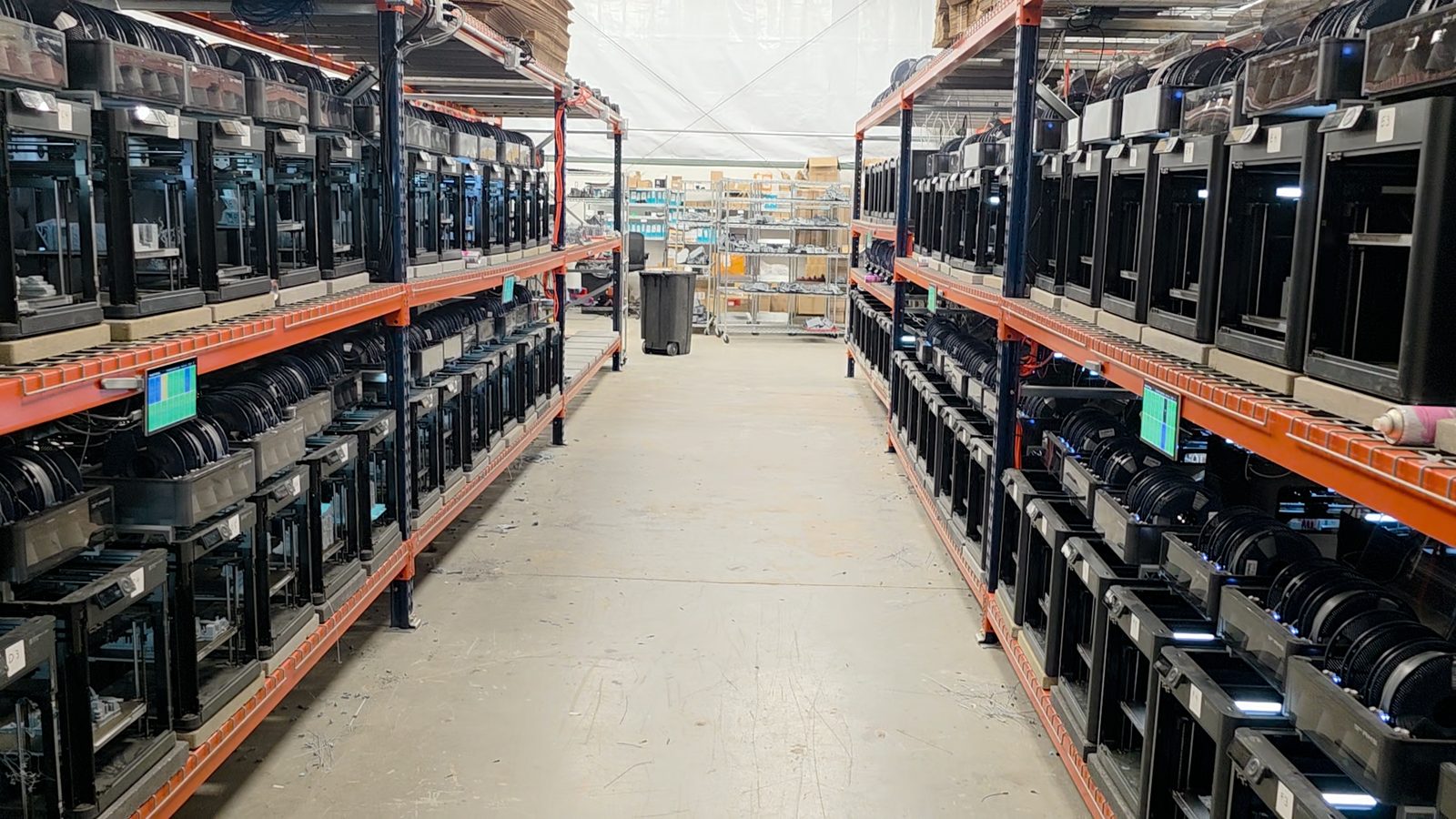
"Trying to do it now without SimplyPrint would be insane." Прочитать их историю
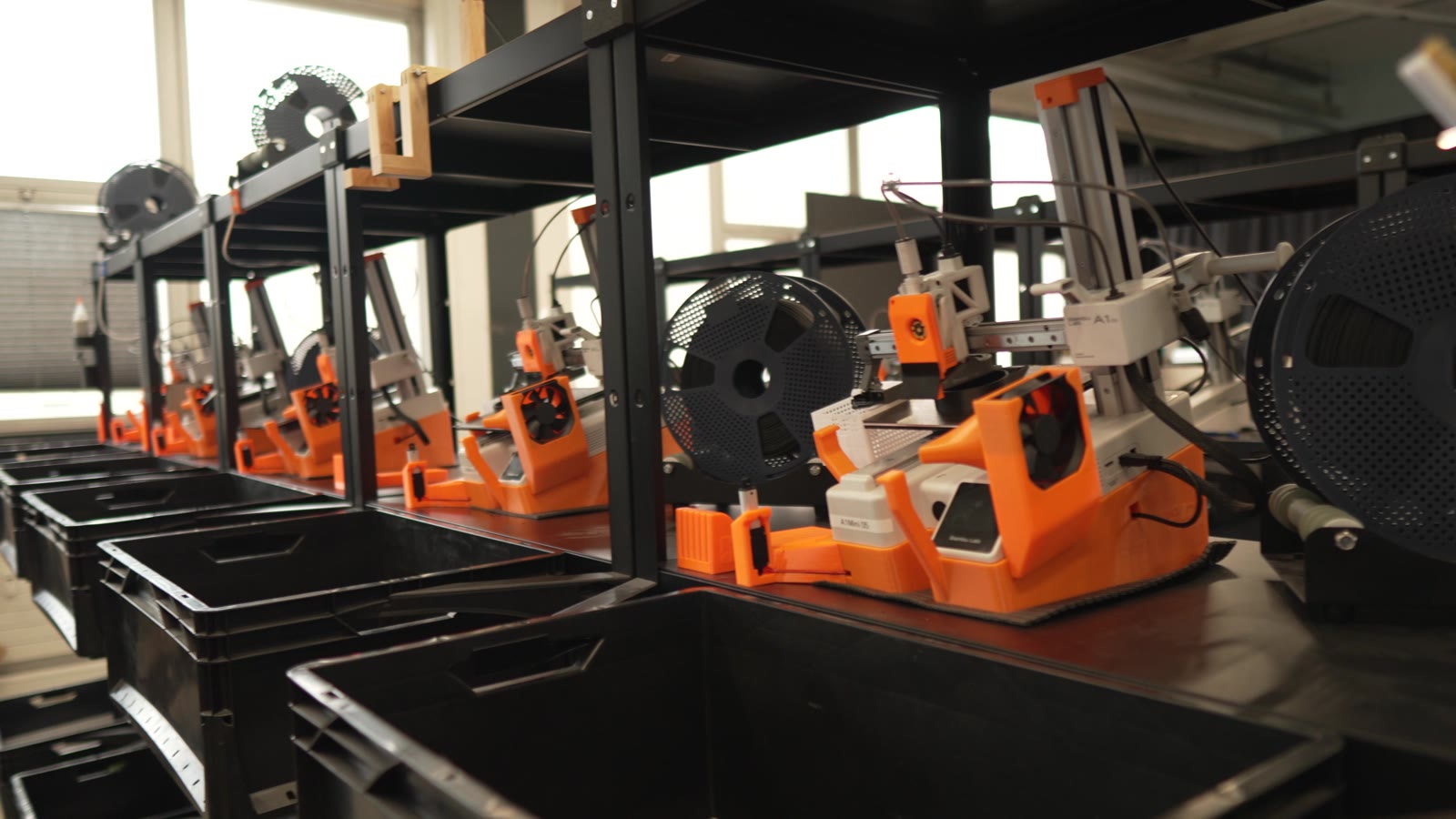
"Without automation, we would simply never be profitable here." Прочитать их историю
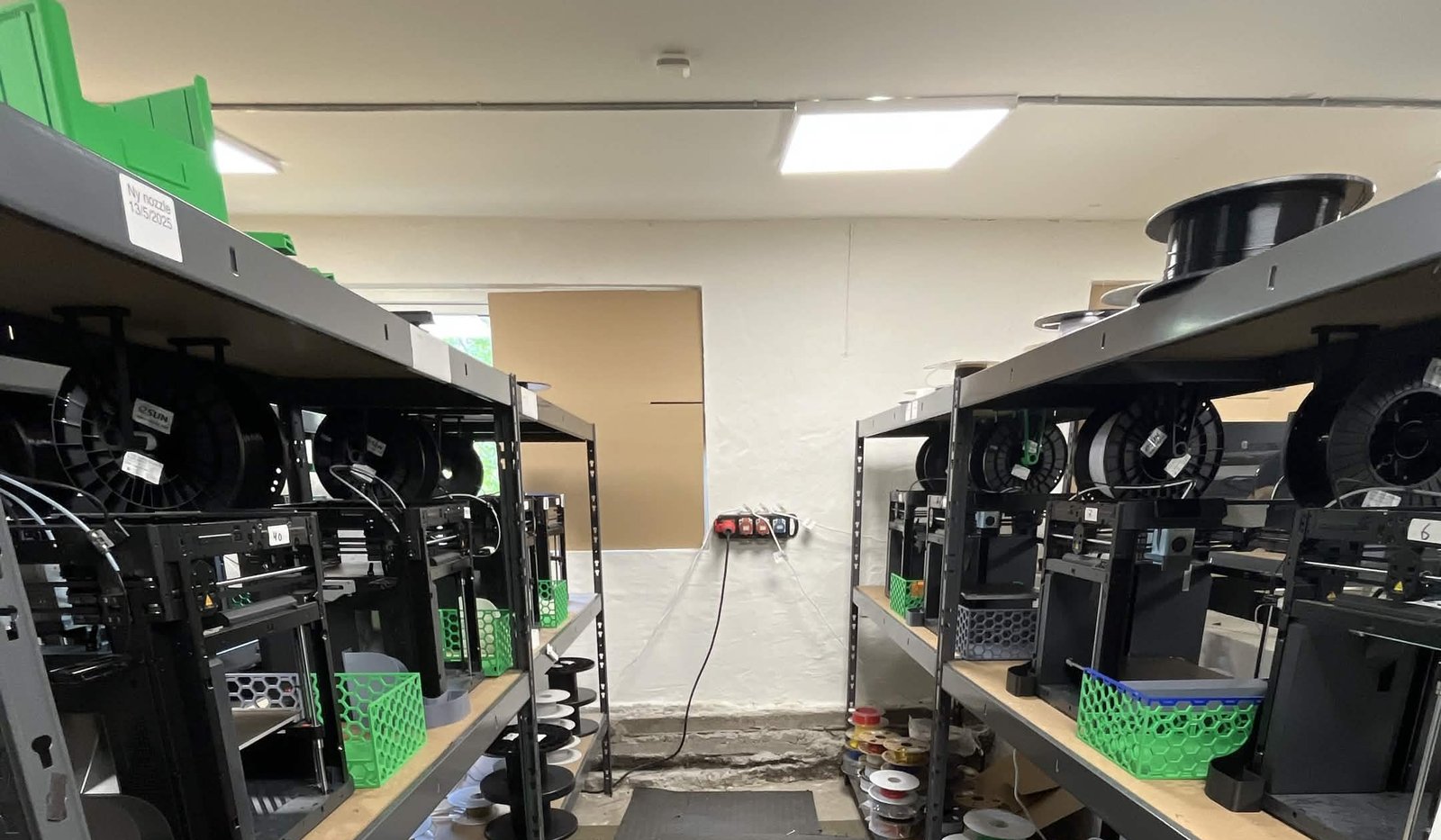
"We have always had the approach that the farm should be able to run even when we are not there." Прочитать их историю
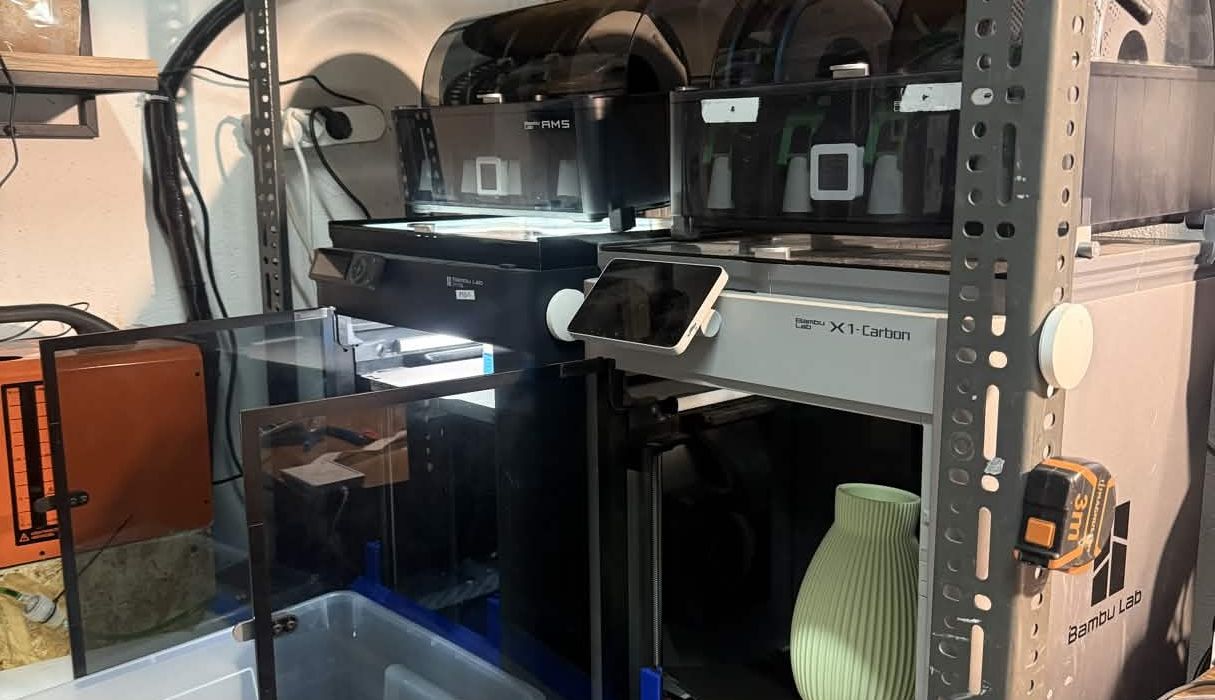
"Without software, the operator becomes the system. That might work with one printer, but it doesn't scale well." Прочитать их историю
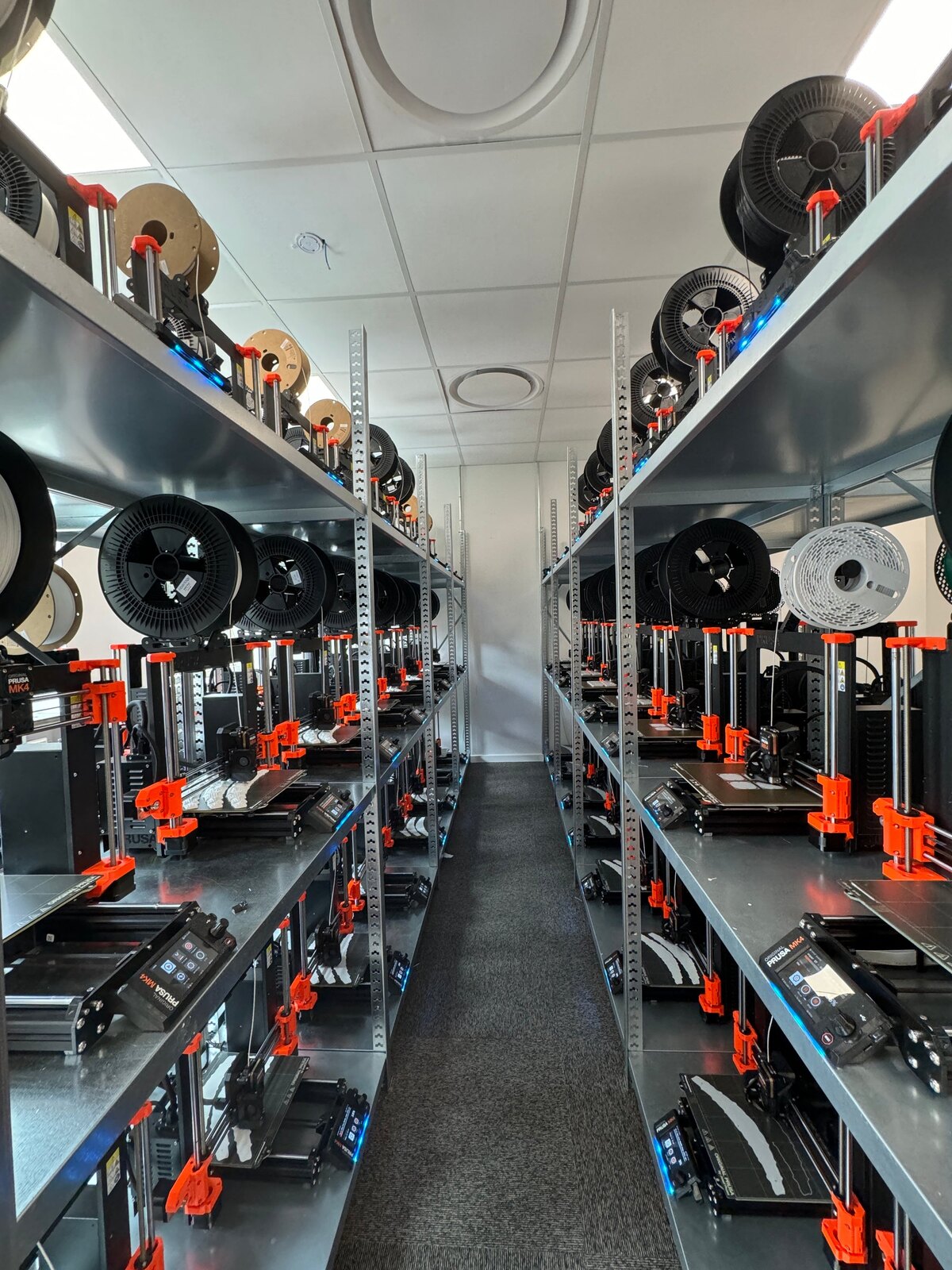
"It'd literally be impossible to run our farm at this scale without SimplyPrint." Прочитать их историю
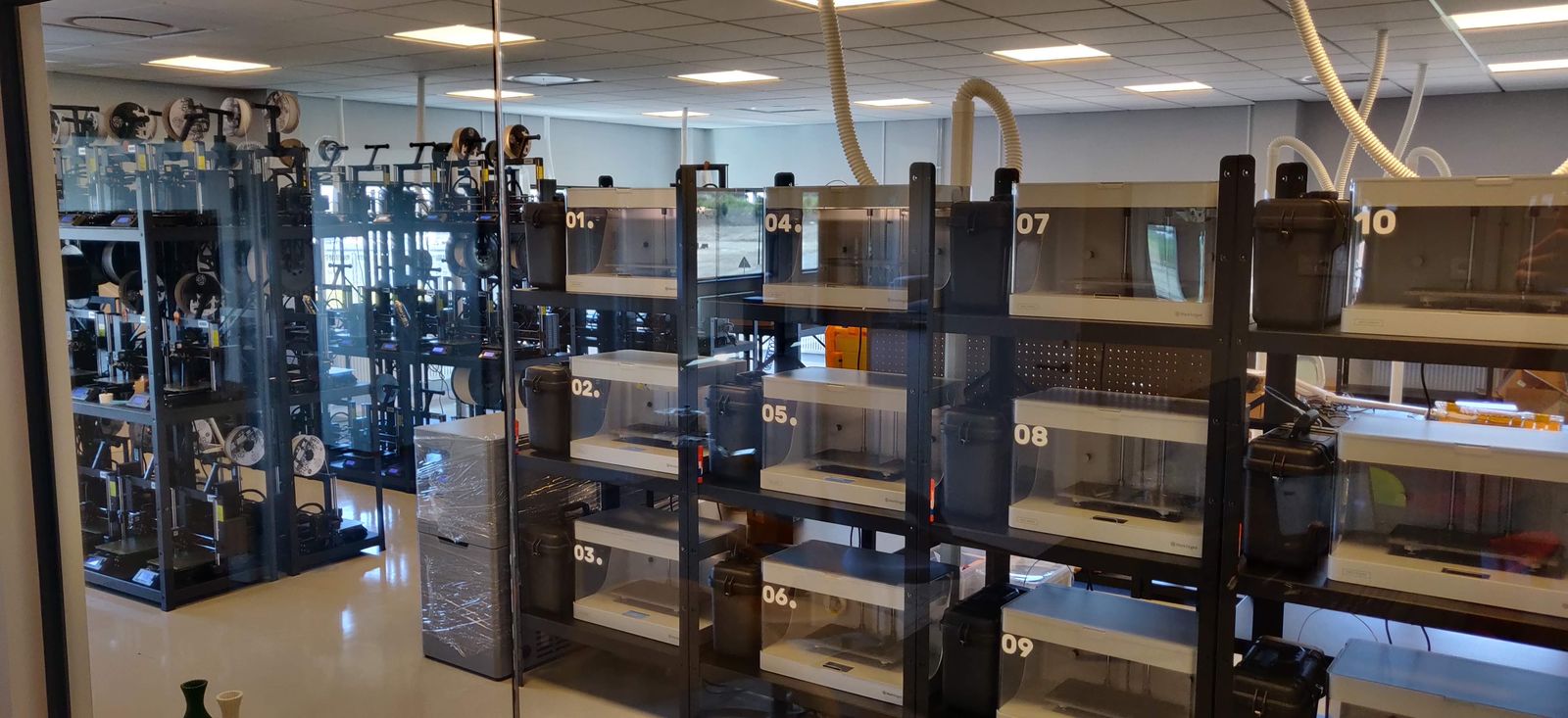
"We don't just know which material went into a part. We know the exact spool, on the exact print, at the exact time - and that's what makes a product passport real instead of a slogan." Прочитать их историю
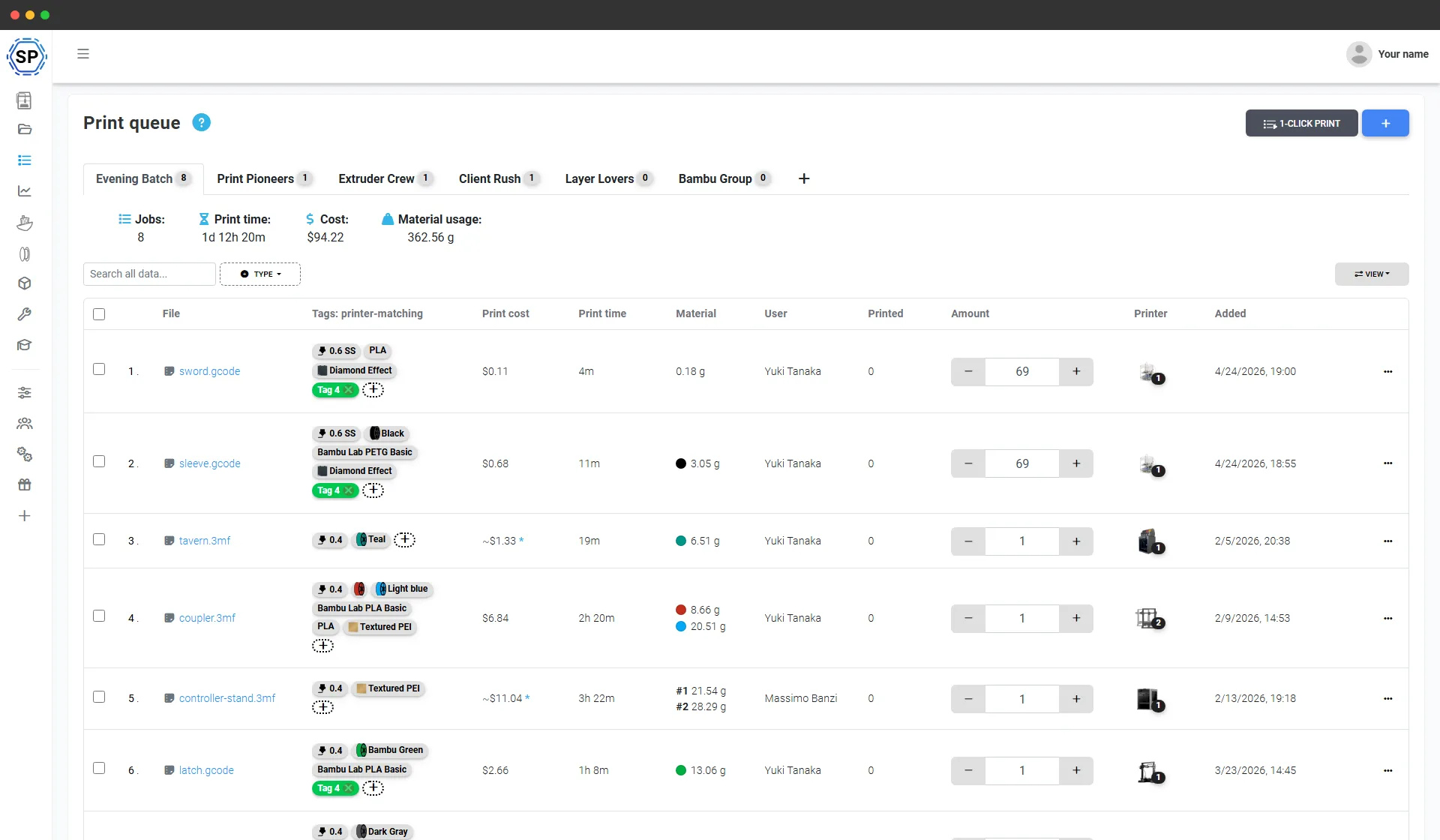
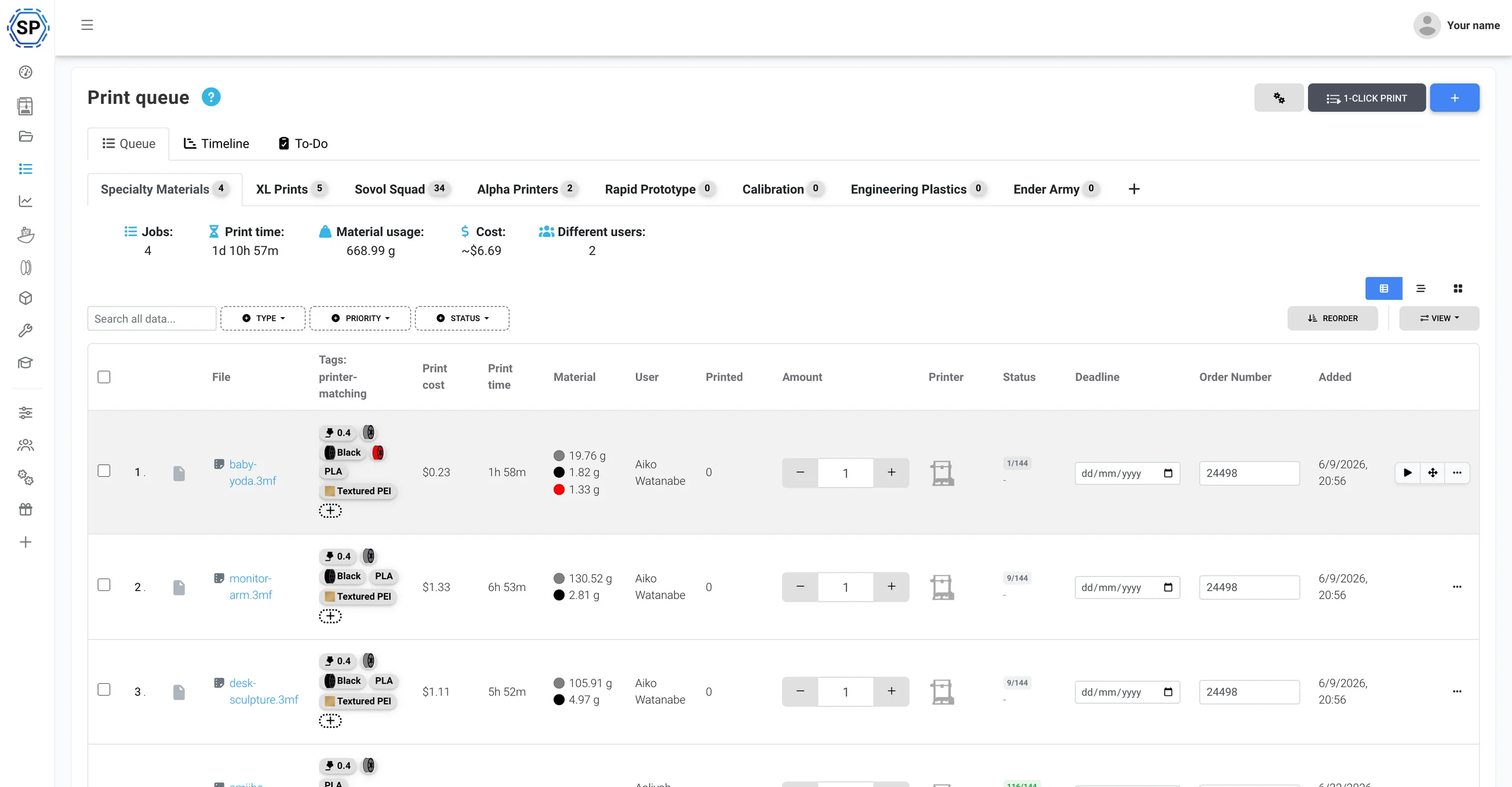
Одна очередь печати для всего парка Anycubic
Добавьте всё необходимое и укажите количество каждого изделия. SimplyPrint направит каждое задание на способный его выполнить принтер Anycubic, сопоставив материал, сопло и стол с текущим состоянием каждого устройства. Одним нажатием запускается вся партия на стойке. Никаких SD-карт, отдельного экспорта каждой пластины и таблиц с учётом выполненных заданий.
Полная поддержка Anycubic ACE Pro
SimplyPrint управляет принтерами Anycubic из облака и нативно поддерживает ACE Pro: просмотр 4 слотов в реальном времени, отслеживание катушек в инвентаре филамента и нативные NFC-метки ACE, записываемые для любой катушки. Всё в одной панели.
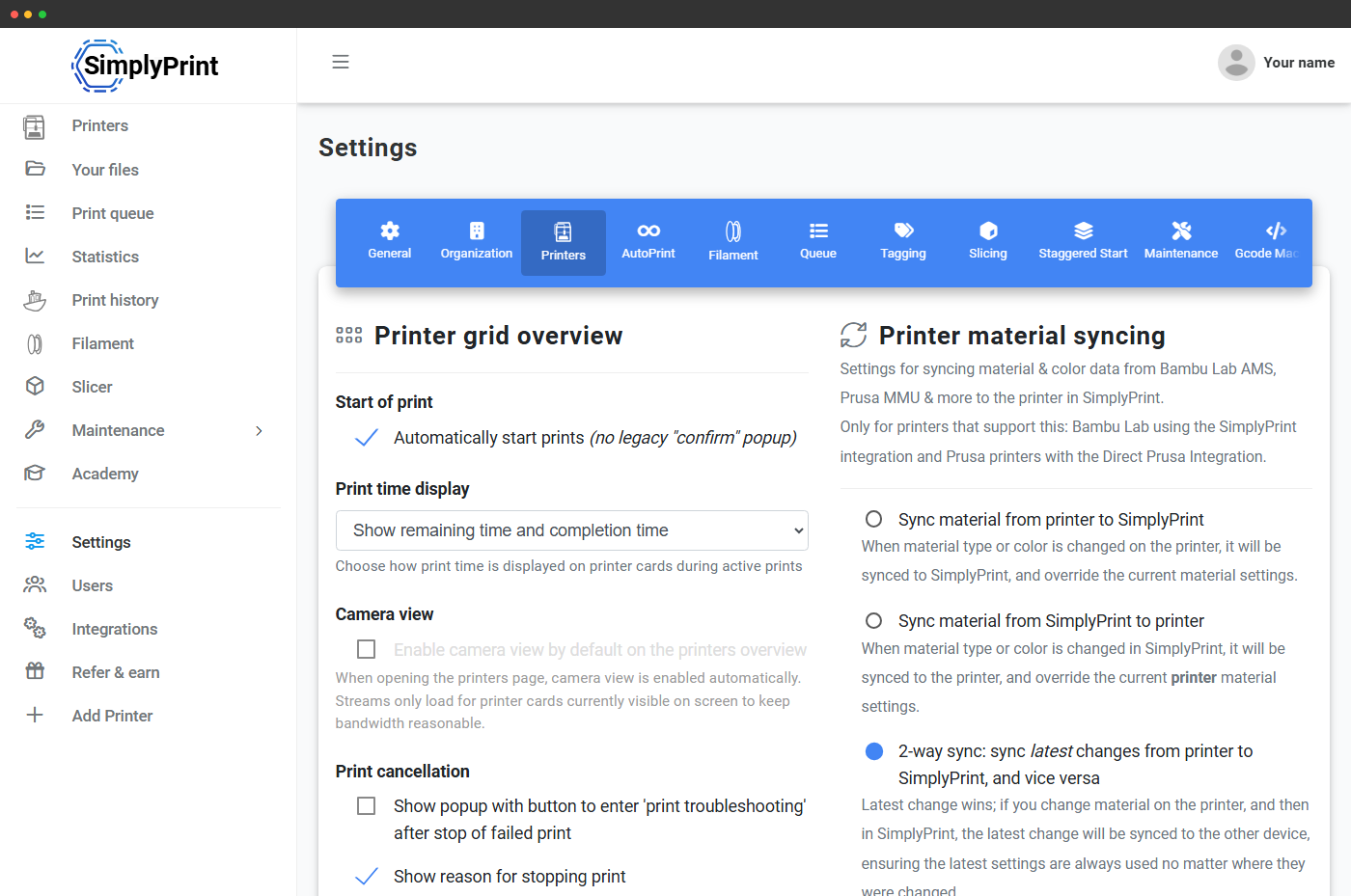
Anycubic ACE Pro (Automated Color Engine) является многоматериальной системой Anycubic с 4 слотами, встроенной сушкой и возможностью соединить до 4 устройств для 16 цветов. Подключите её через SimplyPrint Client, и SimplyPrint будет считывать каждый слот в реальном времени, синхронизировать загруженные материал и цвет каждого слота с панелью и отображать единую непрерывную полосу слотов для каждого сопла во всей цепочке. Полноценная поддержка многоматериальной печати, как для Bambu AMS. Подробнее об интеграции ACE Pro
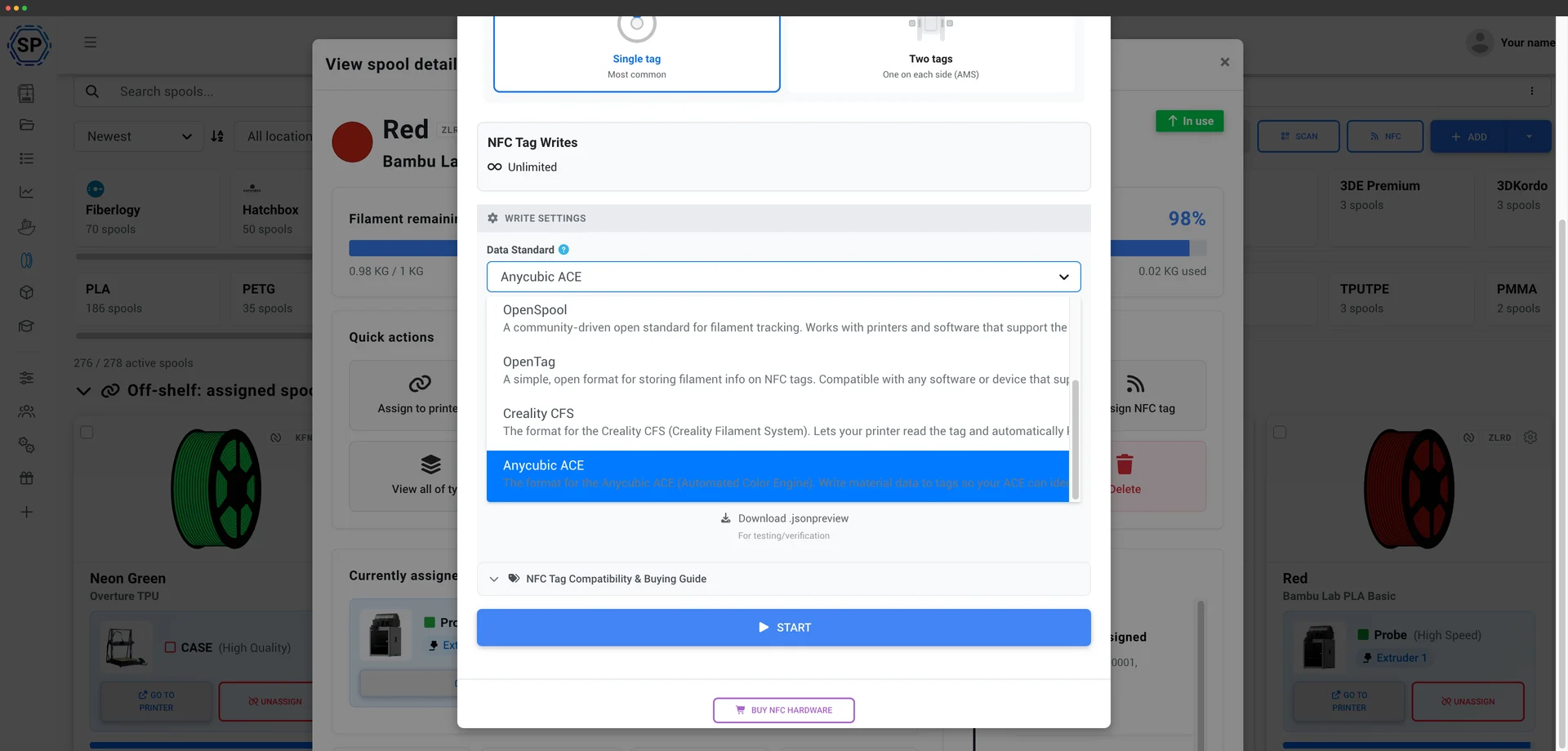
SimplyPrint нативно считывает и записывает NFC-метки ACE, как и для Creality CFS. ACE Pro проверяет поле SKU на каждой метке, а SimplyPrint автоматически создаёт корректное значение, поэтому можно маркировать свои катушки, даже с филаментом не от Anycubic, и ACE будет считывать их и загружать правильный профиль материала вместо ручной настройки каждого слота. Запишите метку прямо из инвентаря филамента через мобильное приложение или USB-ридер. Как работают метки ACE
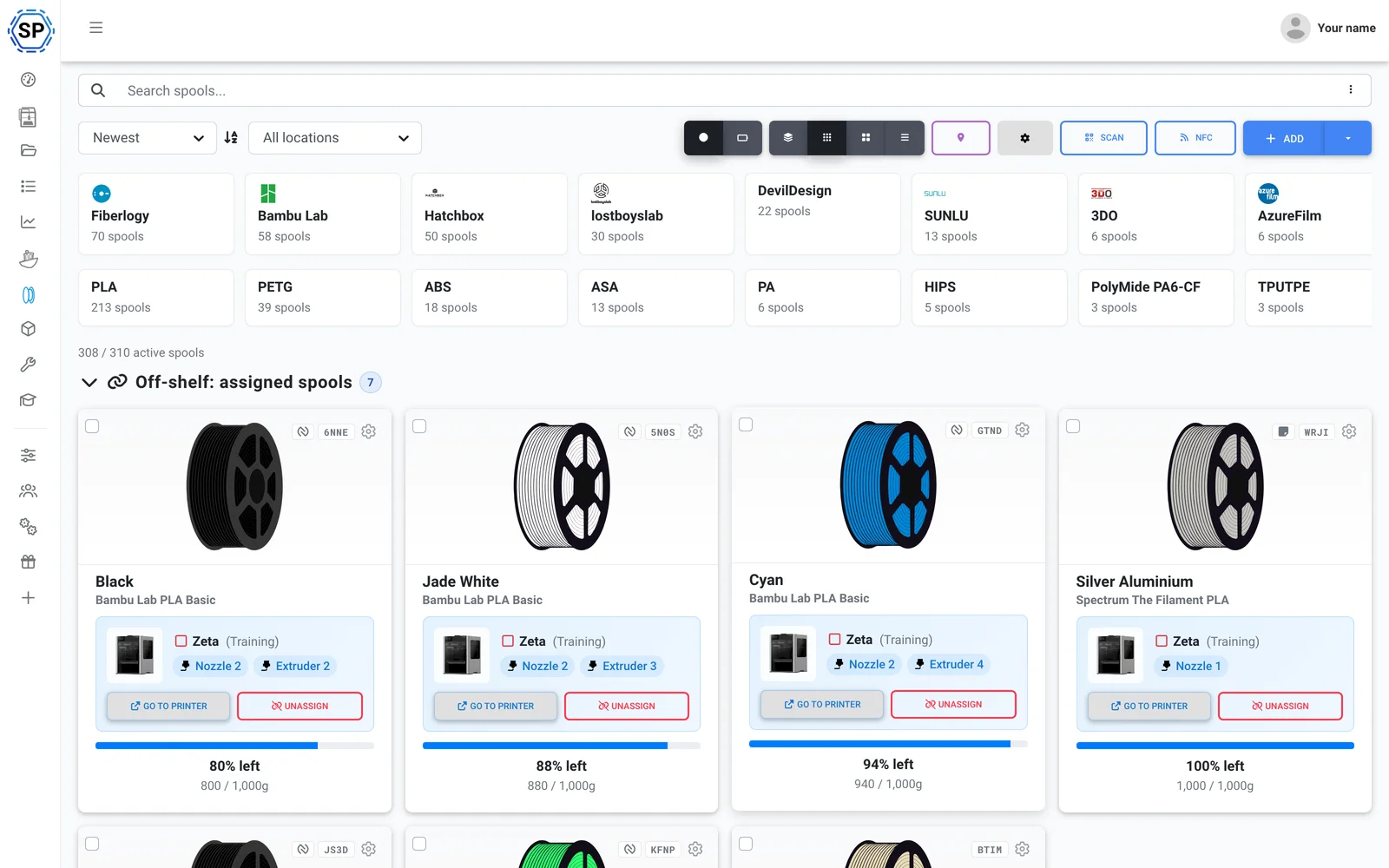
Используйте любой филамент. SimplyPrint отслеживает расход непосредственно по G-code, вычитая из загруженной катушки ровно столько, сколько использовано в каждой печати, даже когда ACE меняет цвета во время печати, поэтому запасы остаются точными по всему парку, с меткой или без. Посмотреть управление филаментом
Также: многоцветный слайсинг для ACE в браузере, движки OrcaSlicer, BambuStudio и PrusaSlicer, техобслуживание и отслеживание использования для каждого принтера, массовые действия для всего парка и вся ферма на одном экране. Сопоставление слотов ACE отправляется при запуске печати при подключении через SimplyPrint Client, посмотрите текущую поддержку.
Готово к работе за полдня
SimplyPrint быстро устанавливается на всей ферме, покупать новое оборудование не нужно. Добавьте принтеры, и в тот же день весь парк появится на одной панели.
Создано для Anycubic: поддерживаются все модели FDM, от Kobra 3 до Kobra S1 и Kobra S1 Max. Смешанный парк? 150+ брендов работают рядом.
Создать аккаунт
Подключите принтеры
Клиент SimplyPrint, Klipper/Moonraker (Rinkhals) или OctoPrint
Заполните очередь

Печать на полной мощности
Ферма только из Anycubic? Всё предусмотрено, с запасом для роста
Anycubic является одним из самых популярных брендов принтеров в SimplyPrint: подключено 2,400+ принтеров. SimplyPrint поддерживает его нативно, включая ACE Pro. Но платформа не ограничена Anycubic: позднее можно добавить Bambu, Prusa или Creality, и они также появятся в той же панели: 150+ брендов работают рядом, в одной очереди и на одном экране. Посмотреть полную платформу для ферм печати.
Серии Kobra 3 и Kobra S1 подключаются через клиент SimplyPrint, предоставляя веб-камеру, основные элементы управления и запуск печати без перепрошивки принтера, либо через Klipper/Moonraker с прошивкой сообщества Rinkhals для полного управления Klipper. Старые принтеры Anycubic подключаются через OctoPrint или прямую установку. Никакого проприетарного шлюза и привязки к поставщику.
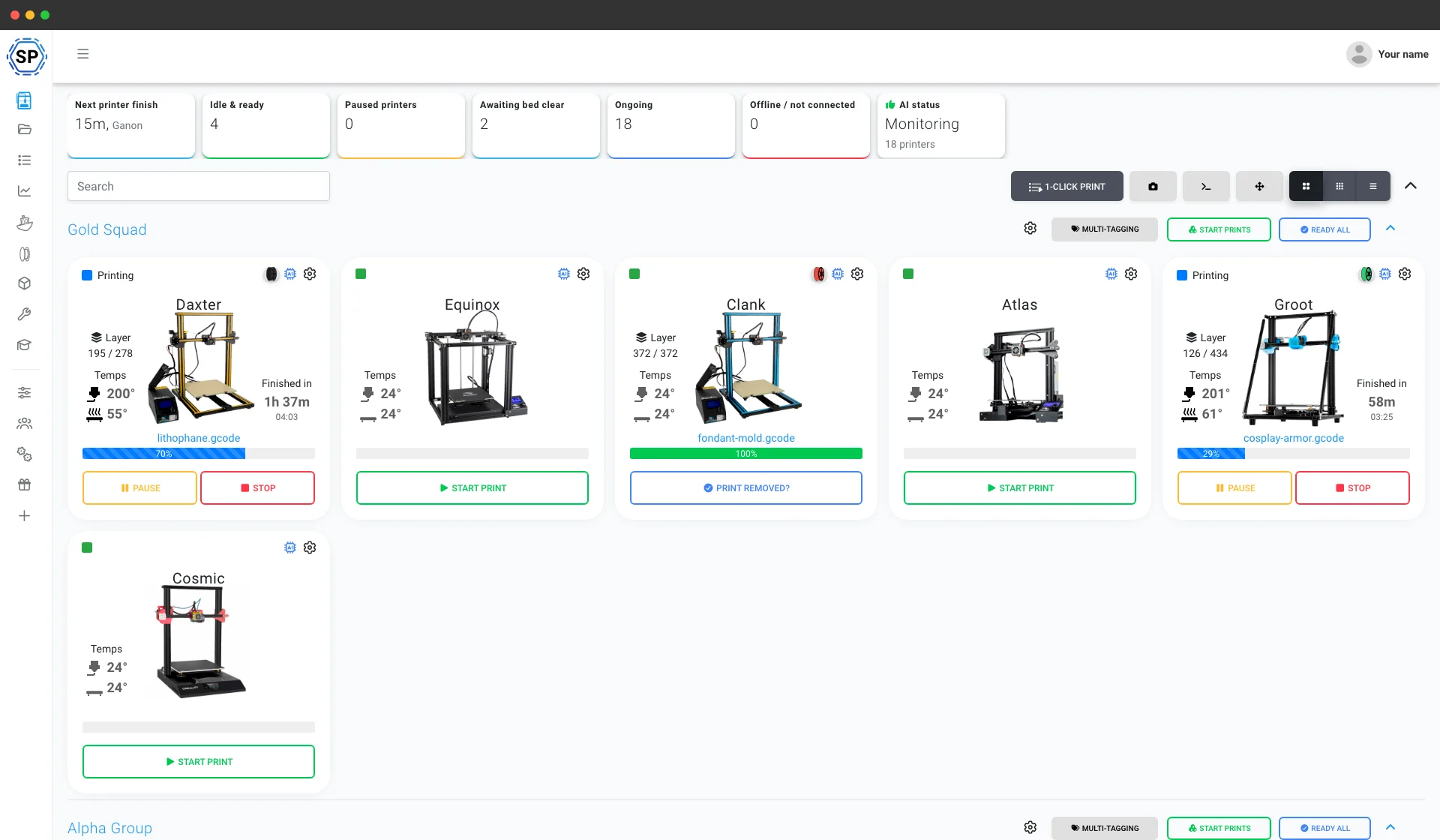
Всё остальное для работы фермы Anycubic
Техобслуживание, автоматизация, филамент, статистика и многое другое: всё доступно, как только понадобится.
Изучить все функции
Массовый запуск в один клик
Запускайте одним кликом все подходящие задания на целой стойке принтеров Anycubic. Без SD-карт и обхода цеха.
Узнать больше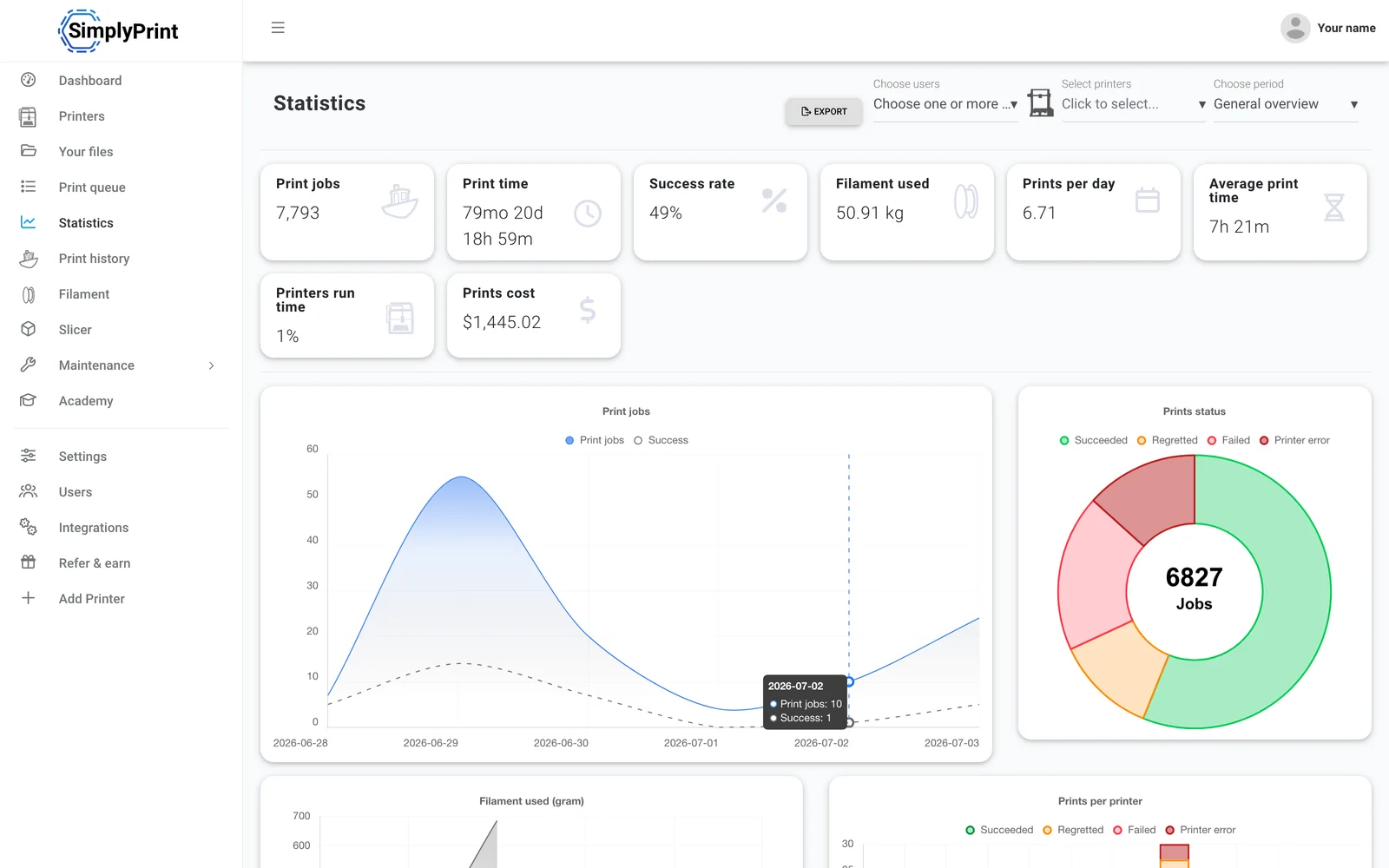
Статистика
Часы печати, доля успешных печатей, расход филамента и затраты, цифры для управления бизнесом.
Узнать больше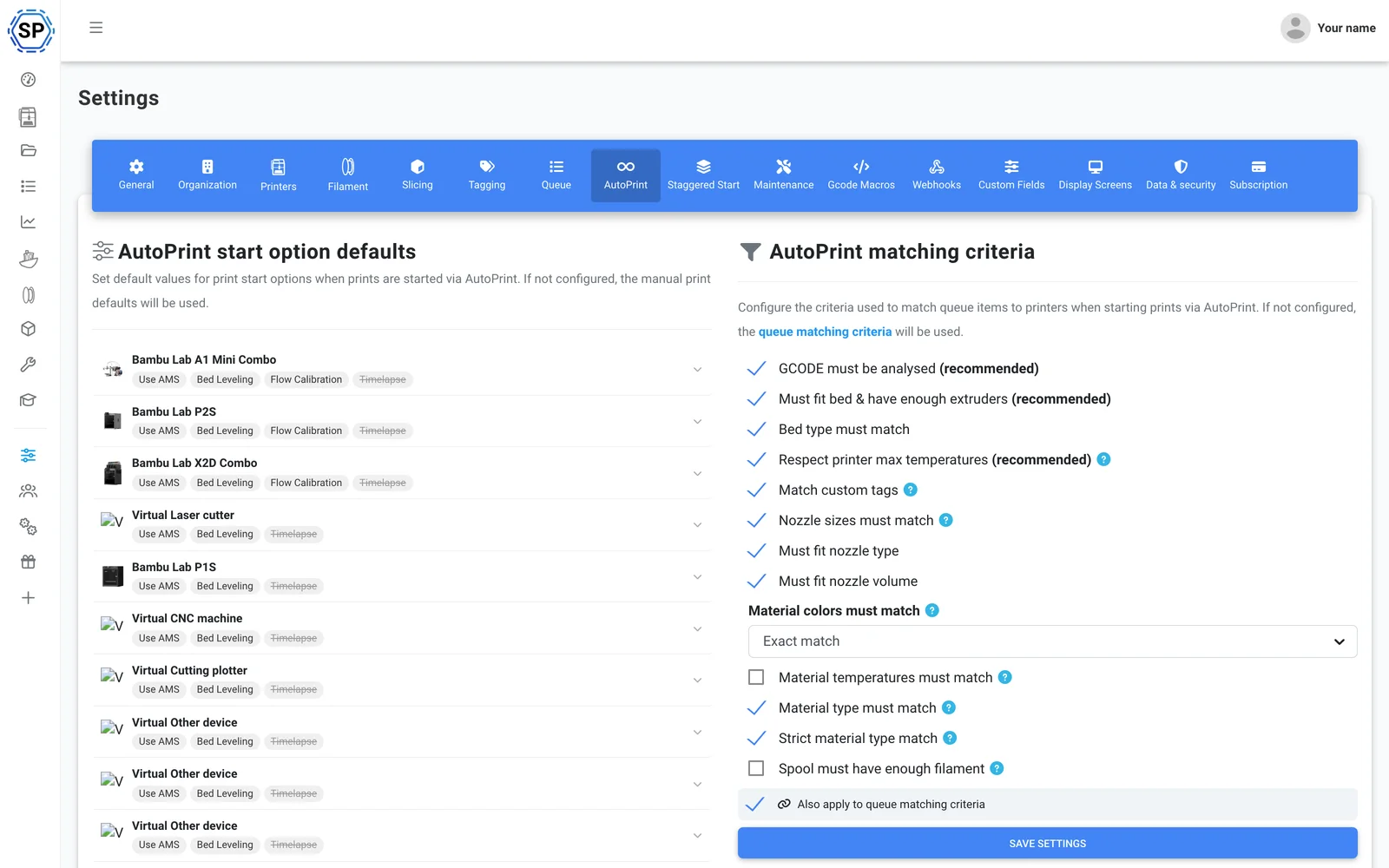
AutoPrint
Непрерывная печать без участия оператора: SimplyPrint очищает стол после каждого завершённого задания и самостоятельно запускает следующее подходящее.
Узнать больше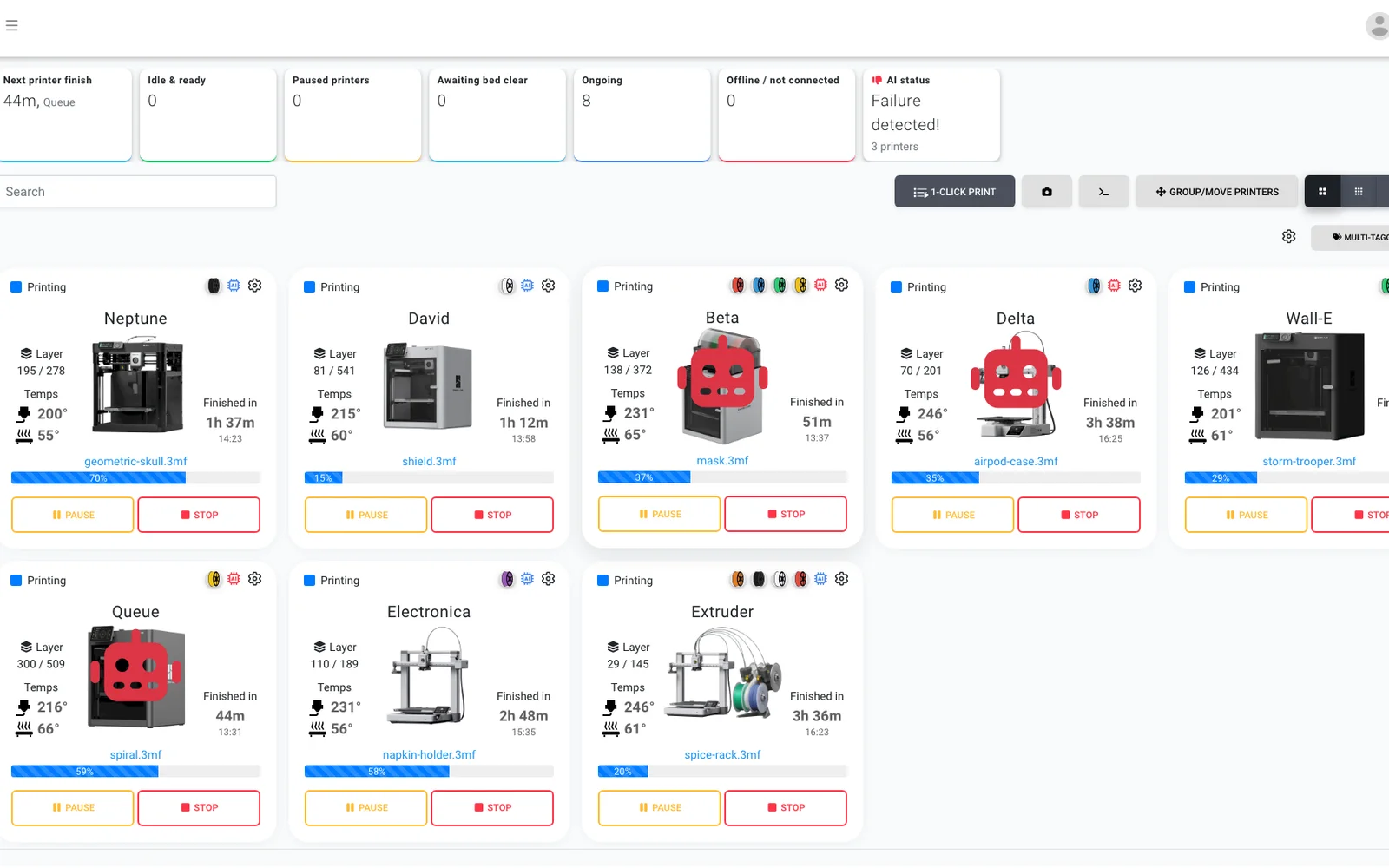
Определение сбоев печати ИИ
Вторая пара глаз для каждой камеры на любом принтере Anycubic: даже Kobra без встроенного ИИ получает обнаружение сбоев, а ИИ перед запуском следующего задания проверяет, что каждый стол свободен.
Узнать больше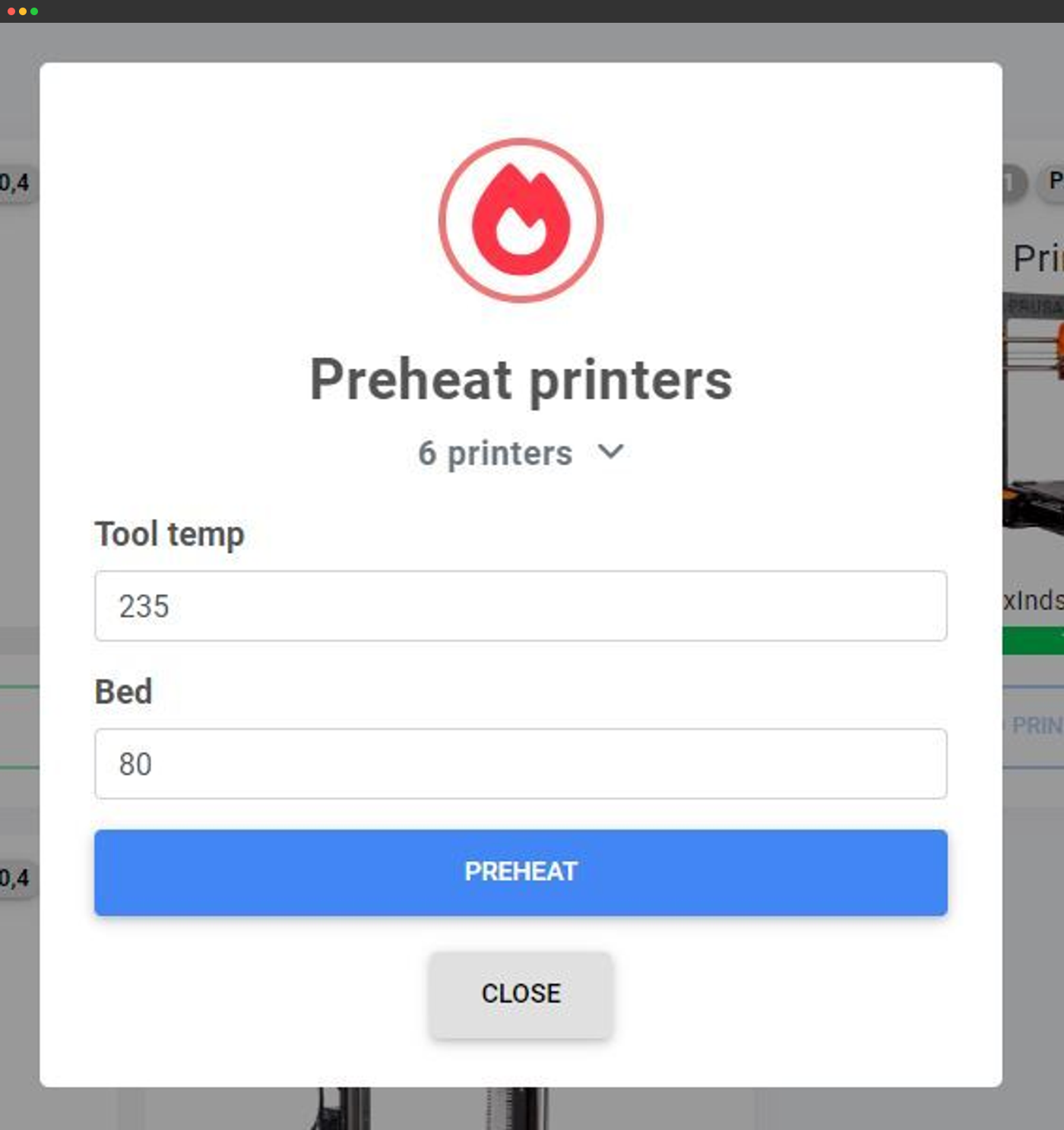
Массовые действия
Предварительно прогревайте, отправляйте G-code или управляйте десятками принтеров одновременно с одного экрана.
Узнать больше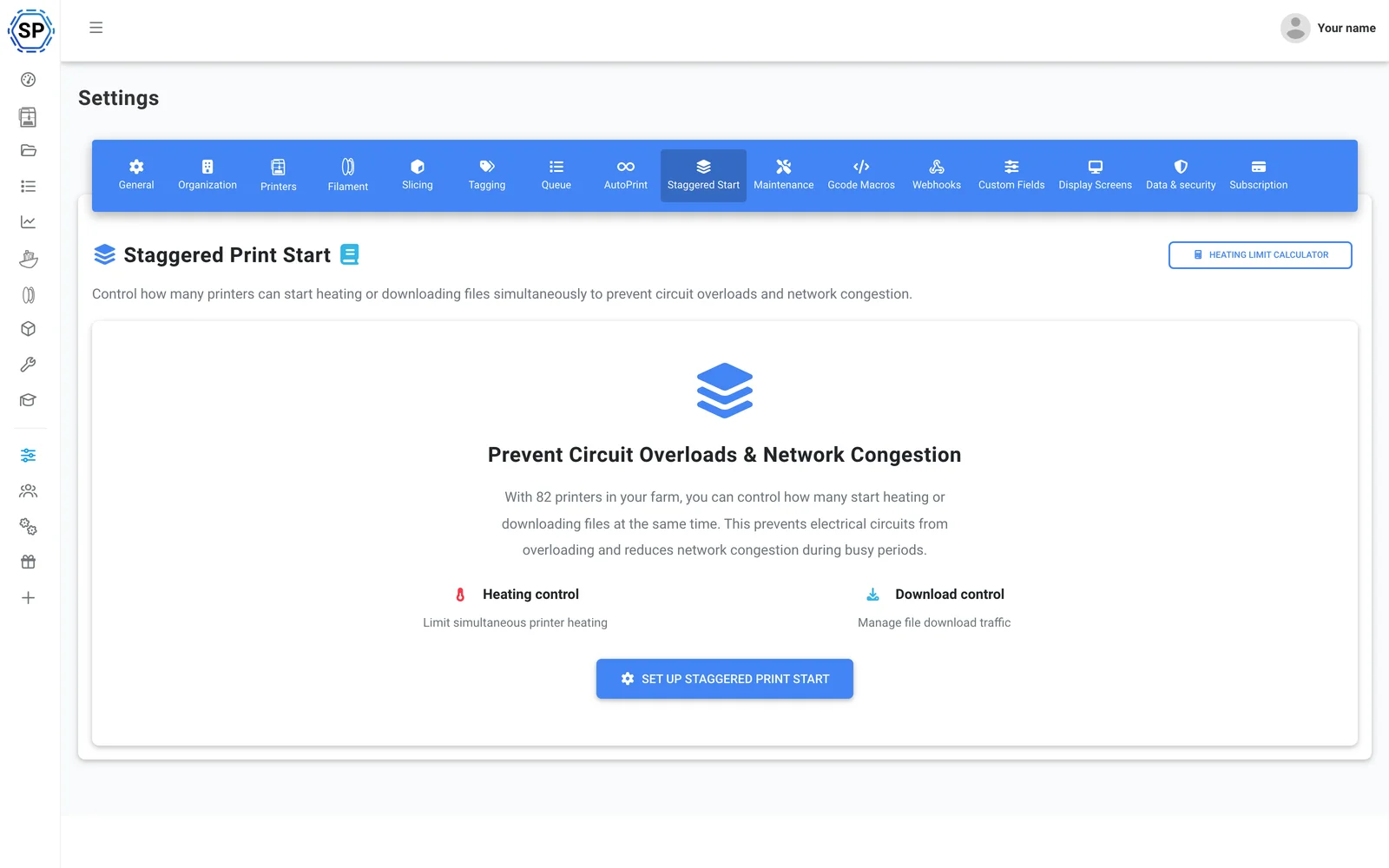
Поочерёдный запуск
Много принтеров на одном электрическом контуре? Ограничьте число принтеров, запускающих предварительный нагрев одновременно, чтобы загруженная стойка не выбила автомат.
Узнать больше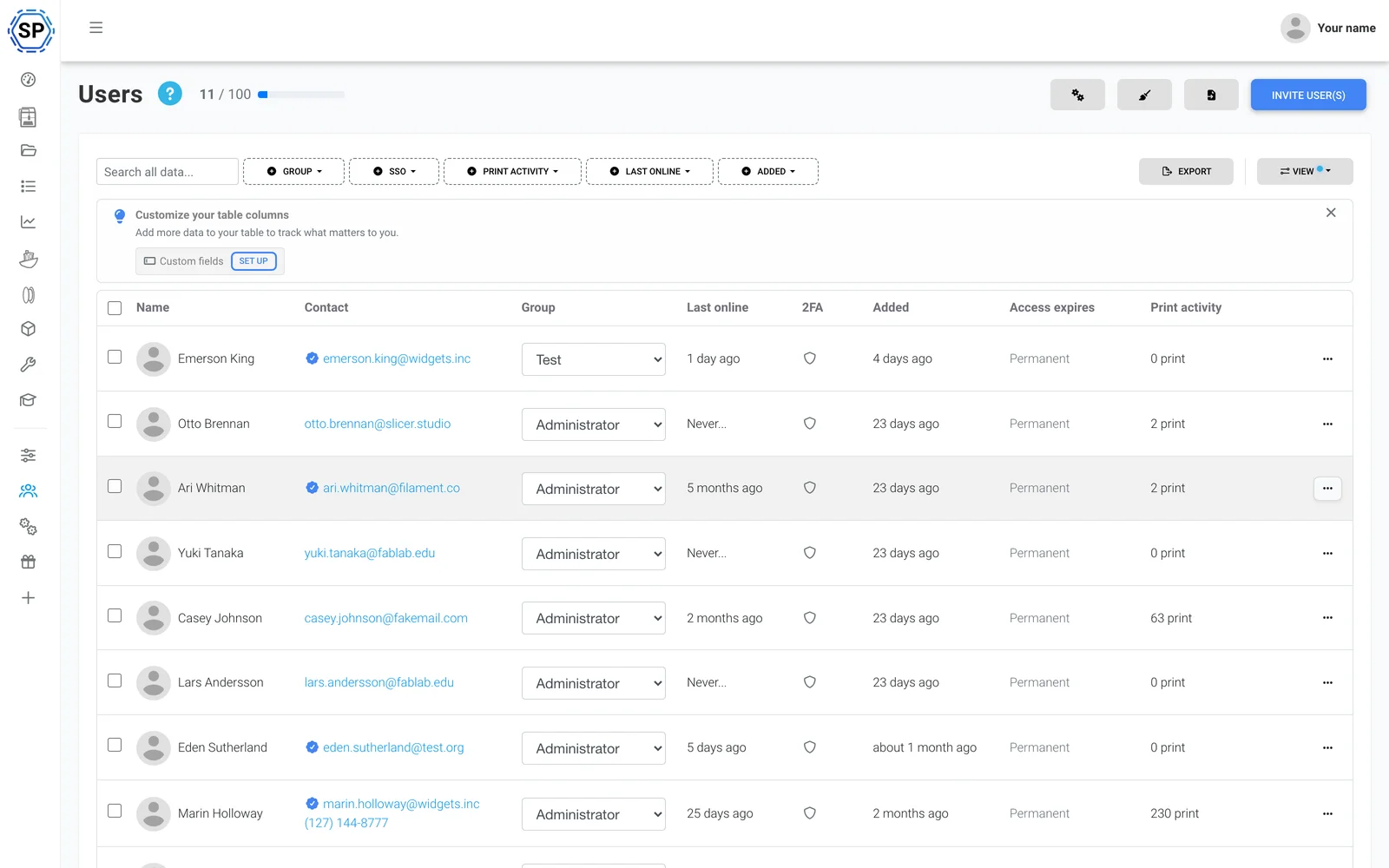
Команда и разрешения
Управляйте фермой вместе с коллегами, с настраиваемыми правами для каждого пользователя и группы.
Узнать больше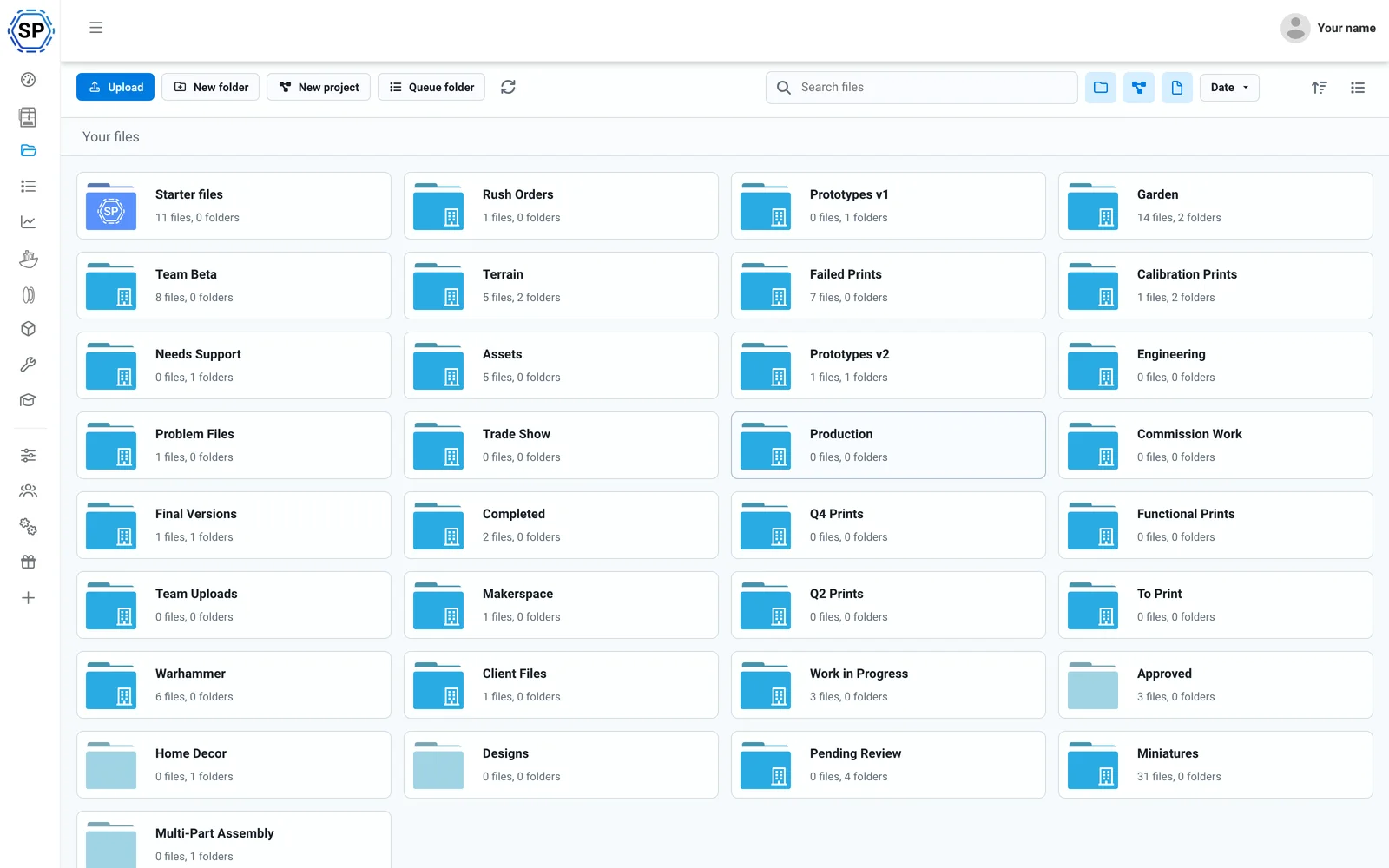
Файлы и история в облаке
Все файлы G-code в общем облаке, со счётчиками печати, общими папками и полным журналом истории.
Узнать больше
Менеджер филамента
Автоматическое отслеживание расхода и учёт запасов с поддержкой ACE, точные даже при использовании катушек сторонних производителей.
Узнать больше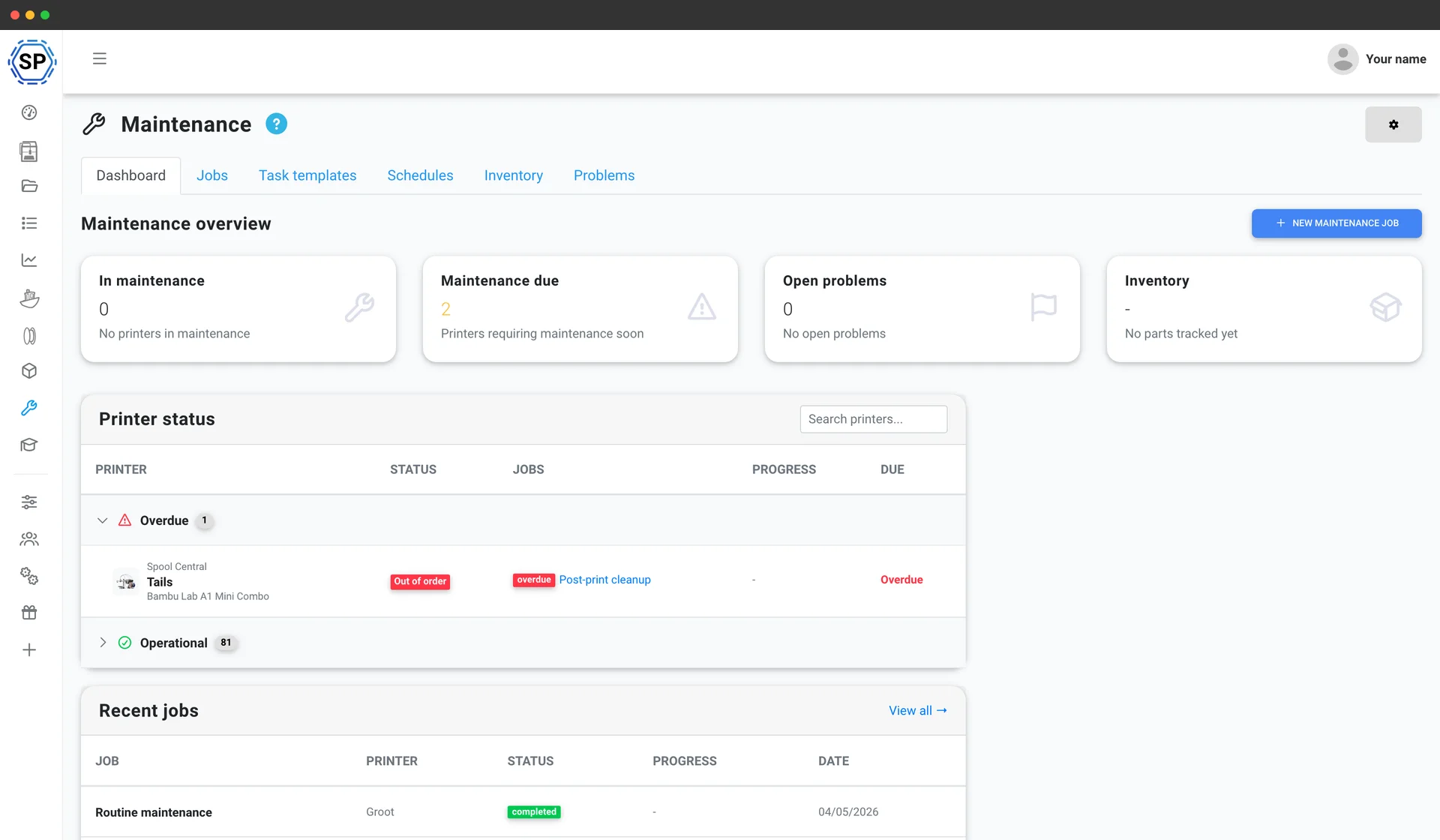
Обслуживание принтера
Графики техобслуживания по фактическому использованию, склад запчастей и обзор состояния каждой машины, чтобы парк принтеров никогда не останавливался.
Узнать больше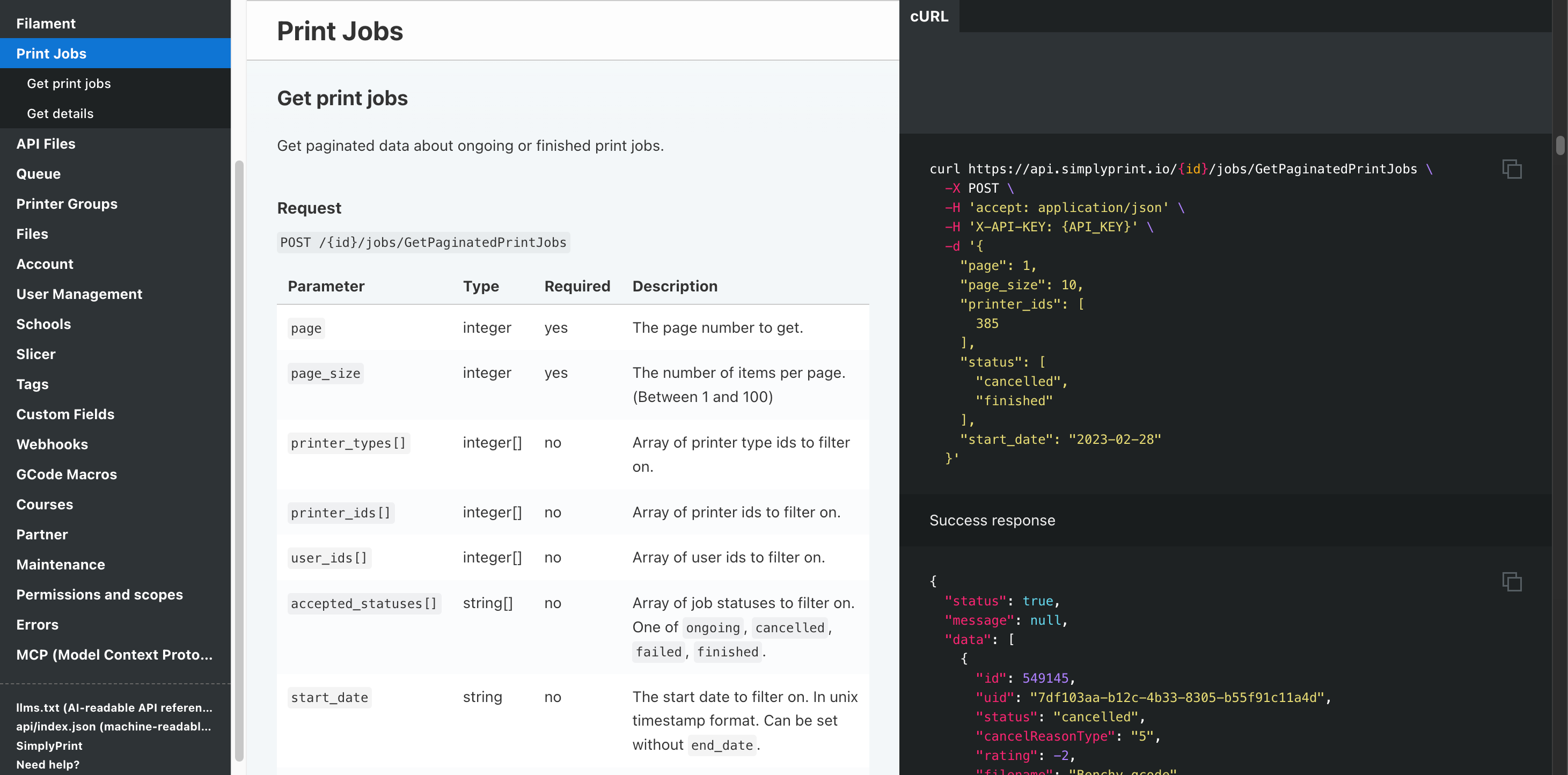
Автоматизация и API
Отправляйте заказы из витрины в очередь через REST API, получайте вебхук по завершении каждого задания и поручайте рутину Zapier, n8n или AI-помощнику.
Узнать большеПоддерживаются все FDM-принтеры Anycubic
Линейка FDM-принтеров Anycubic: серии Kobra 3 и Kobra S1, модели Kobra Max и Neo, а также классические линейки Mega и i3. Выберите модель, чтобы просмотреть сведения о совместимости и руководство по настройке.
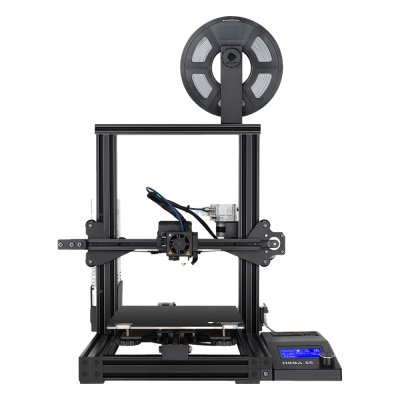
Mega SE
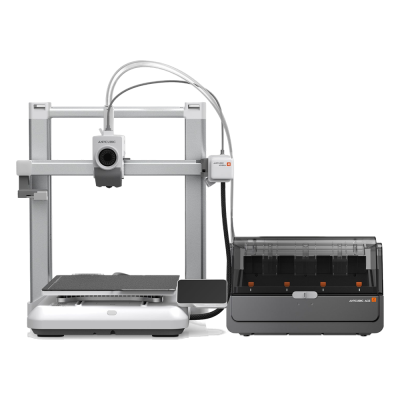
Kobra 4 Combo
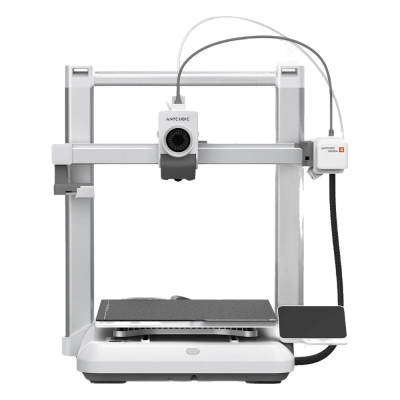
Kobra 4

Kobra 3 Max V2 Combo
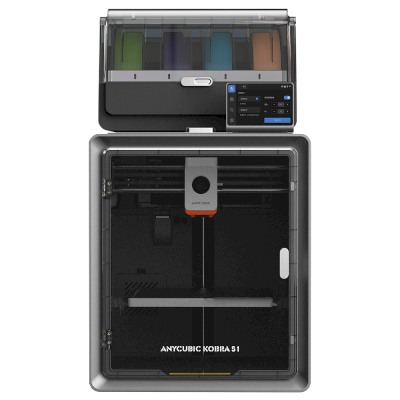
Kobra S1 Combo
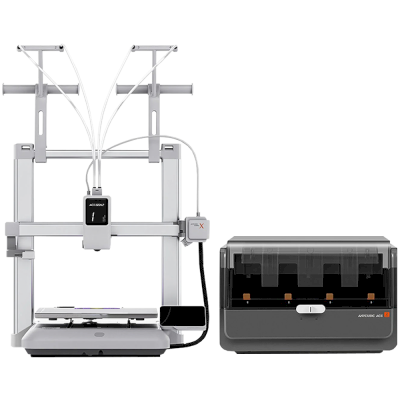
Kobra X Combo
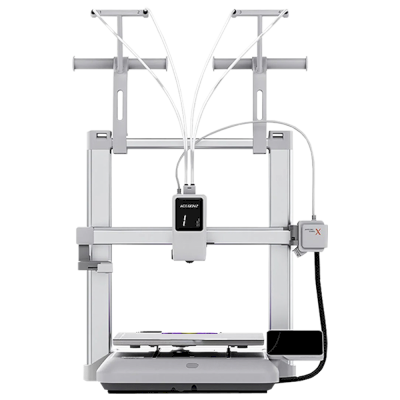
Kobra X
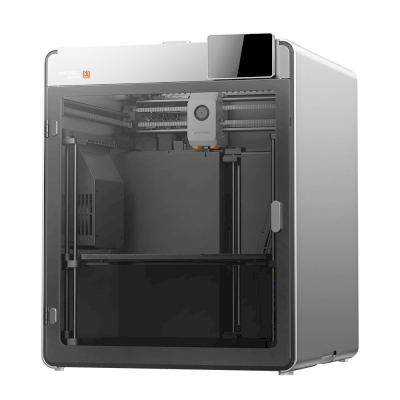
Kobra S1 Max
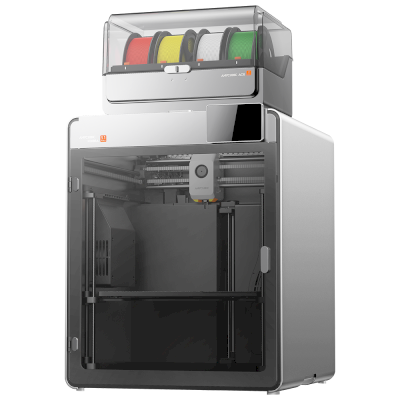
Kobra S1 Max Combo
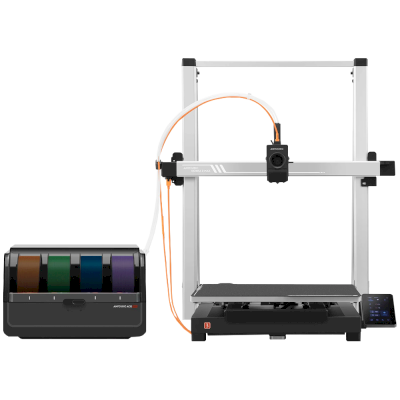
Kobra 3 Max Combo
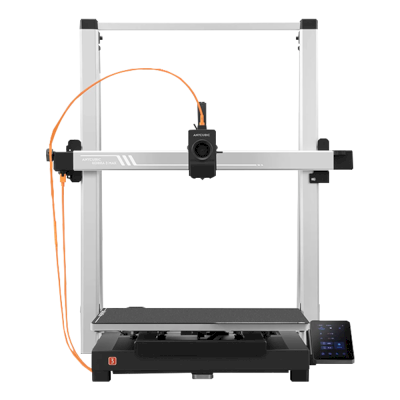
Kobra 3 Max
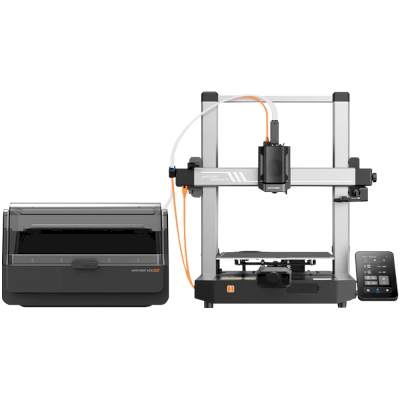
Kobra 3 V2 Combo
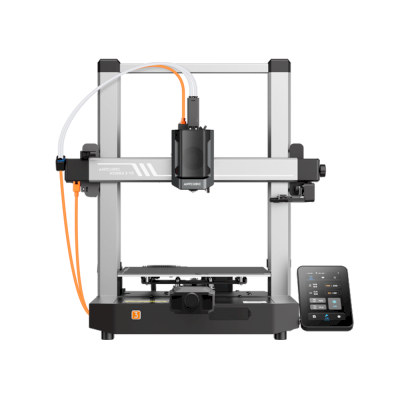
Kobra 3 V2
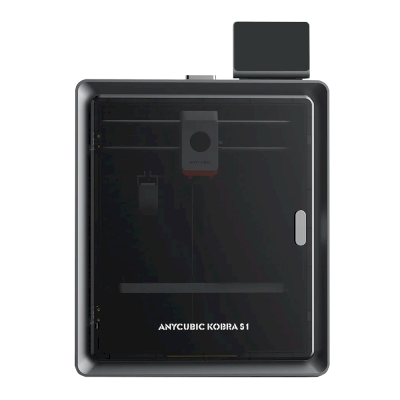
Kobra S1
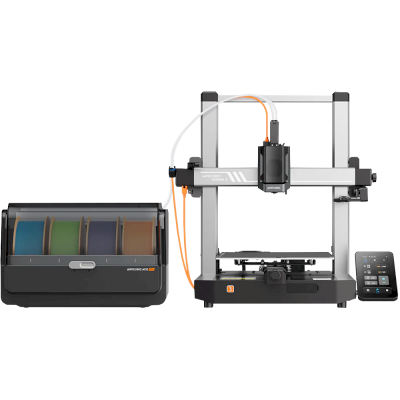
Kobra 3 Combo
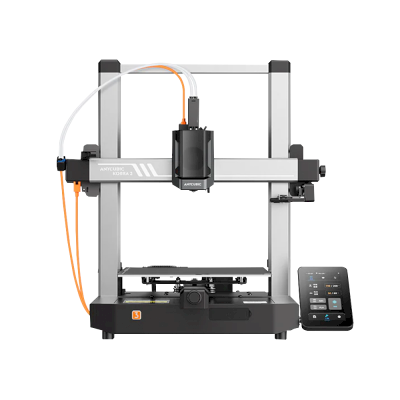
Kobra 3
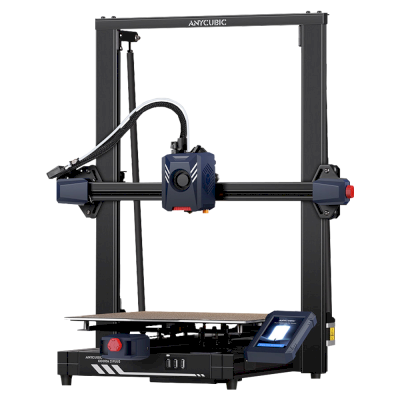
Kobra 2 Plus
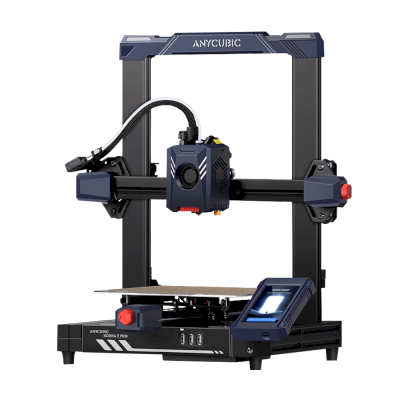
Kobra 2 Pro
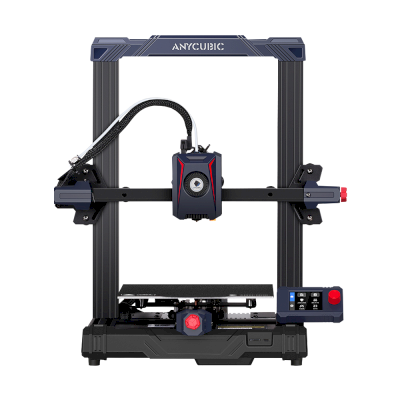
Kobra 2 Neo
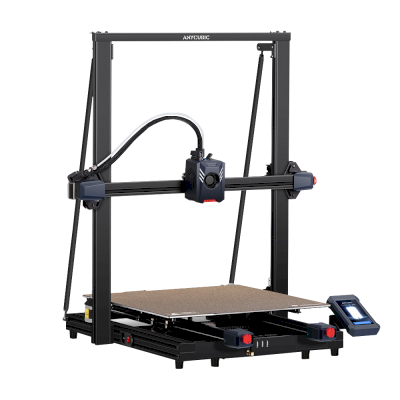
Kobra 2 Max
/product_photo_md.png?cacheid=652d2d24a731c)
Kossel (Pulley)
/product_photo_md.png?cacheid=652d18d120e93)
Kossel (Linear Plus)
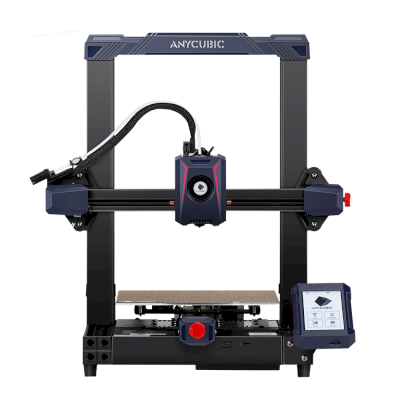
Kobra 2
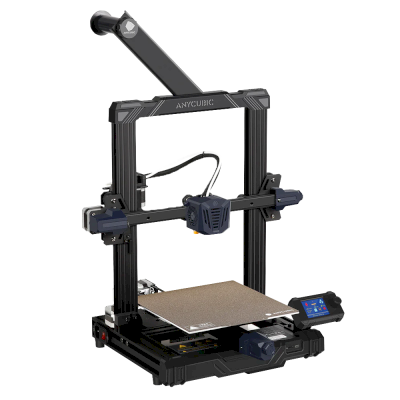
Kobra Go
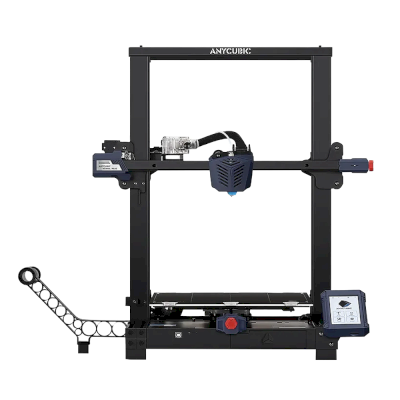
Kobra Plus
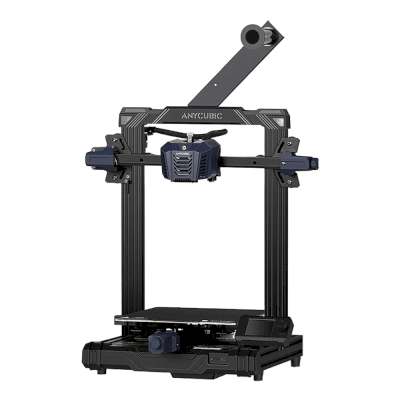
Kobra Neo
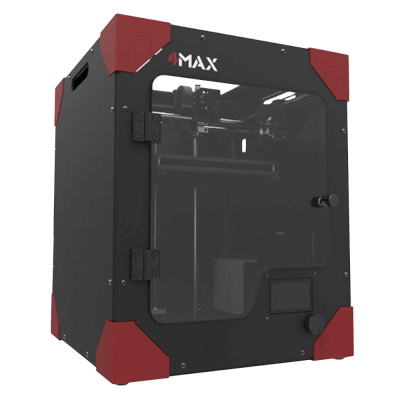
4Max
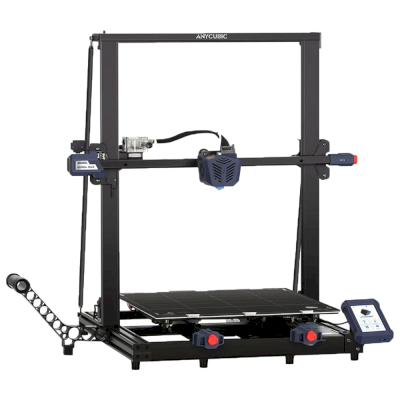
Kobra Max
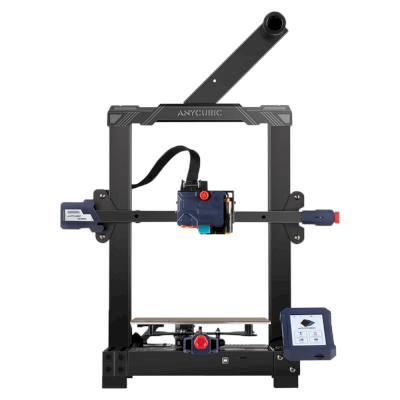
Kobra
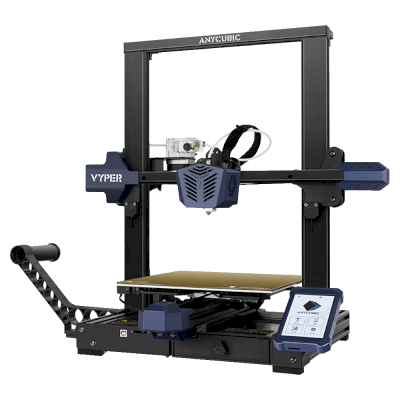
Vyper
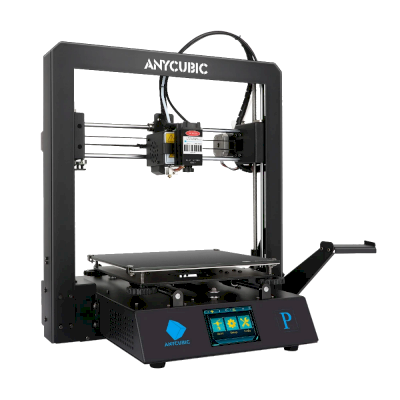
Mega Pro
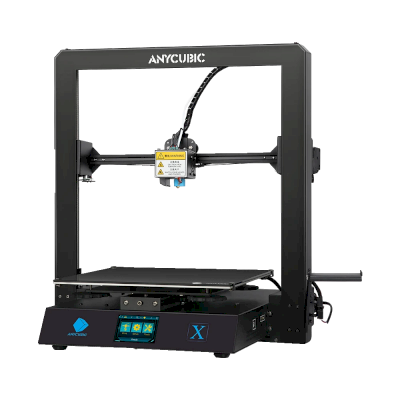
Mega X
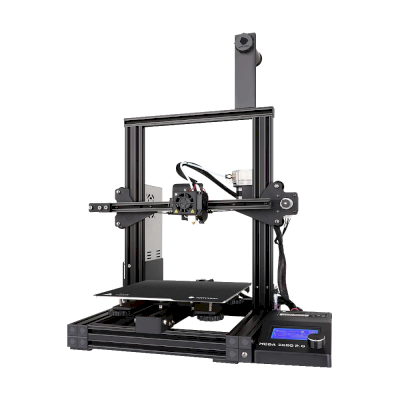
Mega Zero 2.0
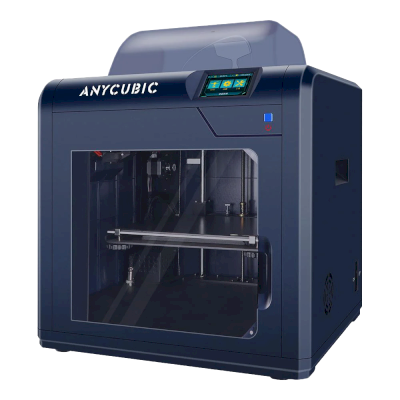
4Max Pro
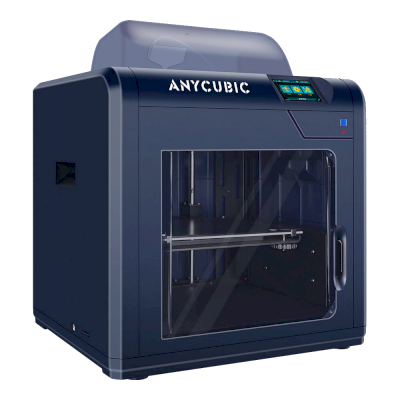
4Max Pro 2.0
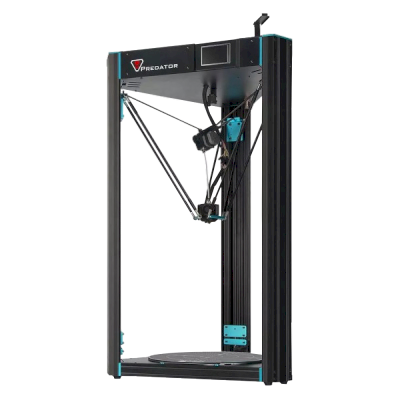
Predator
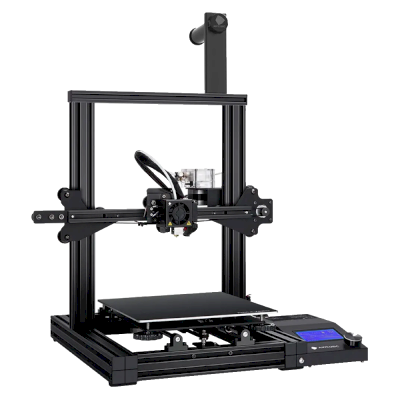
Mega Zero
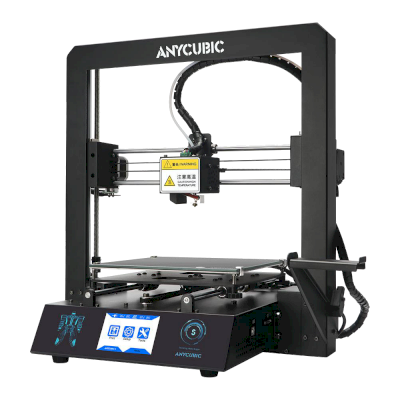
i3 Mega S
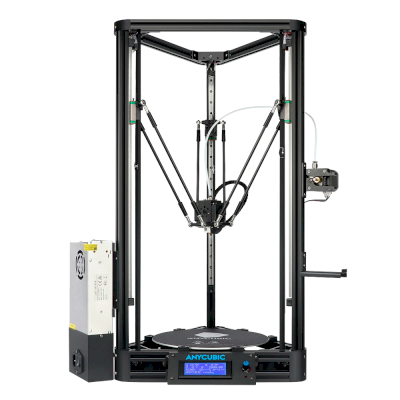
Kossel
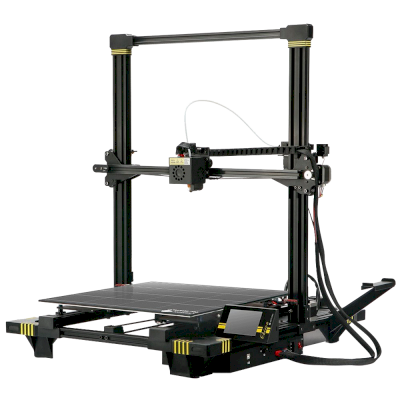
Chiron
i3 Mega
Используете не только Anycubic? SimplyPrint позволяет более чем 150 брендам и более чем 770 моделям принтеров работать бок о бок. Просмотрите полный список совместимости или познакомьтесь с платформой для фермы печати.
Дизайны ваших клиентов остаются конфиденциальными
Файлы в вашем облаке видны только вашей команде и никогда не публикуются в интернете. SimplyPrint соответствует GDPR, размещается в ЕС и работает на инфраструктуре с сертификатами SOC 2 и ISO 27001, обеспечивая доступность 99,9%+.


Сертификаты и стандарты SimplyPrint и его хостинговой инфраструктуры.
Подробности о безопасности и соответствии требованиямОбновления о ходе печати
Управляйте фермой со смартфона. Получайте уведомления о завершении, паузе и окончании филамента, смотрите камеру любого принтера и останавливайте задания из любой точки.


SimplyPrint ⚫ Сейчас
Печать начата на принтере 1
Расчётное время печати: 3 дн. 4 ч
SimplyPrint ⚫ Сейчас
Сбой на принтере 2!
Хотите приостановить или отменить?

Не верьте нам на слово
Смешанный парк или другой бренд? Полная платформа для фермы печати · Bambu Lab · Prusa · Creality · ELEGOO · Flashforge
SimplyPrint поддерживает Anycubic вместе с более чем 150 брендами и более чем 770 моделями принтеров: одна очередь, один экран. Проверьте свои принтеры.