
ChatGPT
Керуйте парком принтерів із ChatGPT, запитуйте асистента OpenAI про принтери, чергу та завдання простою англійською мовою
Відкрити ChatGPT Прочитати повну інструкцію з налаштування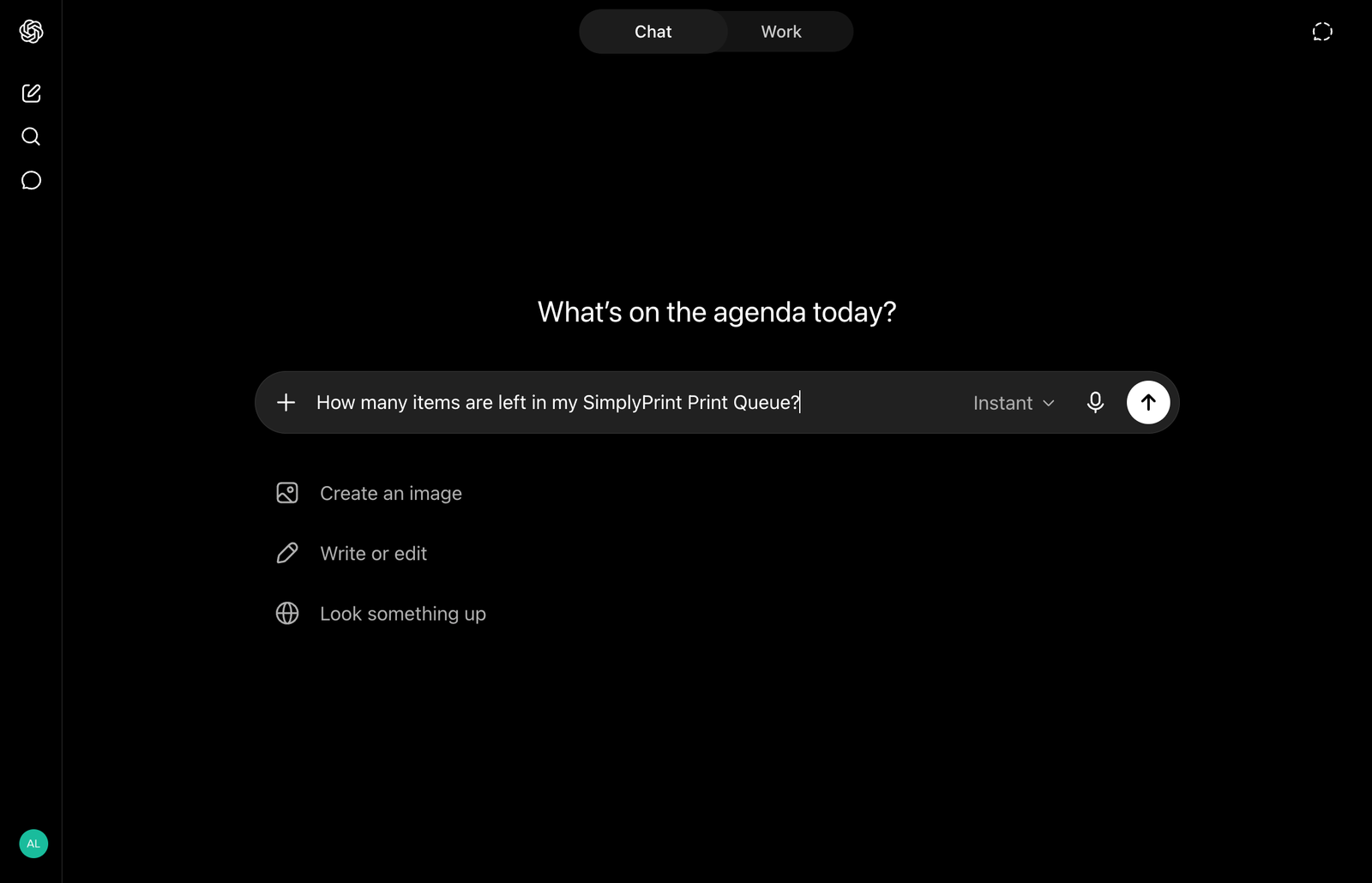
Керуйте парком принтерів із ChatGPT, запитуйте асистента OpenAI про принтери, чергу та завдання простою англійською мовою
Відкрити ChatGPT Прочитати повну інструкцію з налаштування
SimplyPrint не схвалено OpenAI і не пов'язано з ним. Ми використовуємо торговельні марки та зображення лише для позначення сумісності з нашою платформою. Використання обладнання OpenAI з SimplyPrint може не відповідати призначенню, задуманому OpenAI. Усі права належать відповідним власникам.
З інтеграцією SimplyPrint + ChatGPT ви можете запитувати ChatGPT про свій парк принтерів і доручати йому дії. Перевіряйте, які принтери зайняті, додавайте завдання до черги, змінюйте філамент, діагностуйте збій або отримуйте показник успішності за цей тиждень, усе звичайною мовою у вебверсії ChatGPT.
Інтеграція працює на основі MCP-сервера SimplyPrint. MCP (Model Context Protocol) це відкритий стандарт, що дає AI-помічникам змогу взаємодіяти із зовнішніми інструментами, а ChatGPT у режимі розробника може підключатися до загальнодоступного віддаленого MCP-сервера.
SimplyPrint як назву та https://simplyprint.io/api/mcp як URL-адресу MCP-сервера.Після підключення ChatGPT може виконувати дії SimplyPrint, дозволені схваленими вами правами: переглядати й керувати принтерами, керувати чергою, переглядати файли, налаштовувати котушки філаменту, отримувати статистику та історію. Ви можете залишити підключення лише для читання або надати доступ на запис за категоріями.
Повне покрокове налаштування та довідник усіх дозволів наведено в статті про налаштування AI-помічника. Для інших AI-помічників із підтримкою MCP дивіться загальну інтеграцію MCP.
Увімкніть режим розробника
У ChatGPT відкрийте Налаштування -> Безпека та вхід і ввімкніть Режим розробника. Доступність залежить від вашого облікового запису та політики робочого простору.
Створіть програму в режимі розробника
Відкрийте каталог Плагіни, натисніть кнопку з плюсом і введіть назву SimplyPrint та URL-адресу MCP-сервера https://simplyprint.io/api/mcp.
Схвалити доступ
ChatGPT відкриває вкладку браузера для OAuth. Увійдіть до SimplyPrint і схваліть потрібні області доступу. Без ключів API, доступ можна відкликати будь-коли.
Почати чат
Відкрийте розмову й виберіть програму SimplyPrint у розділі Режим розробника в меню інструментів, перш ніж запитувати про принтери, чергу або файли.
Так. Підключений до SimplyPrint, ChatGPT може перевіряти стан принтерів, додавати завдання в чергу, керувати філаментом, переглядати файли й отримувати статистику для будь-якого принтера, який підтримує SimplyPrint, 140+ брендів і 600+ моделей. Дії з внесенням змін доступні лише після схвалення відповідних областей доступу.
Прямі MCP-підключення використовують режим розробника ChatGPT, доступність якого залежить від вашого облікового запису та політики робочого простору. Для самого облікового запису SimplyPrint не потрібен спеціальний тарифний план для MCP.
Через сервер SimplyPrint MCP за адресою https://simplyprint.io/api/mcp доступні інструменти для принтерів, черги, файлів, філаменту та статистики. MCP (Model Context Protocol) це відкритий стандарт, який використовують віддалені з'єднувачі.
Контроль залишається за вами. Підключення використовує OAuth2 з окремими токенами користувачів і обмеженими дозволами. Надайте доступ лише для читання або повне керування та будь-коли відкликайте його в обліковому записі SimplyPrint. Ключі API не потрібно вставляти в чат.
Режим розробника дає змогу створити програму за загальнодоступною кінцевою точкою SimplyPrint MCP до її появи в загальнодоступному каталозі плагінів ChatGPT.
Claude (claude.ai, Claude Desktop і плагін Claude Code) та розширення Google Gemini CLI мають окремі інтеграції, а будь-який клієнт із підтримкою MCP, як-от Cursor або Windsurf, працює через загальну інтеграцію MCP.
Інтеграція з SimplyPrint дає змогу застосункам взаємодіяти з вашими 3D-принтерами, а вашим 3D-принтерам взаємодіяти з іншими застосунками. Це відкриває безмежні можливості, і ми твердо переконані, що ваш 3D-принтер має працювати як пристрій IOT, взаємодіючи з будь-якими застосунками, які ви можете уявити!
Саме тому команда SimplyPrint працює над офіційними інтеграціями з найпопулярнішими платформами, слайсерами та програмами, водночас дозволяючи користувачам створювати власні інтеграції за допомогою нашого API, а схваленим стороннім постачальникам створювати інтеграції для всіх користувачів SimplyPrint за допомогою методу "Увійти через SimplyPrint" (за допомогою методу "OAuth2").
Якщо ви займаєтеся розробкою і зацікавлені у створенні інтеграції для SimplyPrint, ознайомтеся з нашою документацією на цю тему.
Якщо ви не розробник самі, але хотіли б бачити інтеграцію для певного застосунку, перевірте, чи є вона вже в нашому плані розвитку або списку пропозицій, а якщо ні, можете запропонувати її!