
À propos de cette intégration
SimplyPrint n’est pas approuvé par Anthropic et n’y est pas affilié. Nous utilisons les marques et les images uniquement pour indiquer la compatibilité avec notre plateforme. L’utilisation de matériel Anthropic avec SimplyPrint peut ne pas correspondre à l’usage prévu par Anthropic. Tous les droits appartiennent à leurs propriétaires respectifs.
Gérez votre ferme d’impression depuis Claude, connectez SimplyPrint à claude.ai, Claude Desktop et Claude Code
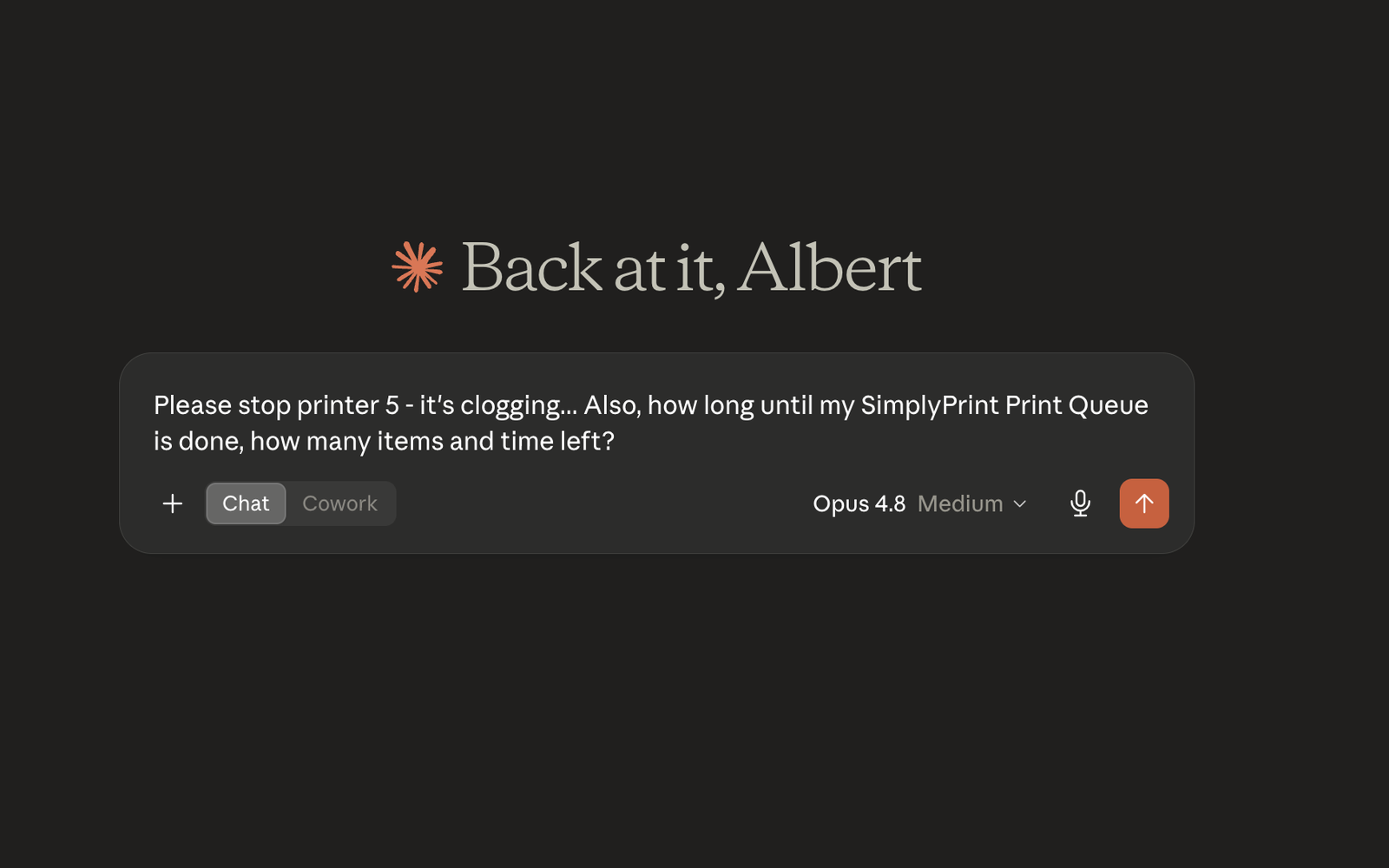
Avec l’intégration SimplyPrint + Claude, Claude d’Anthropic peut consulter et contrôler directement votre compte SimplyPrint. Demandez-lui en langage naturel de vérifier quelles imprimantes sont occupées, de mettre la ferme en pause pour changer le filament, d’ajouter un travail à la file, de diagnostiquer un échec ou de résumer le taux de réussite de la semaine. Claude pilote alors SimplyPrint pour vous.
L’intégration repose sur le serveur MCP SimplyPrint. MCP (Model Context Protocol) est la norme ouverte d’Anthropic permettant d’intégrer des outils aux assistants IA. Le même connecteur fonctionne donc sur chaque interface Claude.
Où utiliser Claude
- claude.ai : l’application web d’Anthropic. Ajoutez SimplyPrint comme connecteur personnalisé.
- Claude Desktop : l’application de bureau pour Mac et Windows, avec le même écran Connectors que sur le web.
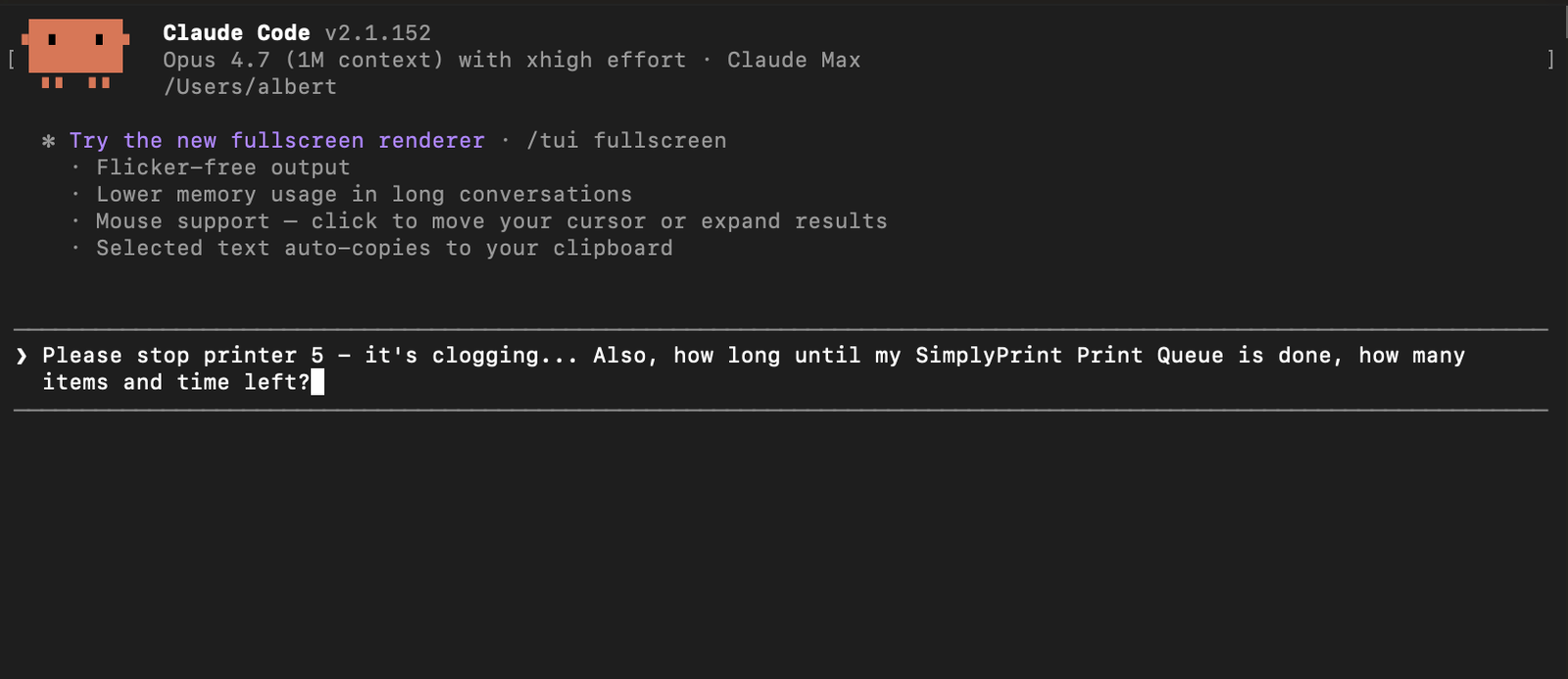
- Claude Code : l’assistant de programmation d’Anthropic pour terminal et IDE. Installez le plugin SimplyPrint officiel depuis la place de marché.
Installer dans Claude Code
Depuis une session Claude Code :
/plugin marketplace add simplyprint/simplyprint-claude-plugin/plugin install simplyprint@simplyprint
Lors du premier appel à un outil SimplyPrint, Claude Code ouvre un navigateur pour OAuth, avec le même écran de consentement que sur le web. Les jetons sont mis en cache localement : une seule autorisation suffit.
Ce que Claude peut faire
Une fois connecté, Claude peut appeler toutes les actions SimplyPrint autorisées : répertorier et contrôler les imprimantes, gérer la file, examiner les fichiers, ajuster les bobines de filament et récupérer les statistiques et l’historique. Il demande confirmation avant une action destructrice, comme l’annulation d’une impression.
Les captures d’écran détaillées et la liste complète des autorisations figurent dans l’article d’aide sur Claude. Pour les autres assistants compatibles MCP, consultez l’intégration MCP générique.
- Fonctionne sur claude.ai, Claude Desktop et Claude Code
- Plugin SimplyPrint officiel sur la marketplace Claude Code
- Connexion OAuth, aucune clé API à coller, révocable à tout moment
- Périmètres précis : accorder un accès en lecture seule ou un contrôle total par connexion
- Contrôle de la ferme en langage naturel : état, pause, file d’impression, diagnostic, résumé
- Le même connecteur s’adapte d’une imprimante à une ferme de 100 imprimantes
Comment connecter SimplyPrint à Claude
Ouvrir claude.ai ou Claude Desktop
Connectez-vous sur claude.ai ou ouvrez Claude Desktop, tous deux partagent le même écran Connectors.
Ouvrir Connectors
Dans la barre latérale gauche, cliquez sur Personnaliser, puis sur Connecteurs. Les connecteurs personnalisés nécessitent un forfait Claude Pro, Max, Team ou Enterprise.
Ajouter le connecteur personnalisé
Cliquez sur +, choisissez Ajouter un connecteur personnalisé, puis saisissez le nom SimplyPrint et l’URL https://simplyprint.io/api/mcp.
Approuver l’accès
Ouvrez une nouvelle discussion et interrogez Claude sur vos imprimantes. Lorsque Claude demande l’accès, connectez-vous à SimplyPrint et approuvez les autorisations souhaitées. Aucune clé API, accès révocable à tout moment.
Vous êtes connecté
Claude répond désormais avec les données en direct de votre compte SimplyPrint. Vous utilisez plutôt Claude Code ? Installez le plugin officiel avec les deux commandes ci-dessus.
Questions fréquentes
Claude peut-il contrôler mon imprimante 3D ?
Oui. Une fois connecté à SimplyPrint, Claude peut vérifier l’état des imprimantes, mettre des tâches en file d’impression, gérer le filament, examiner les fichiers et obtenir les statistiques de toute imprimante compatible avec SimplyPrint, soit plus de 140 marques et 600 modèles. Il demande confirmation avant toute action destructive, comme l’annulation d’une impression.
Ai-je besoin d’un forfait Claude payant ?
Les connecteurs personnalisés sur claude.ai et Claude Desktop nécessitent un forfait Claude Pro, Max, Team ou Enterprise. Le plugin Claude Code fonctionne avec tous les forfaits Claude.
Comment Claude se connecte-t-il à SimplyPrint ?
Via le serveur MCP SimplyPrint à https://simplyprint.io/api/mcp, avec des outils couvrant les imprimantes, la file d’attente, les fichiers, le filament et les statistiques. MCP (Model Context Protocol) est la norme ouverte créée par Anthropic pour connecter les assistants IA à des outils.
Comment l’utiliser dans Claude Code ?
Installez le plugin officiel : /plugin marketplace add simplyprint/simplyprint-claude-plugin, puis /plugin install simplyprint@simplyprint. Le premier appel d’outil ouvre un navigateur pour la même autorisation OAuth, et les jetons sont mis en cache localement.
Est-il sûr d’autoriser Claude à accéder à mes imprimantes ?
Vous gardez le contrôle. La connexion utilise OAuth2 avec des jetons individuels et des autorisations limitées. Accordez un accès en lecture seule ou un contrôle total, puis révoquez-le à tout moment depuis votre compte SimplyPrint. Aucune clé API n’est collée dans la conversation.
Le même connecteur fonctionne-t-il dans d’autres assistants IA ?
Oui, le même serveur MCP alimente les intégrations ChatGPT et Gemini CLI, ainsi que tout client compatible MCP comme Cursor ou Windsurf via l’intégration MCP générique.
À propos des intégrations SimplyPrint
L’intégration pour SimplyPrint permet aux applications d’interagir avec vos imprimantes 3D, et à vos imprimantes 3D d’interagir avec d’autres applications. Les possibilités sont infinies et nous sommes convaincus que votre imprimante 3D doit pouvoir fonctionner comme un appareil IOT, avec toutes les applications imaginables !
C’est pourquoi l’équipe derrière SimplyPrint s’efforce de fournir des intégrations officielles pour les plateformes, slicers et applications les plus populaires, tout en permettant à nos utilisateurs de créer des intégrations personnalisées avec notre API, ou à des fournisseurs tiers approuvés de créer des intégrations utilisables par tous les utilisateurs de SimplyPrint, via une méthode « Se connecter avec SimplyPrint » (avec la méthode « OAuth2 »).
Si vous êtes développeur et souhaitez créer une intégration pour SimplyPrint, consultez notre documentation à ce sujet.
Si vous n’êtes pas développeur vous-même, mais souhaitez voir une intégration pour une application spécifique, vérifiez si elle figure déjà dans notre feuille de route ou liste de suggestions, et sinon, n’hésitez pas à la suggérer !