

Hey SimplyPrint'ers! 👋
This is a big one. We've just released the new SimplyPrint Client, and it unlocks support for a lot more printers. If you've ever sat on our setup page looking for your printer and found it marked "coming soon", there's a very good chance the wait is over.
Let's get into it.
Quick version
If you only have a minute:
- ✨ The new SimplyPrint Client is a small "bridge" app that connects your printers to SimplyPrint wirelessly. Nothing gets installed on the printer itself.
- ✨ It replaces the old Bambu Lab client and works for many more printers, not just Bambu.
- ✨ Newly supported: all Duet powered printers, newer Ultimakers, the Elegoo Centauri range, plus better Creality and Anycubic support with material mapping and synchronisation.
- ✨ Couldn't try SimplyPrint before because we didn't support your printer? You can reset your trial and start fresh with everything unlocked.
- ✨ Already using the current Bambu Lab client? You don't need to do anything. Stay where you are. We'll move everyone over automatically later, once it's fully battle-tested.
Read on for the details.
What it actually is
The new SimplyPrint Client is a bridge. It's a small app you run on a separate device, a computer or something like a Raspberry Pi, and it connects to your printers and links them to SimplyPrint over your network. Nothing is installed on the printer itself, exactly like the old Bambu Lab client worked.
You can find all the info and download links here: https://simplyprint.io/setup-guide/methods/simplyprint-client
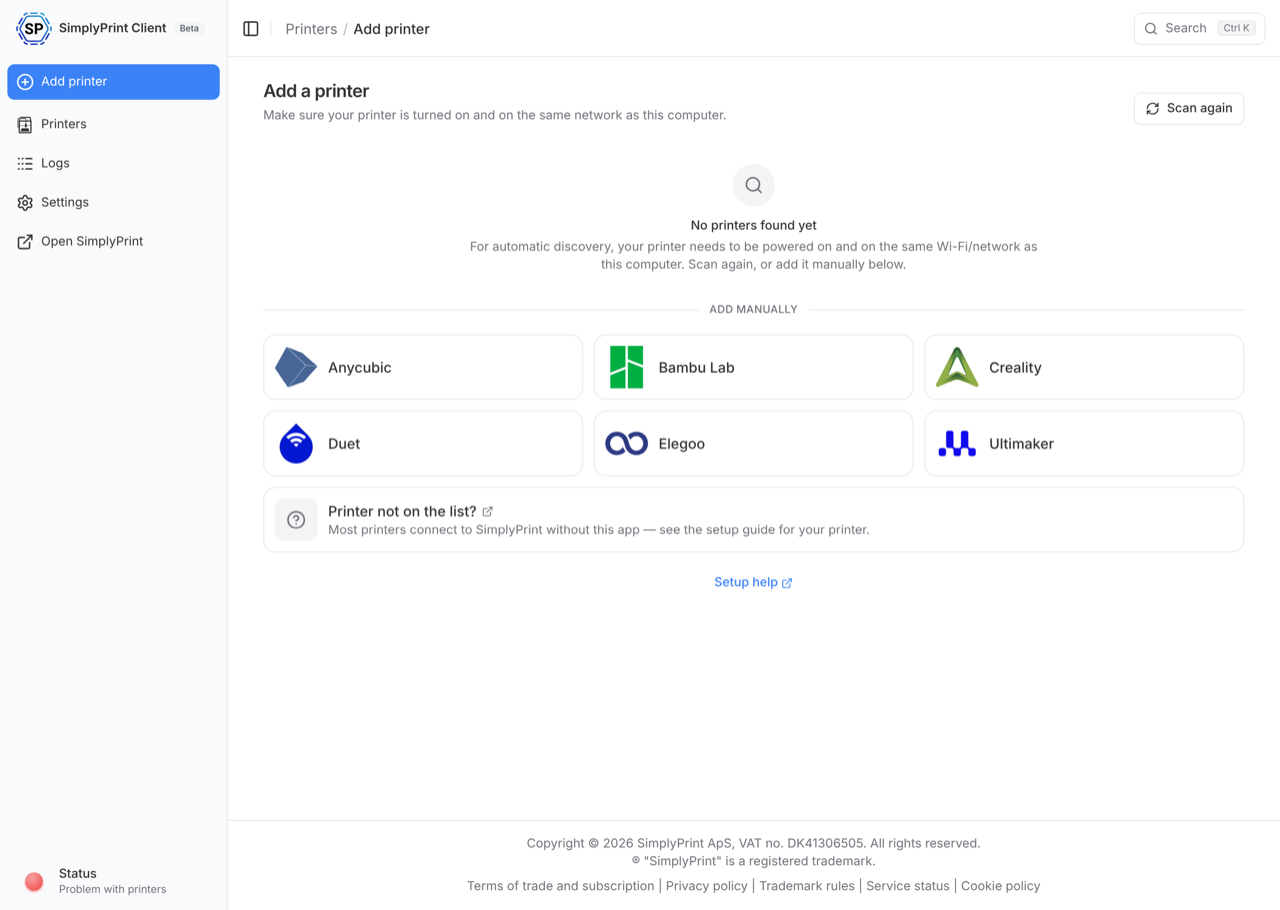
A few things worth knowing:
- It runs on Windows, macOS, Linux, and Docker, including small boards like the Raspberry Pi Zero 2 W, 3, 4, and 5.
- It handles your regular printers and the newly supported ones, all from the same place.
- You can host as many printers as you like on a single client, within the limits of whatever hardware you're running it on.
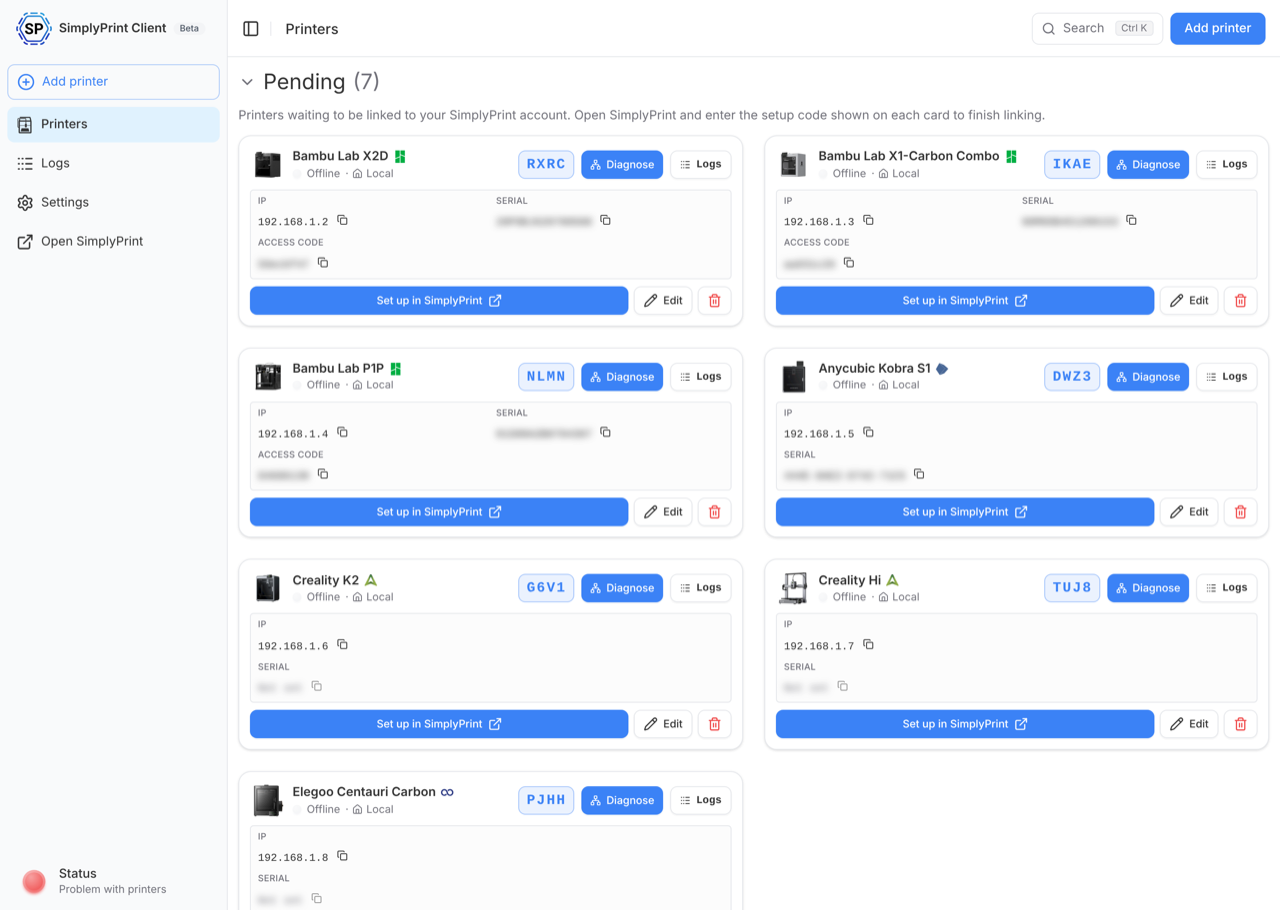
The printers you've been waiting for: SimplyPrint Elegoo Centauri support, Ultimaker, CFS, ACE & more!
This is the part most of you are here for. With the new client, the following are now supported:
- ✨ All Duet powered printers. Everything that used to be marked "coming soon" for Duet (RepRapFirmware) boards is now live.
- ✨ Newer Ultimakers, including the Ultimaker 3, S3, S5, and S7.
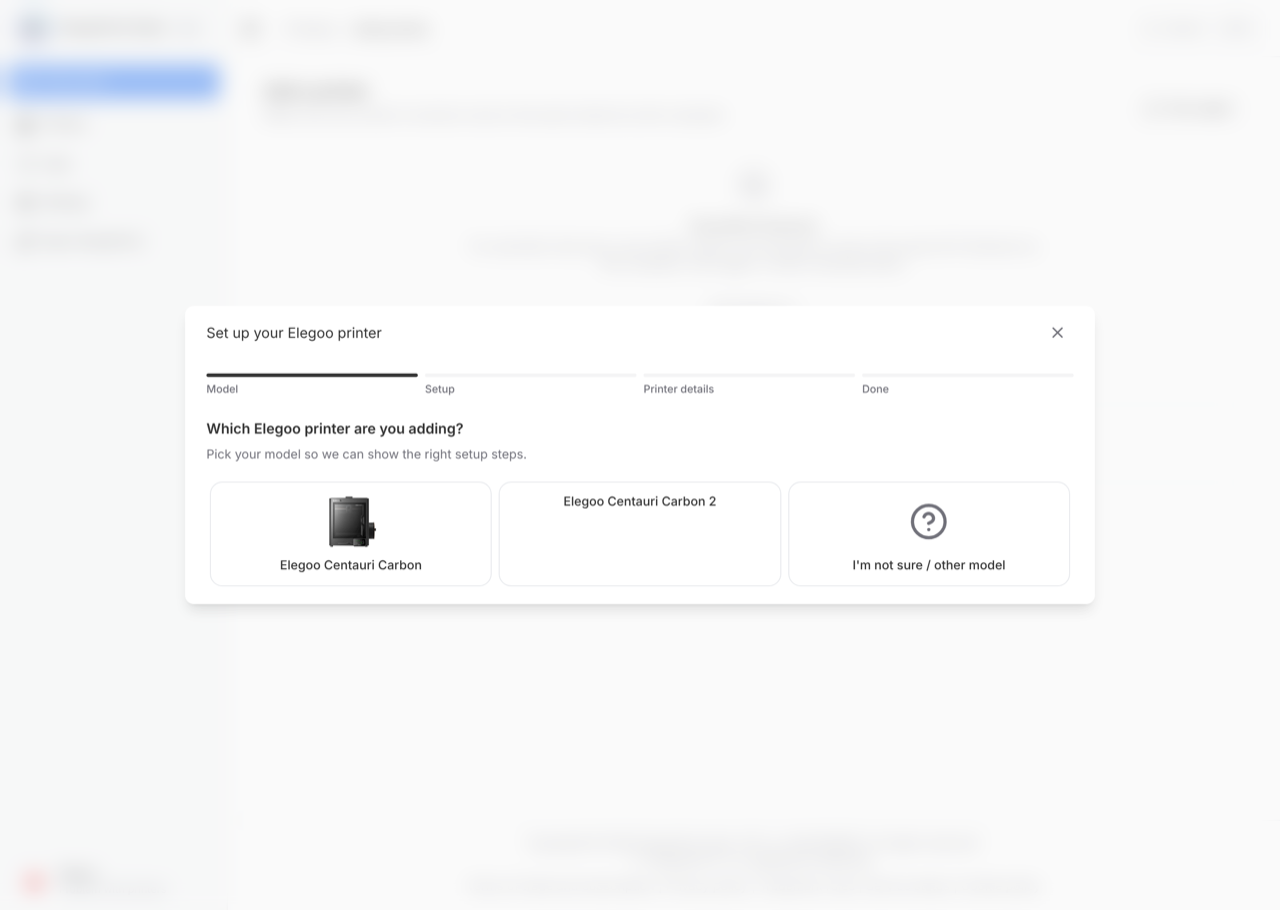
- ✨ The Elegoo Centauri Carbon range, including the Centauri Carbon
- Centauri Carbon 2 support is coming next week - June 24th! This one had some issues at launch
- ✨ Better Creality support. Native support now includes start options, material mapping, and full synchronisation with the Creality CFS system, which the older native method didn't offer.
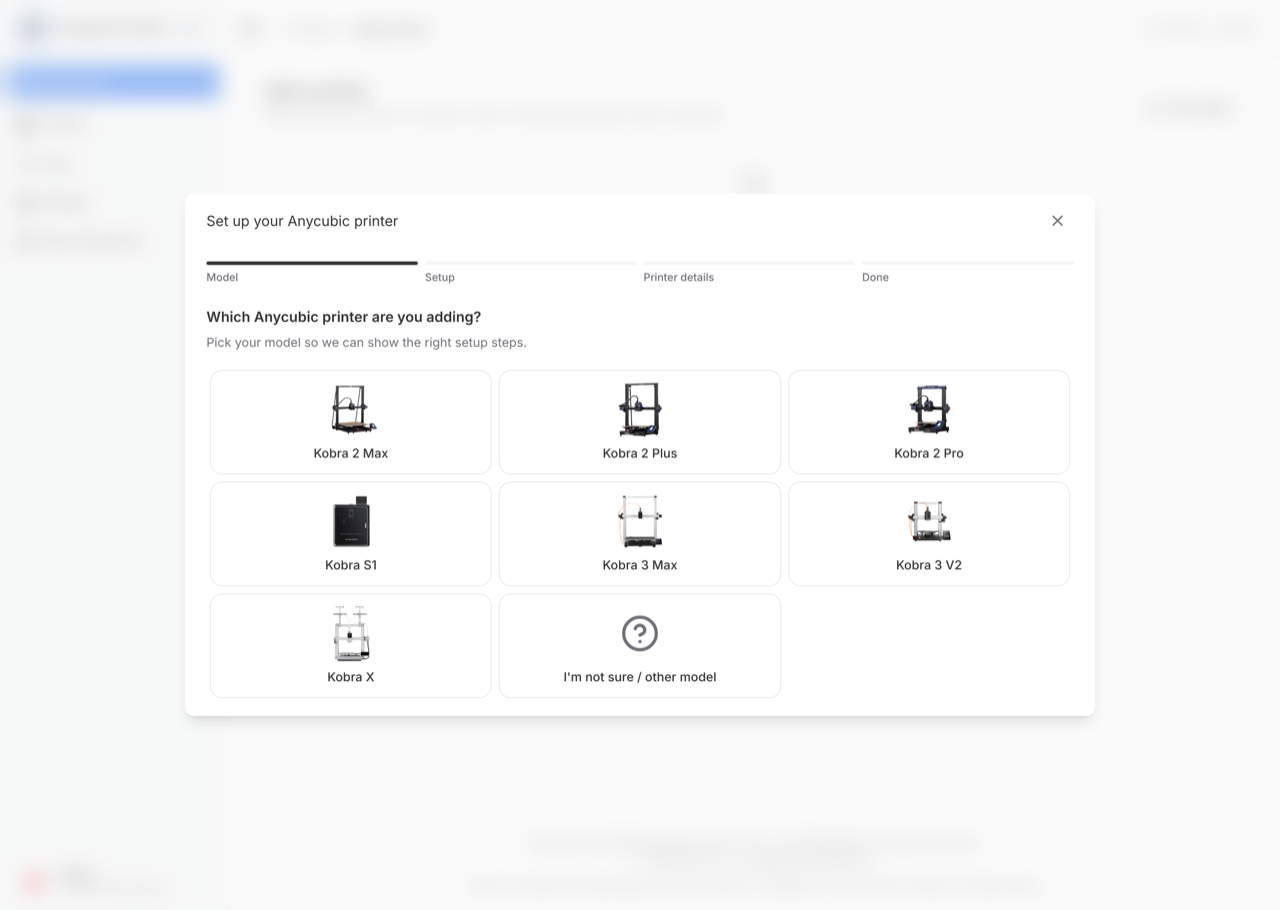
- ✨ Better Anycubic support, including synchronisation and mapping with the ACE system, plus the Anycubic Kobra X, which we couldn't connect before.
Elegoo Centauri Carbon 2 support is coming next week
At launch we found some users had issues with the Elegoo Centauri Carbon 2 - proper support for this is coming next week (June 24th).
And a nice one for tinkerers: printers like the Creality K1 and K2 and the Anycubic Kobra S1 could be connected before, but you had to enable it manually and, in some cases, root the device or flash community firmware to make it work. With the new client you don't have to do any of that. The trade-off, of course, is that you now run a separate bridge device rather than something on the printer itself, which we think is a very fair deal for not having to root your printer.
Couldn't try us before? Reset your trial
If you signed up, went looking for your printer, and couldn't really test SimplyPrint because we didn't support it yet, we don't want that to be the end of the story.
You can reset your trial and start over with a clean slate and every feature unlocked, so you can finally try the whole platform with the printer you actually own.
Already on the Bambu Lab client? You can stay put (for now)
If you're a current user on the existing Bambu Lab client, you don't need to update right now. Everything keeps working exactly as it does today.
The one reason you'd switch today is the Bambu Lab A2L, which is only supported on the new client. If you need the A2L right now, move over. Otherwise, sit tight.
We'll be releasing an update that moves the old Bambu Lab client over to this new one automatically, but we want it fully battle-tested first. In the meantime, every new Bambu printer setup already uses the new client, so new users are on it from day one.
Why this took us a while (and what it means going forward)
We'll be honest: this took longer than we'd have liked, and some of you just wanted your Elegoo or your Ultimaker connected. We hear you.
It wasn't because we were sitting on our hands. We're a small team, and we wanted to do this properly. Building one client that wraps cleanly for Windows, macOS, Linux, and Docker, runs on everything from a Pi Zero 2 W to a Pi 5, and works across Bambu (old and new), Elegoo Centauri, Duet, and the rest, was a genuine team effort. The alternative was shipping a separate Bambu client, then a separate Elegoo client, each with its own installers and docs and bugs. That wasn't viable, and it wouldn't have been good for you either. So we brought it all together into one.
We also kept the lights on the whole time, maintaining the platform, fixing bugs, updating the old Bambu client, and shipping other features people needed.
Here's the upside: now that the hard part is done, new printers that need this same kind of bridge setup will be added much, much faster. The heavy lifting is behind us.
What's coming next
A peek at what we're working on right now (timing is a best guess, not a promise):
- More sensors, data, and controls. Door open/closed state, light control on and off (read and write), heated chamber support, and more. The goal is simple: just about everything you can do in the Bambu Handy app, you'll be able to do in SimplyPrint. This is coming very soon.
- Print Queue v2. Our big queue overhaul is targeting the next couple of weeks.
- More direct printer clients. A more direct client for the Snapmaker U1 (with proper NFC, material sync and mapping), the Qidi printers, and we're looking at multi-material support for printers like the Flashforge Adventurer 5X. We're also evaluating the multi-material capabilities of the Elegoo Centauri lineup.
- A big automations update. Make, Zapier, n8n, AI through MCP, Plausible, and more. We're waiting on a few approvals before this lands.
Found a bug? Come say hi
This is a big release, and with something this size there may be a few rough edges. If you hit one, or you just want to tell us how it's going, join our Discord and reach us in live chat. We genuinely want feedback on this one.
Say hi to Drew
One more thing. For most of our life, SimplyPrint has been a team of developers. We love building, but it has meant the people answering your questions were usually the same people writing the code - often for better, and that will still be the case for all-things technical, but, we may not have been the first to reach out and ask "Hey! How's it going in your lab?".
That's changing. Drew has joined the team to look after the customer side of things for Education, Enterprise and bigger print farms and make sure everything runs smoothly for you. Questions, issues, or just want to talk through your setup? He would genuinely love to hear from you at [email protected].
Changelog
For the full list of everything we've shipped, check out our public changelog:
Thanks for sticking with us on this one. We're really proud of it.
- Albert @ SimplyPrint